ECO 2 Ultrasound Diagnostic System
Page 98 / 189
Check the required item and it will display on the
measurement menu. The item without checking will not
display on the measurement menu.
Choose
measurement
methods
Check the methods in measurement menu , press [update]
to switch the method, Otherwise , the measurement is not
available
Check and display the item in measurement menu ,
otherwise ,the item is not displayed
Measurement operation of specific measurement display
in results
Data unit which measurement operation produces
Whether display in the report or not.
Press this button to pop up interface to modify
measurement operation
Press this button to delete selected measurement
operation
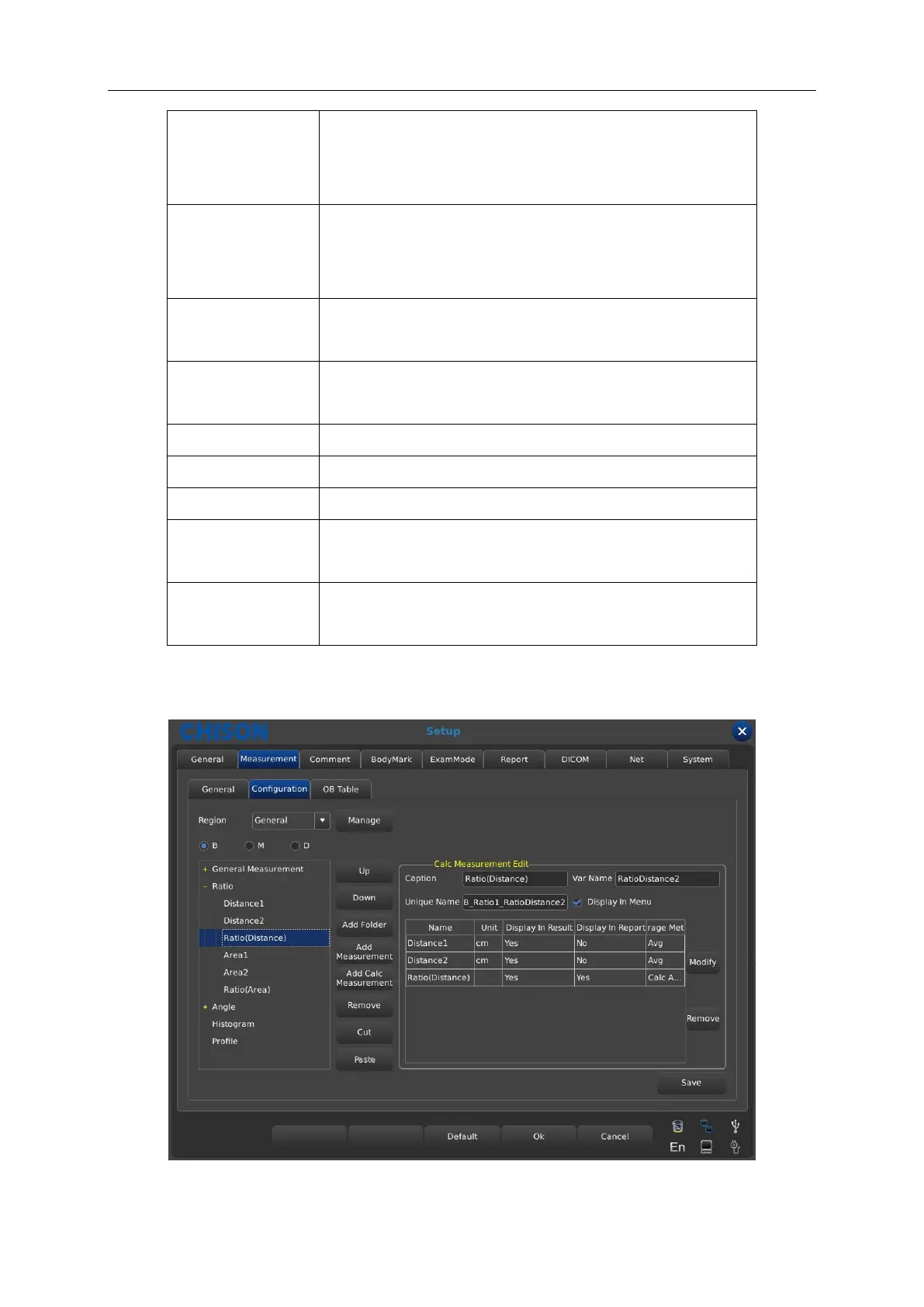
7.2.2.3 Interface Description-Measurement Calculation
Calc Measurement Edit content description



 To Next Page