Remote Operation
STEP 2:
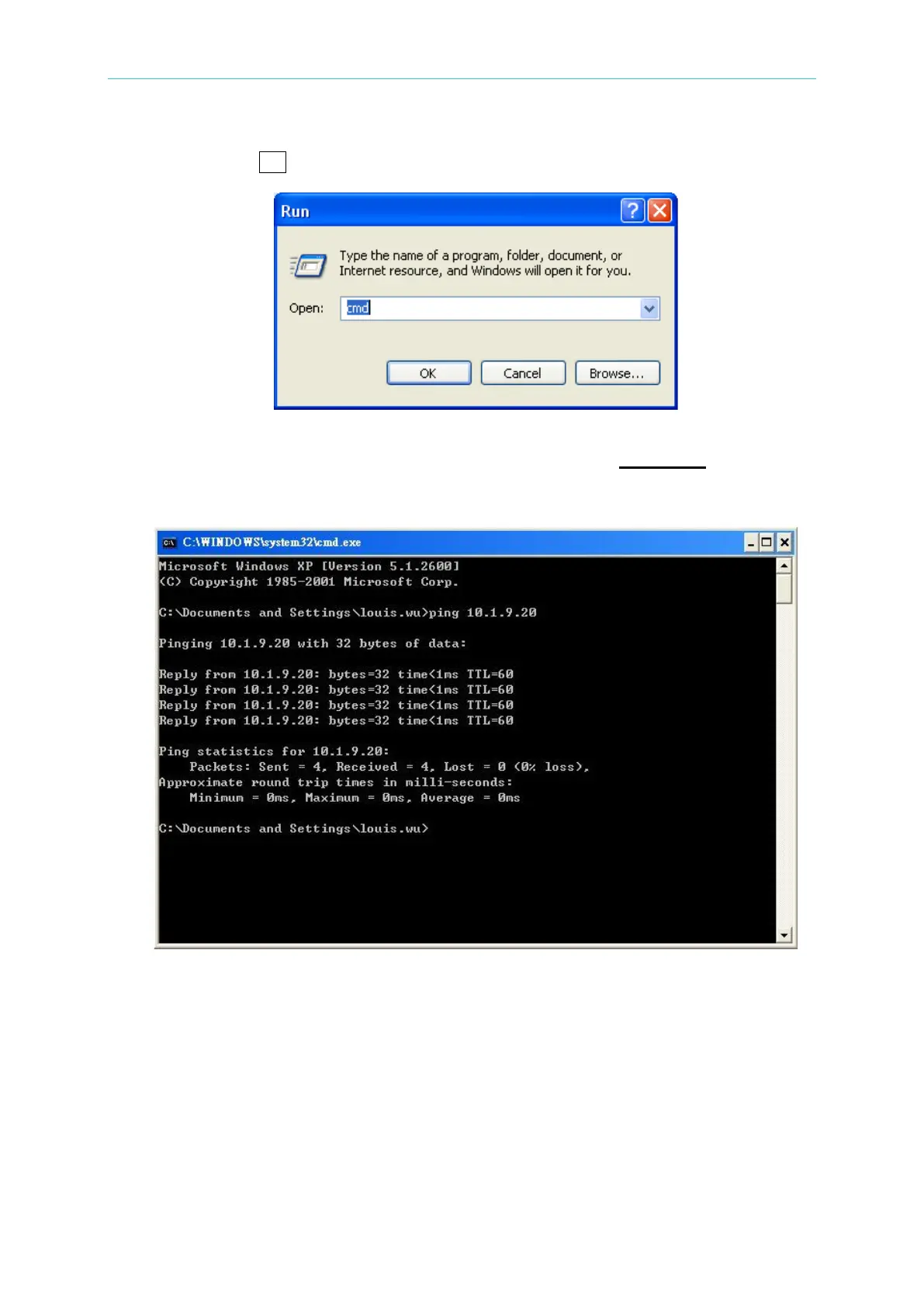
Input cmd and click OK to run the cmd program.
STEP 3:
A window of MS-DOS operation environment will open. Input “ping IP address” such as ping
10.1.9.20. If there is a response, it means the setting of local area network is done
successfully.
5.1.4.4 Communicating with Instruments
Users can use the application NI-MAX (Measurement & Automation Explorer) of National
Instruments to communicate the existing instruments or user developed application. To use
NI VISA, users need to open VISA Session Resource Name in the format of TCPIP0::<IP
address>::2101::SOCKET, for example, TCPIP0::10.1.7.100:: 2101::SOCKET. Otherwise,
specify the TCP/IP SOCKET PORT to 2101 if not using NI VISA.
Following is the example of using NI-MAX (Measurement & Automation Explorer) application.



 To Next Page
 Loading...

