Programmable DC Electronic Load 63600 Series Operation & Programming Manual
5.3.2.15 RUN Subsystem
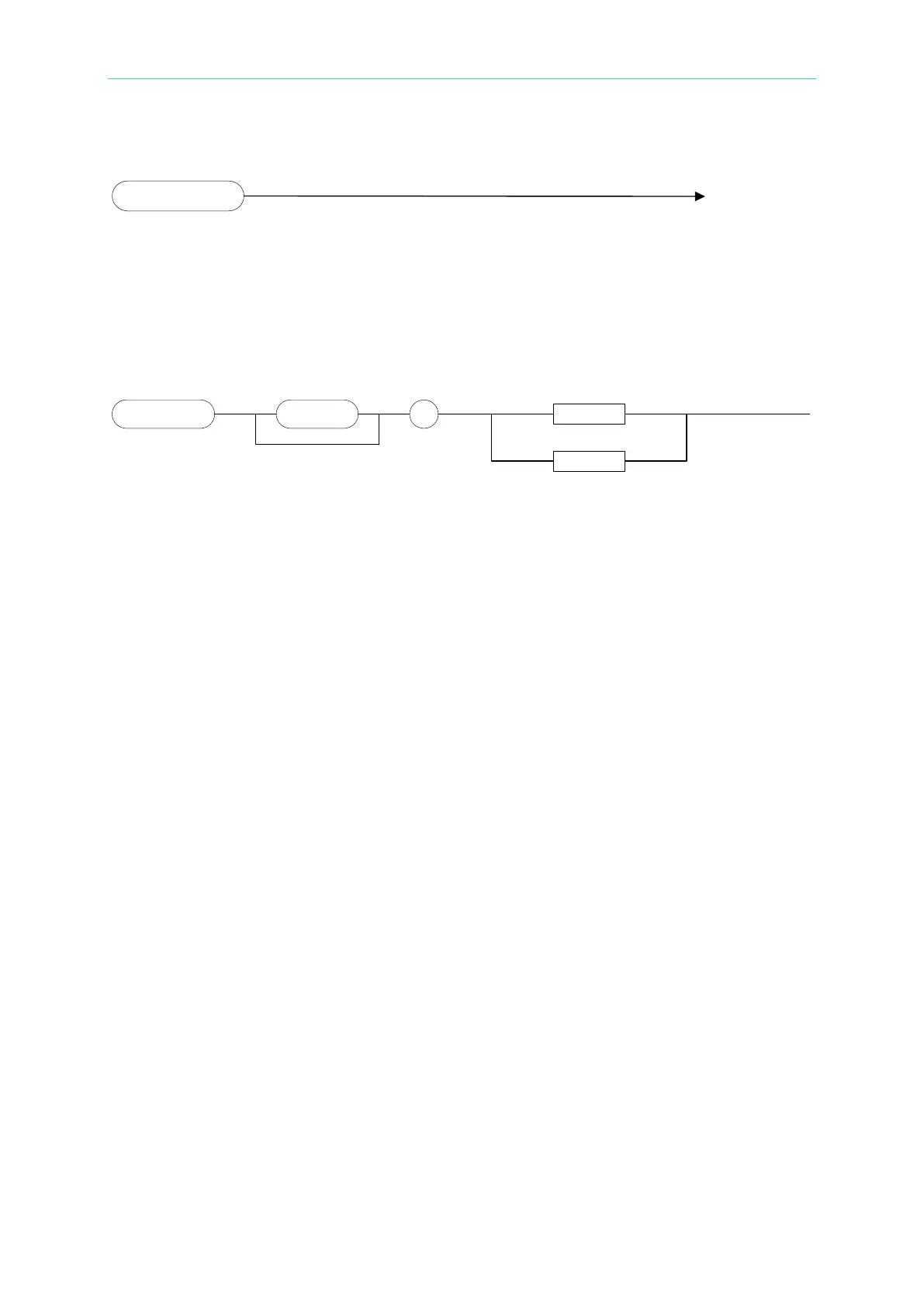
RUN
Type: All Channels
Description: Set all electronic loads to “ON”.
Setting Syntax: RUN
5.3.2.16 SHOW Subsystem
SHOW[:DISPlay]
Type: Channel-Specific (Dual Channel Module Only)
Description: Set the display mode for the electronic load.
Setting Syntax: SHOW:DISPlay<space><CRD>
Setting Parameters:<CRD>, L | R
Example: SHOW:DISP L Display the voltage and current values of
channel L.
SHOW:DISP R Display the voltage and current values of
channel R.



 To Next Page
 Loading...

