86
RS30 Mobile Computer Reference Manual
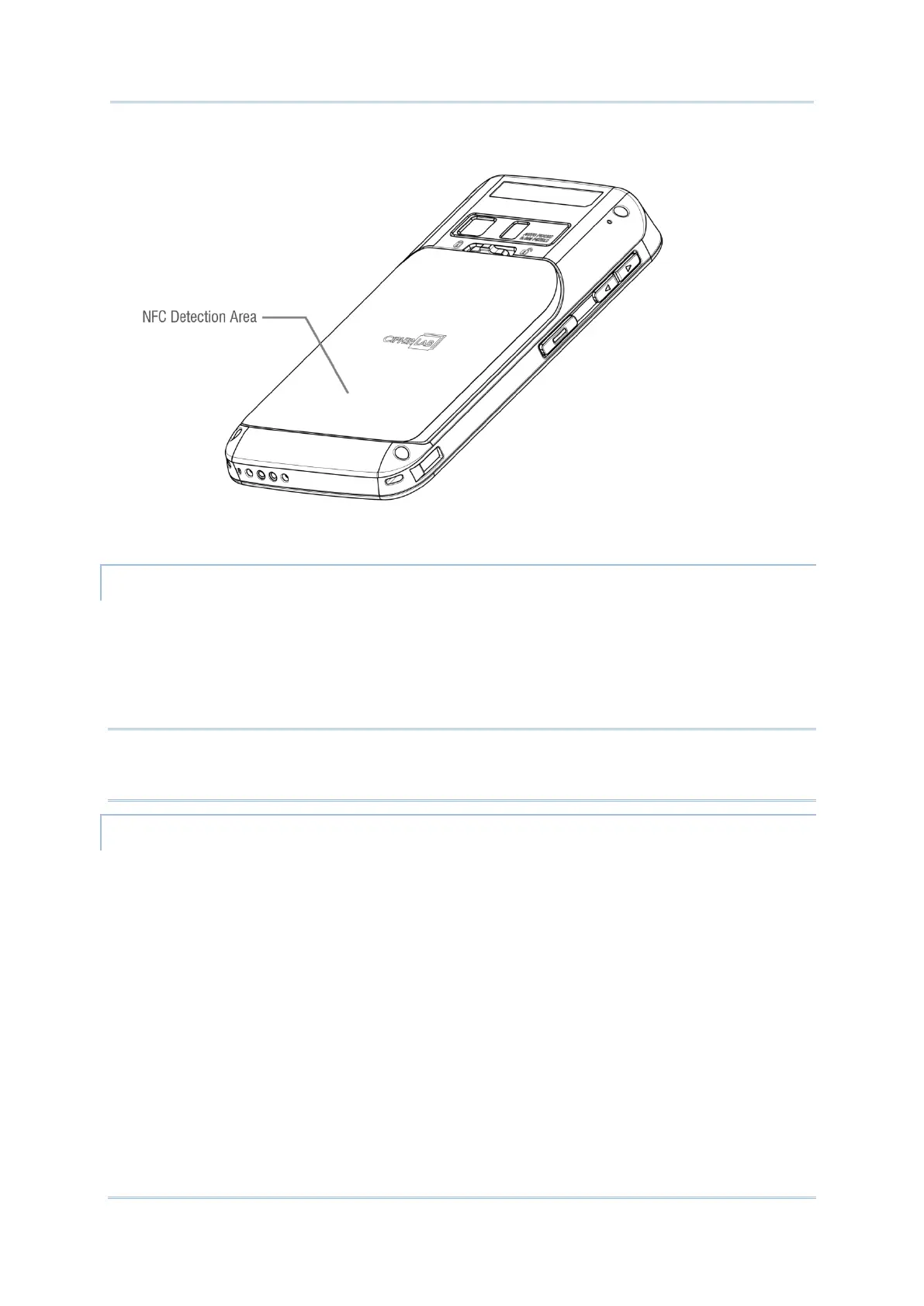
2) Hold the mobile computer without covering the antenna area at the lower end of the
battery cover.
3) Move the mobile computer in proximity with the device. A screen notification will appear
to indicate that pairing is successful.
1) Open the web page, video, photo or contact info page you would like to transfer.
2) Place the back of the mobile computer in close proximity with the other device you would
like to share data with.
3) When the two devices connect, a “Touch to beam” notification will appear on the screen.
4) Touch the screen to initiate data transfer.
Note: Once the data begins to transfer, the two devices only need to be held within a 10 m
(32.8 ft.) range; they no longer have to be held within close range in order to
transfer successfully.
1) On the mobile computer, launch an NFC enabled application.
2) Hold the mobile computer without covering the antenna area at the lower end of the
battery cover.
3) Place the mobile computer close to the NFC tag or device until the application indicates
data transfer is complete.



 To Next Page