104
RS30 Mobile Computer Reference Manual
The mobile computer is capable of reading printed barcodes. The reader module can be
either a (laser) 1D reader or a 2D imager. The mobile computer is installed with a CipherLab
utility Reader Config to configure the scan engine built inside. Use it to create a profile of
settings that best suits your needs.
To launch Reader Config:
1) Tap Home | Apps | Reader Config to open the Reader
Configuration Utility.
OR
Tap the Reader Config shortcut on the dock.
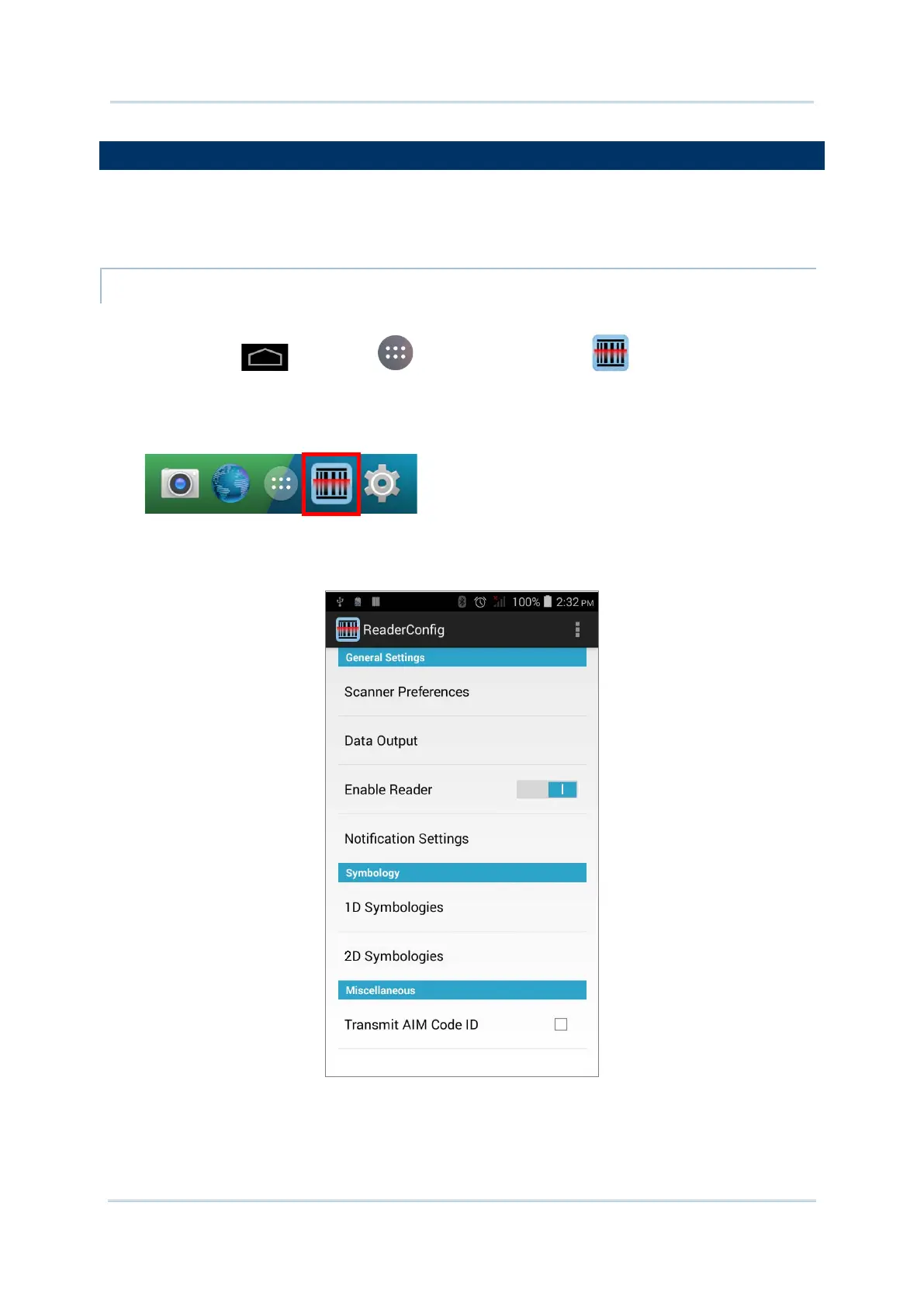
Reader Config launches in context with the reader module(s) on board the mobile
computer. On the main settings page are three sections: General Settings,
Symbology and Miscellaneous.
The following will guide to settings provided in each of the three sections.



 To Next Page