22
RS30 Mobile Computer Reference Manual
When main battery level is low, follow the steps below to replace the main battery.
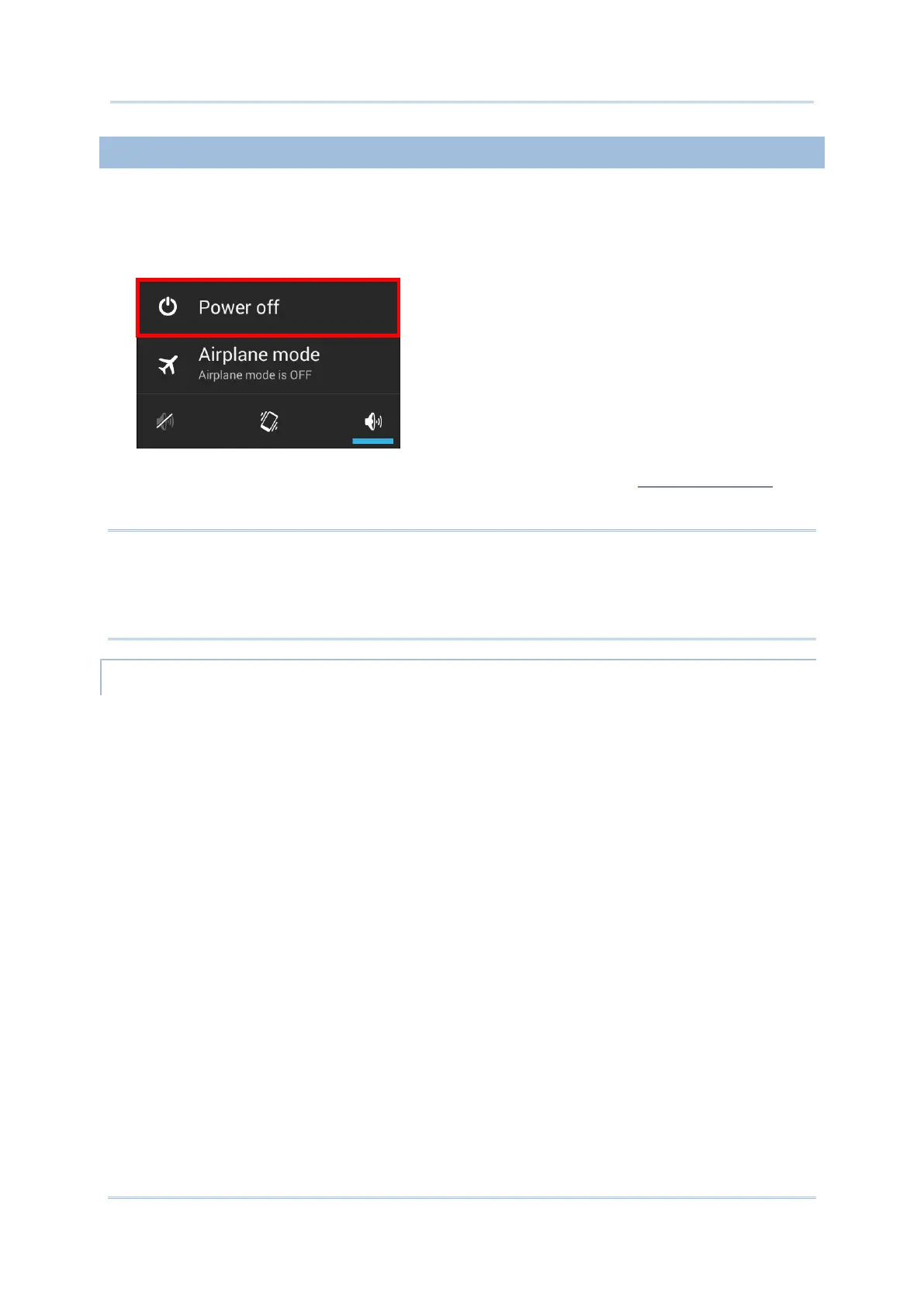
1) Press and hold the power button on the side of the mobile computer.
2) Tap power off in the pop-up menu. The mobile computer will power off.
3) Open the battery cover and insert a charged main battery as in Installing Battery
.
4) Press the power button to power on the mobile computer.
Note:
(1) Before replacing the main battery, make sure the backup battery is well-charged in
order to avoid unnecessary data loss.
(2) After removing the main battery, insert a well-charged battery as soon as possible.
Backup battery supplies system power during battery hot swap.
When battery cover is removed, the system will enter suspend mode and not wake up until
battery cover is put back and the power button is pressed.
When battery cover is removed, status LED will light up red for 3 to 5 seconds and then go
off. Main battery is ready to be replaced.
When main battery is removed, the system will stay in suspend mode for 30 minutes. To
avoid system being shut down without warning, please replace the main battery within the
30 minutes.



 To Next Page