46
RS30 Mobile Computer Reference Manual
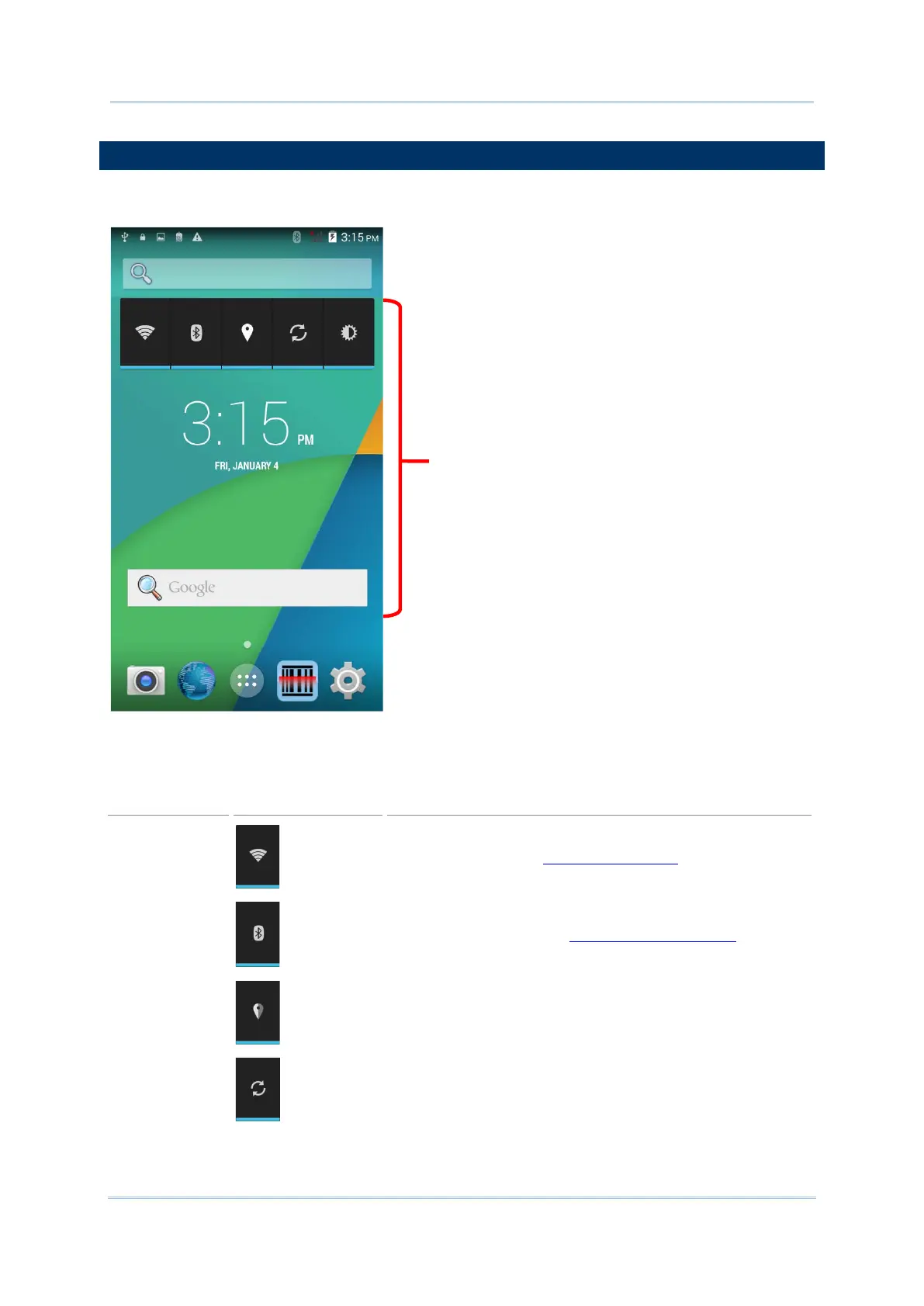
Widgets are designed for easy control of settings and viewing of status. Enabled widgets will
be displayed on the Home Screen.
By default, two widgets are enabled, the power control widget and digital clock widget.
Power control
Wi-Fi control. .Tap to Power On/Off Wi-Fi
.
Bluetooth control. Tap to Power On/Off Bluetooth
.
GPS control. Tap to set GPS mode between high accuracy
and battery saving.
Data syncing control. Tap to sync
account.
Screen



 To Next Page