91
Chapter 5 Using the Phone
To power on the phone:
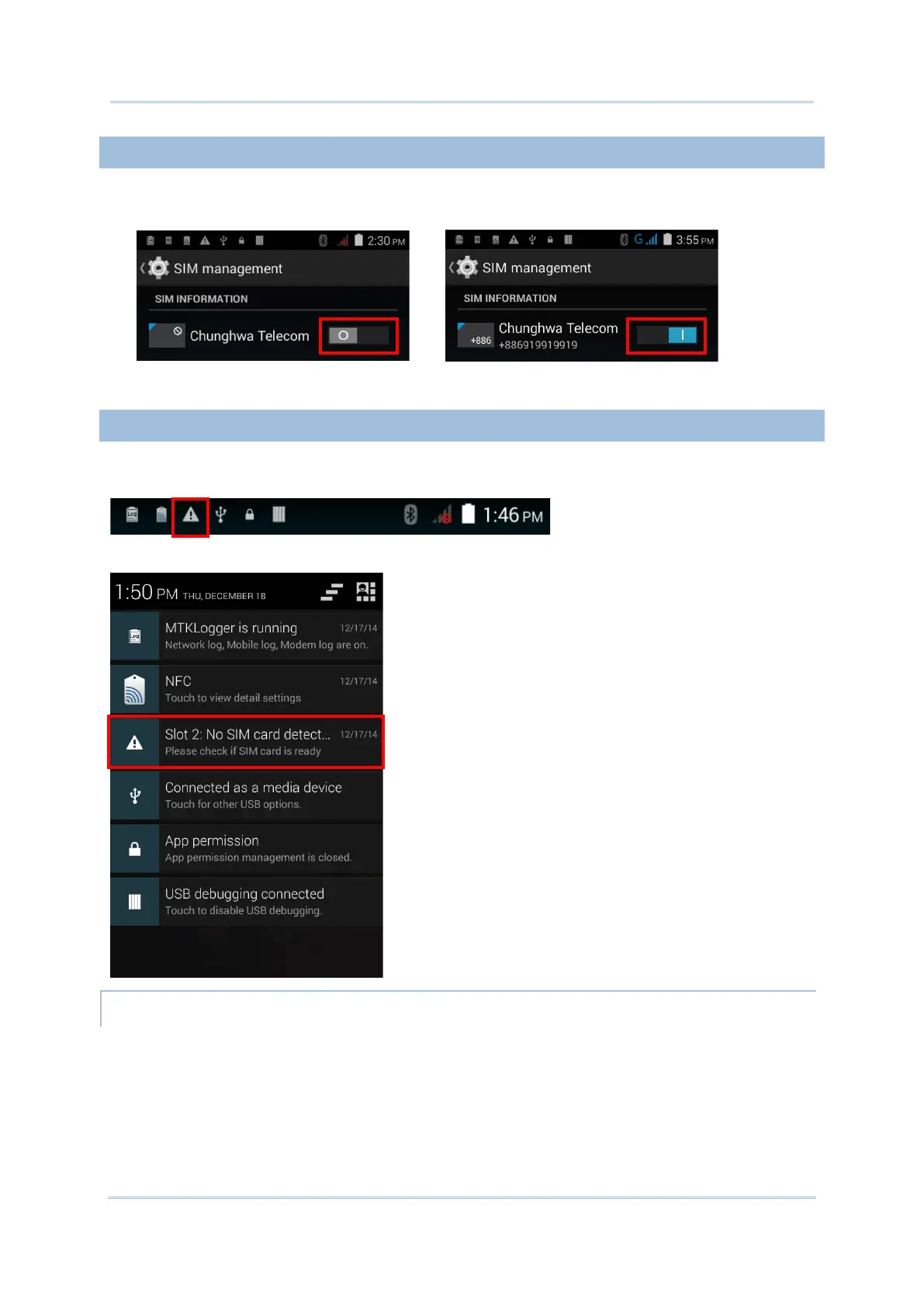
1) On the SIM management screen, tap the phone power switch to turn it on.
Tap the switch once more to turn off Wi-Fi power.
If either one of the SIM card slots is empty, a warning icon will be displayed on the status
bar.
Open the Notifications list to check the notification.
Depending on your service provider, the mobile computer might support making
emergency phone call when the SIM card is locked, or even when no SIM card is inserted.
Emergency phone numbers will vary by country.



 To Next Page