74
RS30 Mobile Computer Reference Manual
To connect to a Wi-Fi network:
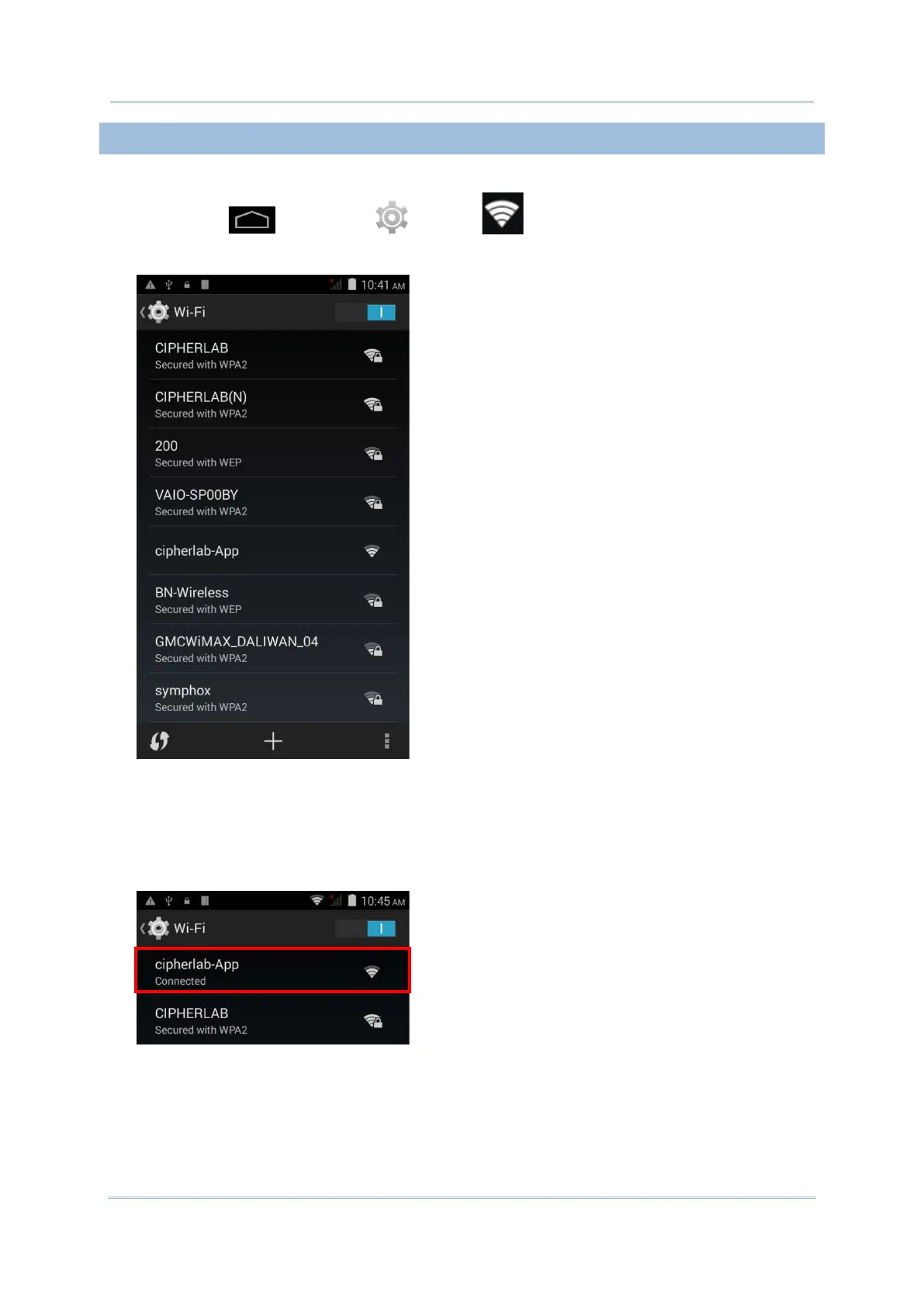
1) Tap Home | Settings | Wi-Fi .
The Wi-Fi screen shows a list of available Wi-Fi hotspots.
2) Tap the network you would like to connect to.
OR
Tap and hold the network to connect, and tap Connect to network in the pop-up menu.
3) If the network is an open one, the mobile computer will attempt to connect to it directly.
When connected, the status will change to show “Connected”.
If the network is a secured one, the mobile computer prompts a dialog to enter the
password for connection.



 To Next Page