75
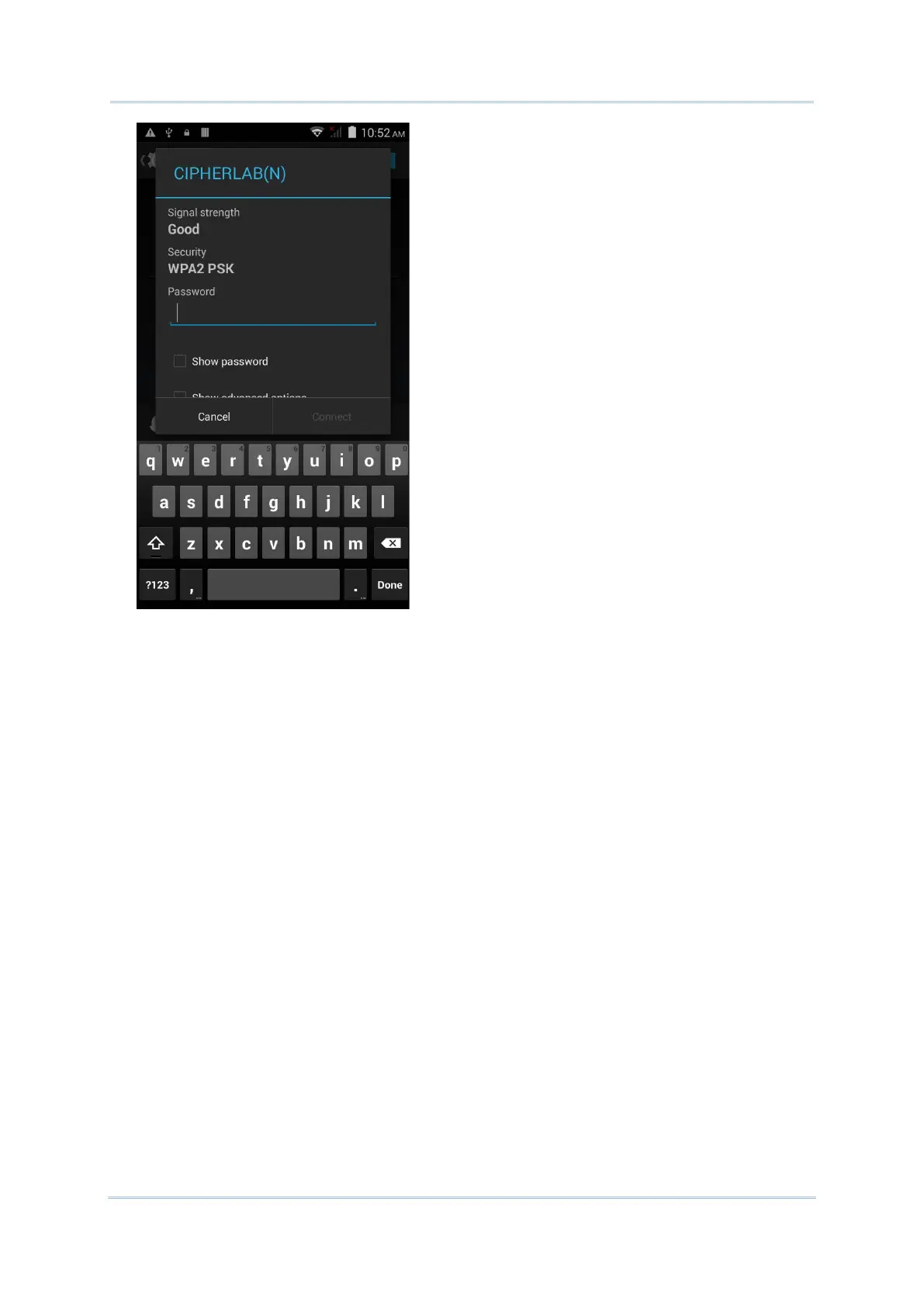
For WEP/WPA/WPA2 PSK connections: Enter the required password and tap Connect.
For 802.1x EAP connections: Check the Show advanced options checkbox and select
the EAP method in the drop-down box (PEAP, TLS, TTLS, PWD, SIM, AKA), and the
Phase 2 authentication in the drop-down box (None, MSCHAPV2, GTC). Select a CA
certificate and User certificate if required (certificates may be installed under Home
| Settings | Security.) Enter your username in the Identity box and the password in
the Password box if required.



 To Next Page