83
To change the Bluetooth name to make the mobile computer more:
1) On the available Bluetooth devices screen, tap in the bottom right corner.
2) Select Rename phone in the pop-up menu. Type a new name in the field and tap
Rename.
To pair Bluetooth devices:
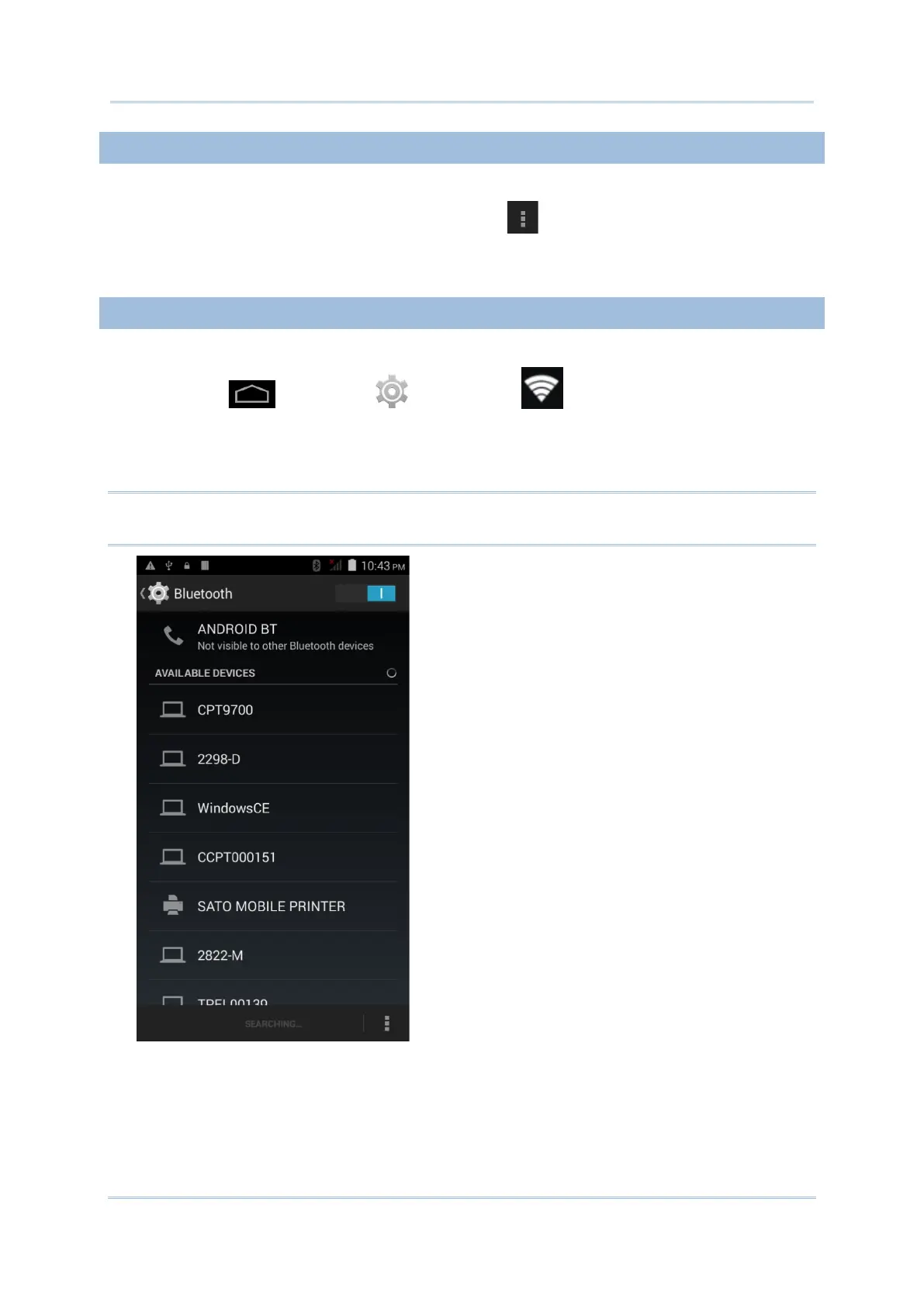
1) Tap Home | Settings | Bluetooth .
2) Tap Search For Devices at the bottom of the screen. The screen shows a list of
Bluetooth devices nearby.
3) Scroll throught the list and tap the device you would like to pair.
Note: If the device you would like to pair with is not listed, make sure Bluetooth visibility is
enabled on the device.



 To Next Page