26
RS30 Mobile Computer Reference Manual
The mobile computer comes with a 4.7” transmissive LCD with 960 by 540 pixels resolution
(qHD). The LED backlight of the screen, which helps ease reading under dim environments,
can be controlled manually and automatically.
Warning: DO NOT use any pointed or sharp objects to move against the surface of the
screen.
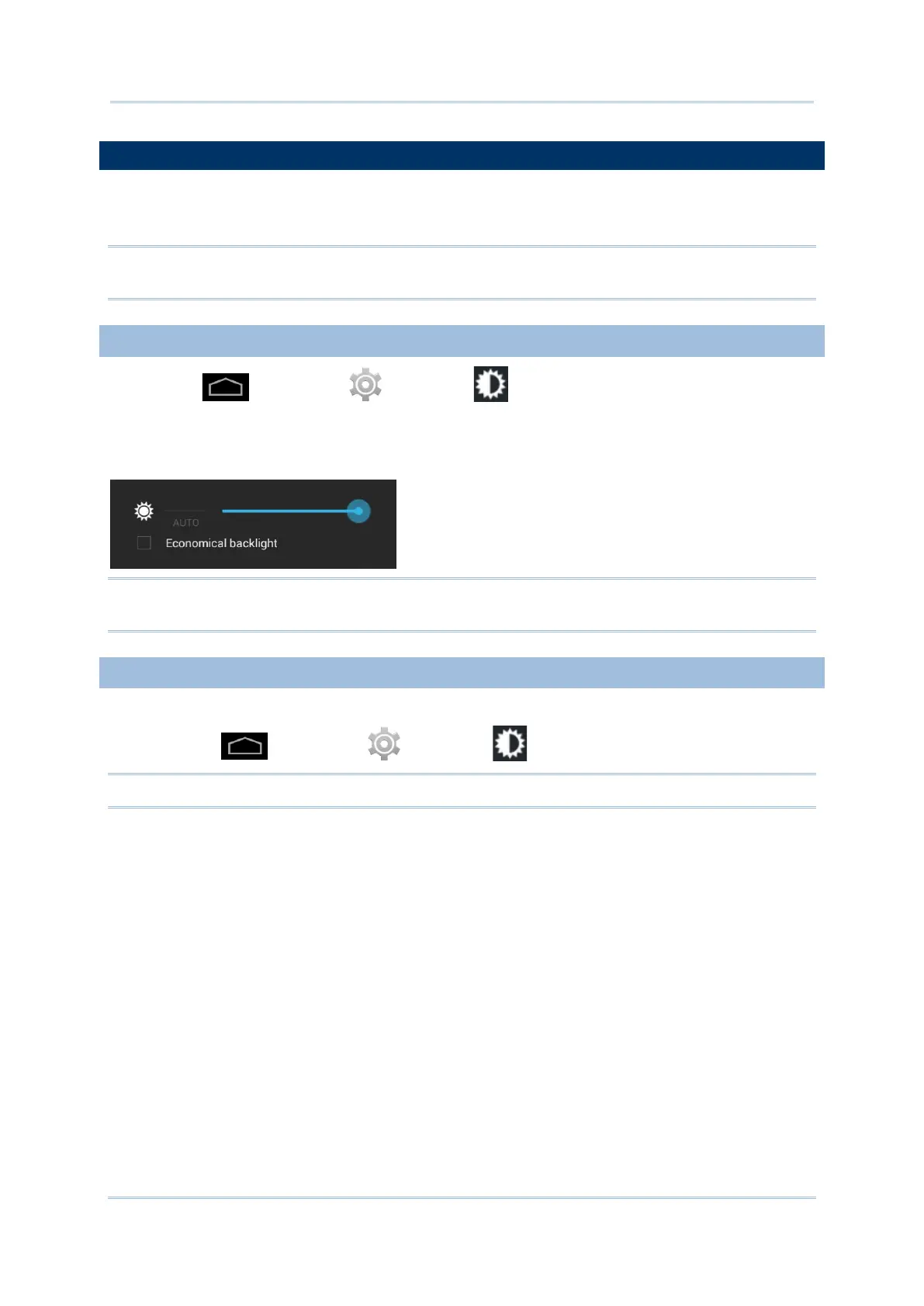
Tap Home | Settings | Display | Brightness.
Adjust screen brightness by dragging the slider to the right (to increase brightness) or left
(to reduce brightness). Select the Economical backlight checkbox to enable automatic
backlight adjustment with the mobile computer’s built in sensor.
Note: To save battery power, dim the screen brightness while working in a well-lit area, or
set a shorter sleeping plan for the screen backlight to go off.
For the mobile computer to automatically adjust screen orientation:
Select Home | Settings | Display | Auto-rotate screen.
Note: The Home Screen does not rotate.



 To Next Page