41
Chapter 3 Basic Operation
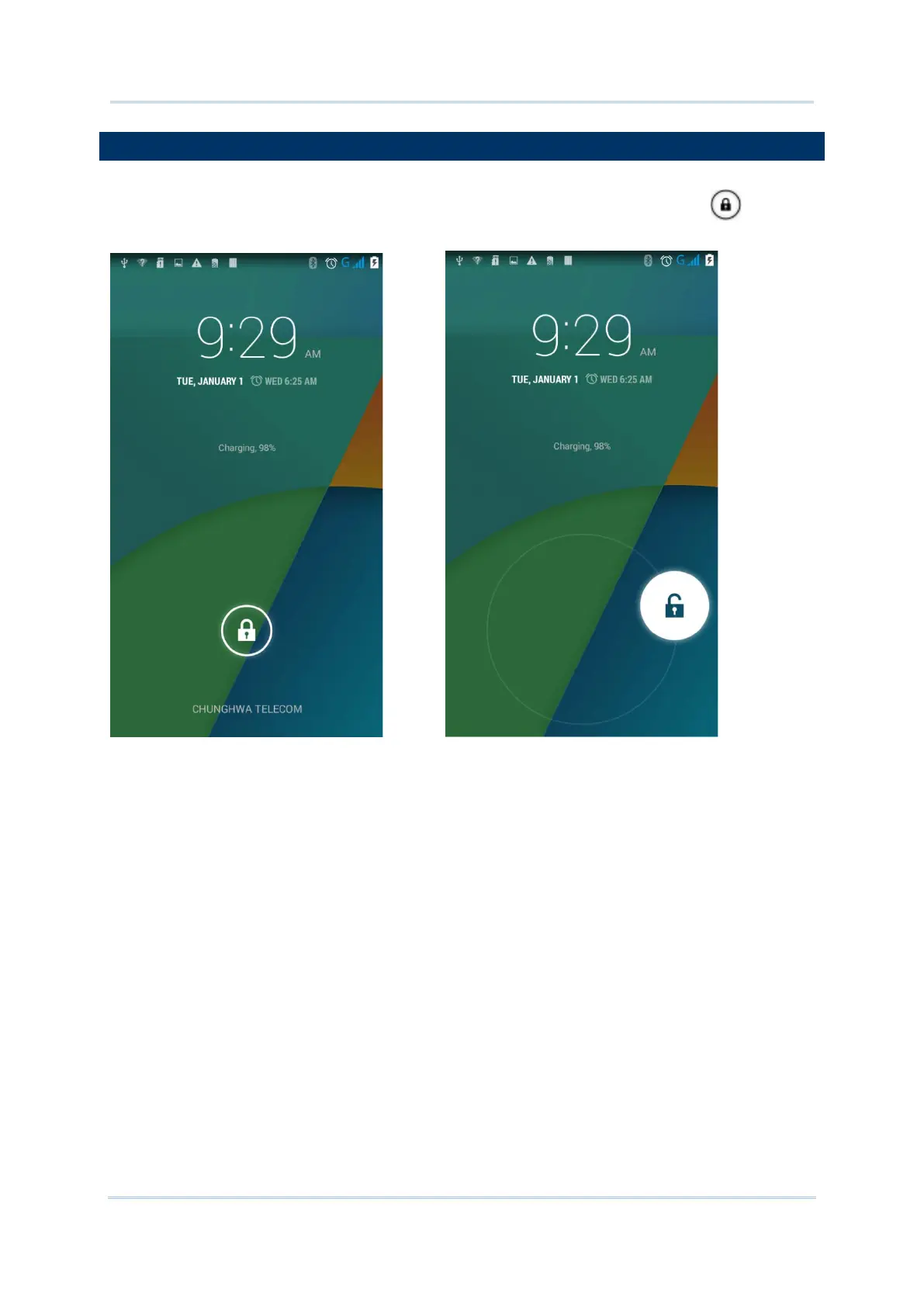
When the mobile computer is fully charged, press the Power key for three seconds to turn
on the mobile computer. A locked screen will appear. Slide the lock button in either
direction to unlock the screen.
The Home Screen appears showing a status bar, shortcut icons, and a dock bar containing
an All Apps button. The home screen allows up to four pages for placing shortcut icons and
widgets. You may customize the home screen according to your preferences.



 To Next Page