58
RS30 Mobile Computer Reference Manual
Updating the operating system on the mobile computer helps maintain it at an optimized
state. You may choose to update the system by establishing a wireless network connection
to the Internet and downloading the update file from the OTA server. Or you may download
the update file from CipherLab official website (http://ccs.cipherlab.com
), and store it on an
SD card.
Note: The mobile computer will shut down during system update. Save any unfinished
tasks and data before updating the system in order to avoid data loss.
1) In order to check for and download the latest system update file on the server, make
sure a wireless network connection to the Internet is established on the mobile
computer.
Note: To avoid any additional charges to your wireless data plan, Wi-Fi connection to the
Internet is recommended for downloading the file.
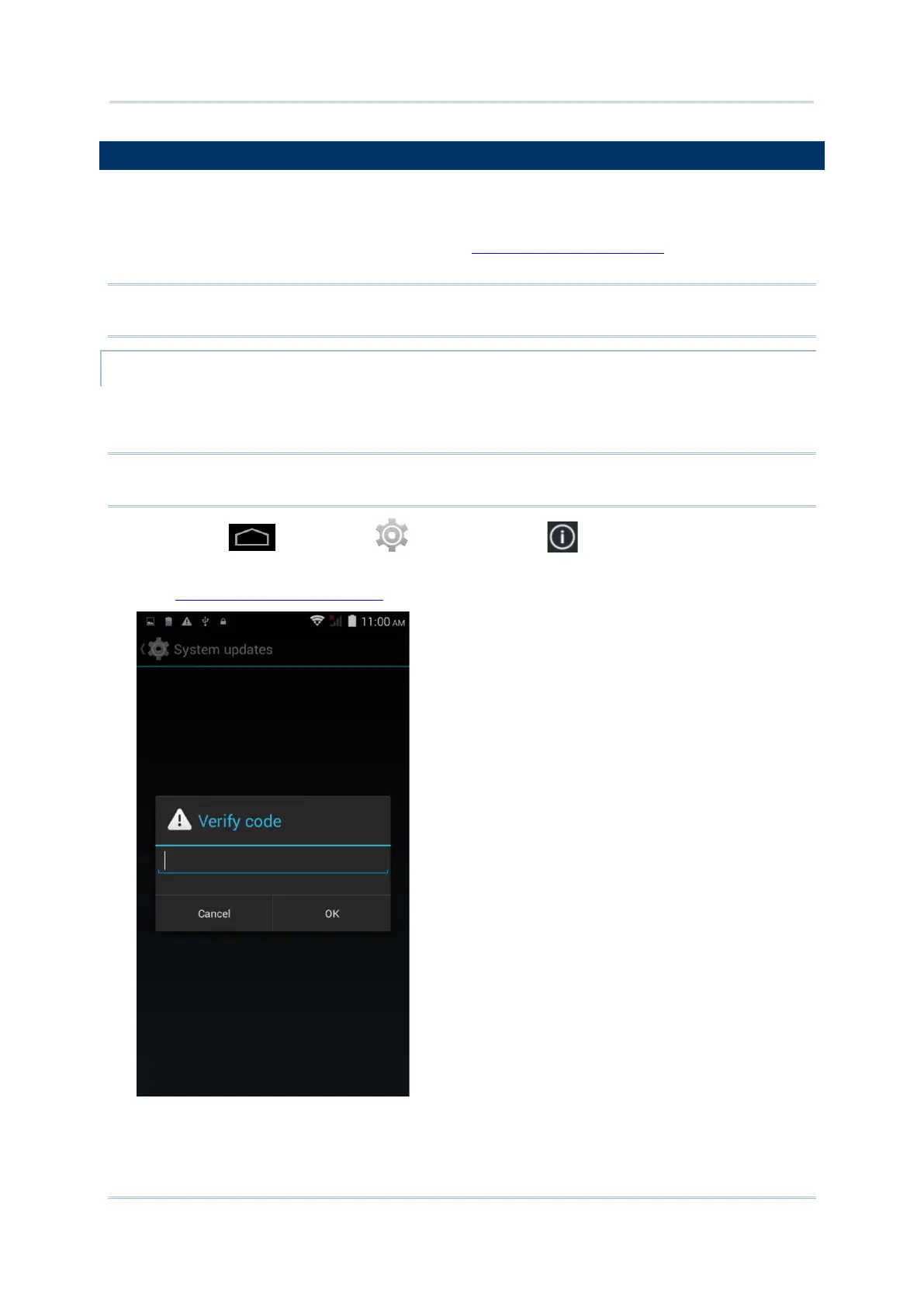
2) Tap Home | Settings | About phone | System updates.
A window pops up asking you to input the password for system update. Please contact
with support@cipherlab.com.tw
for the password. Enter the password and tap OK.



 To Next Page