11
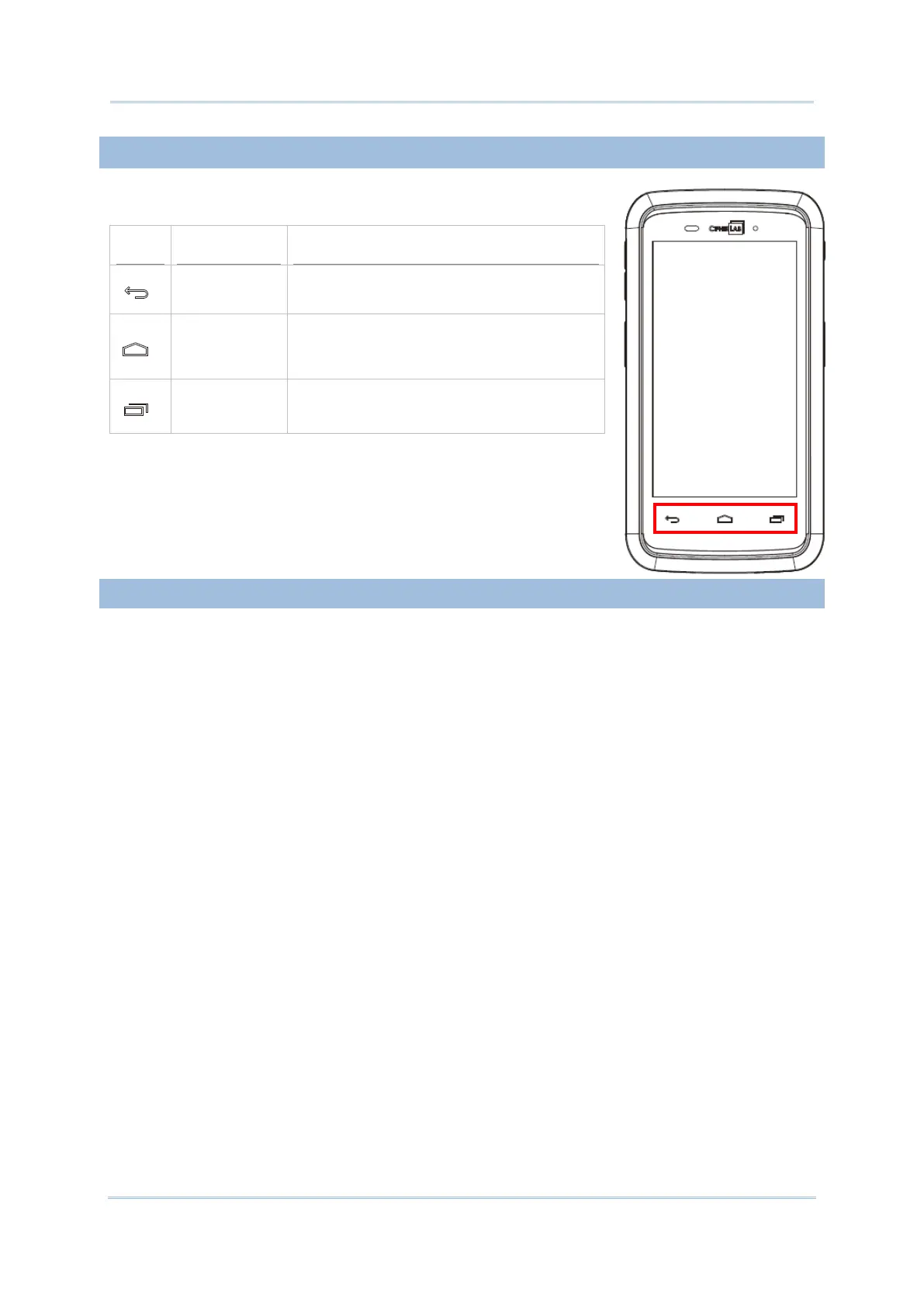
On the bottom of the mobile computer are three hardware
buttons that deliver the following functions:
Back button
Returns to the previous screen or closes the
active window or keyboard.
Home button
Displays the Home screen. Tap and hold
the Home button to open a list of recently
used applications.
Recent apps
button
Opens a list of recently used applications.
The headset jack is located on the top of the mobile computer. You can use the headset for
audio playback or communication via the phone application, audio instant messaging, etc.
1) Flip up the rubber cover.
2) Connect the headset to the headset jack.
3) Replace the rubber cover.



 To Next Page