32
RS30 Mobile Computer Reference Manual
Tap and hold the Shift key, and tap a character key to enter an uppercase letter. The letters
will return to lower case once an uppercase letter is entered.
Tap to switch to a keyboard for entering numbers and symbols. On this keyboard,
tap to open a keyboard for entering special characters. Tap and hold a number or
symbol key to open a menu of additional symbols related to that key.
Tap to switch back to the keyboard for entering lowercase letters.
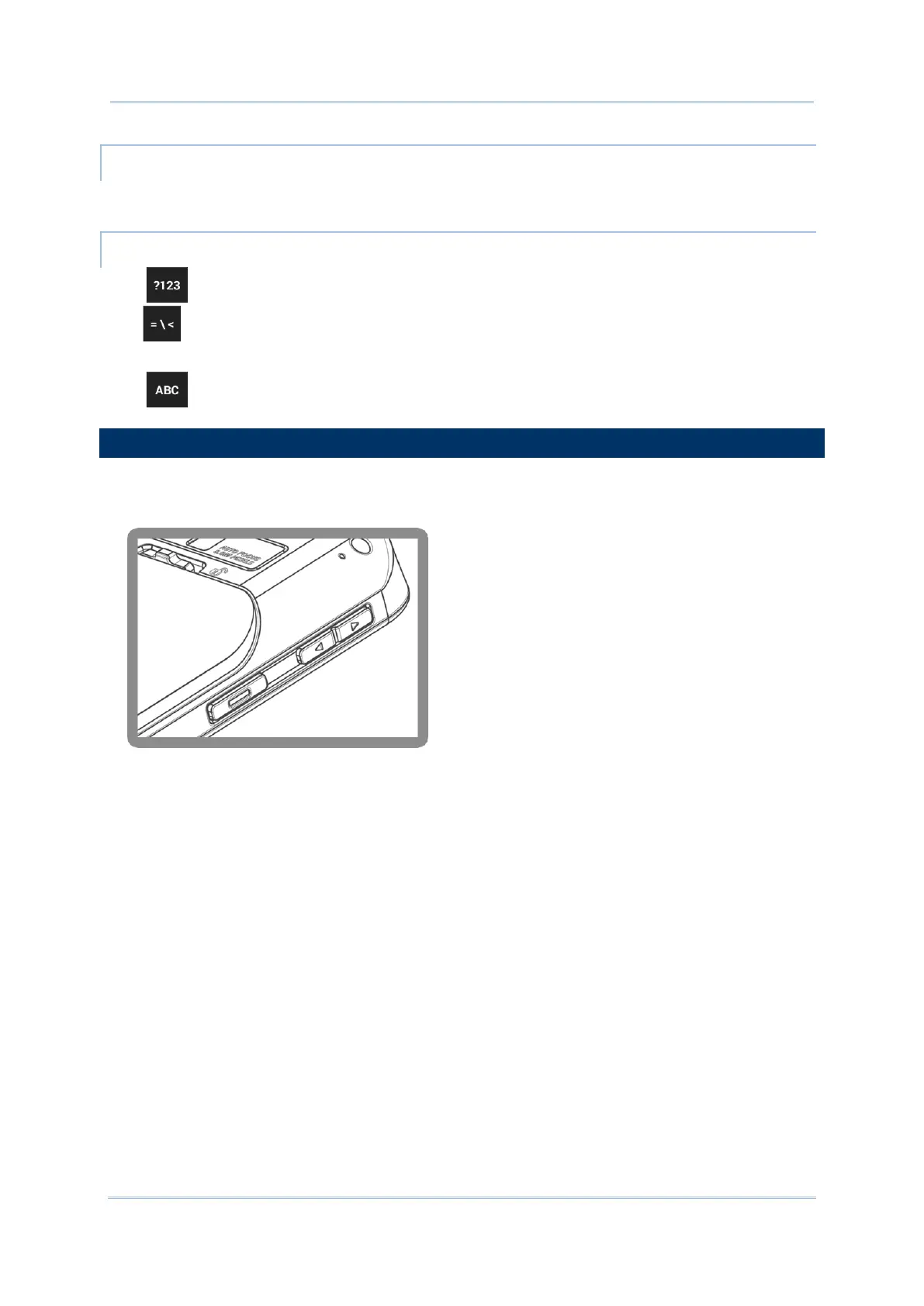
Use the volume buttons on the left side of the mobile computer to adjust system and ringer
volume.



 To Next Page