31
Chapter 2 Using the RS30 Mobile Computer
LANGUAGE & KEYBOARD INPUT
Tap Home | Settings | Language & input to change the system language,
default keyboard type, and configure keyboard input and speech settings.
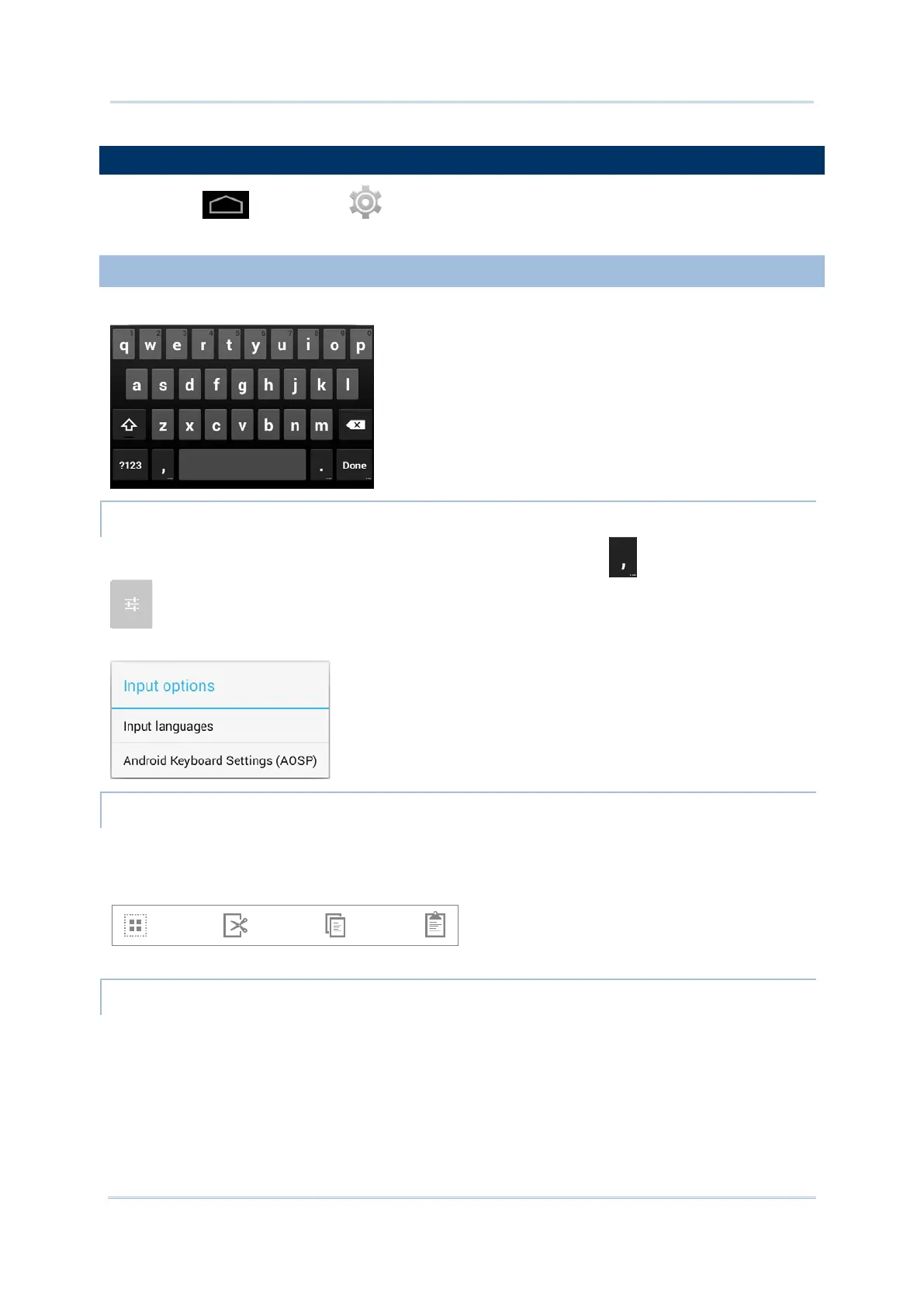
Tap a text input field to automatically open an on-screen keyboard.
To configure keyboard settings, tap and hold the comma button until a settings button
appears. A menu will open allowing you to adjust input language (if you would like to
use an input language different from the system language) or keyboard settings.
Tap and hold text on the screen to enable a text editing menu for selecting all text, or
cutting, copying and pasting text within or across applications. Some applications may use
different ways to select or edit text.
ENTER NUMBERS AND SYMBOLS
The top row of keys on the on-screen keyboard have an ellipsis (…) below the character. Tap
and hold one of the top row keys until a menu opens, and select a number.



 To Next Page