124
RS30 Mobile Computer Reference Manual
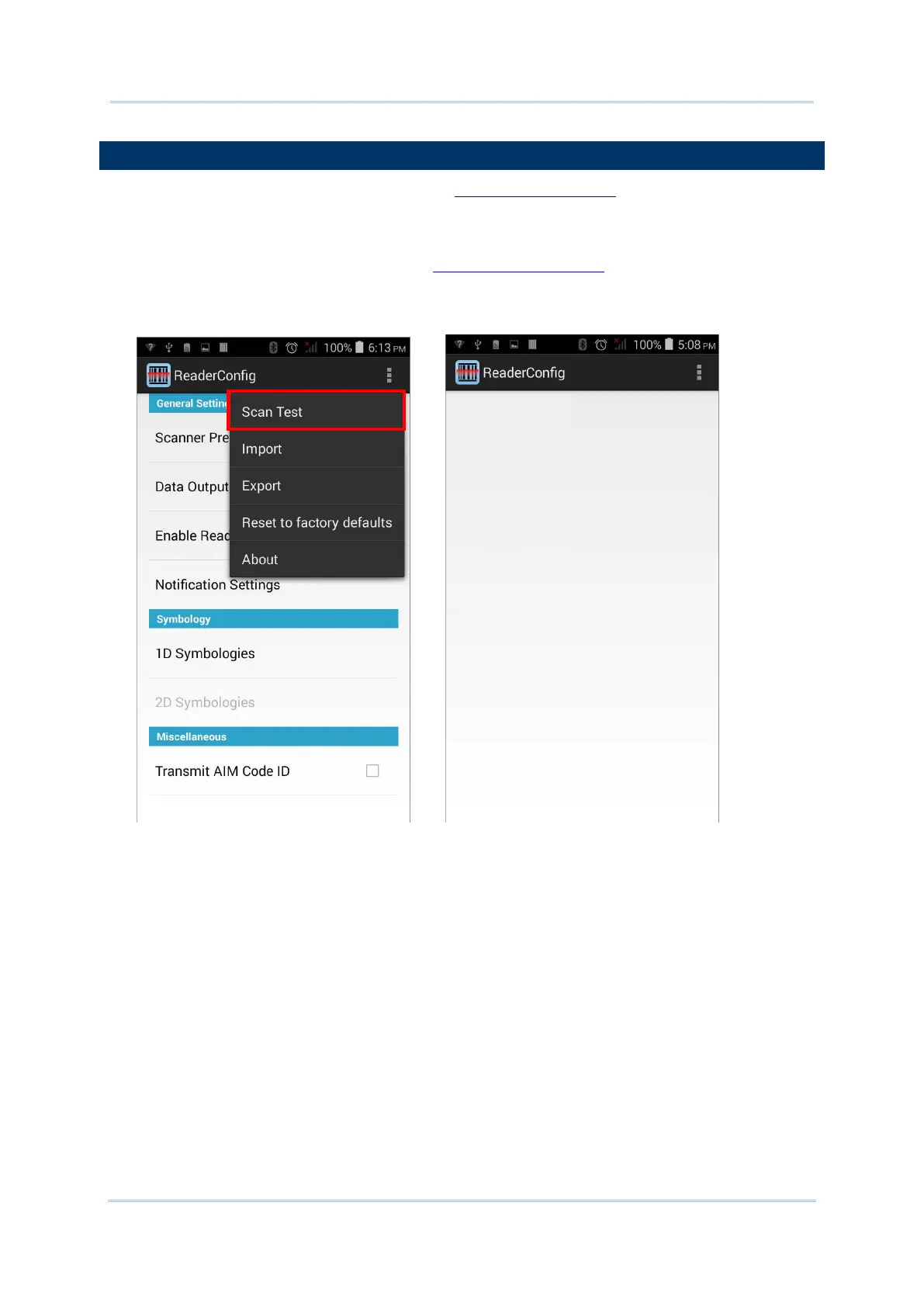
Aside from output to destinations as per Keyboard Emulation settings, Reader Config
provides a Scan Test feature for quick viewing of decoded data.
To perform test scanning of barcodes:
1) Open Reader Config as described in Launch Reader Config
.
2) Tap Scan Test on the menu bar.
A Test Scan Form opens for displaying the scanned data.
3) Aim the scanning window at the barcode to read and press any of the two side triggers.
The scanning light beams to read the printed barcodes.
The scanning light goes off once the data is decoded, or when the decode timeout period
has passed.



 To Next Page