56
RS30 Mobile Computer Reference Manual
MANAGE APPLICATIONS
3.6.1.
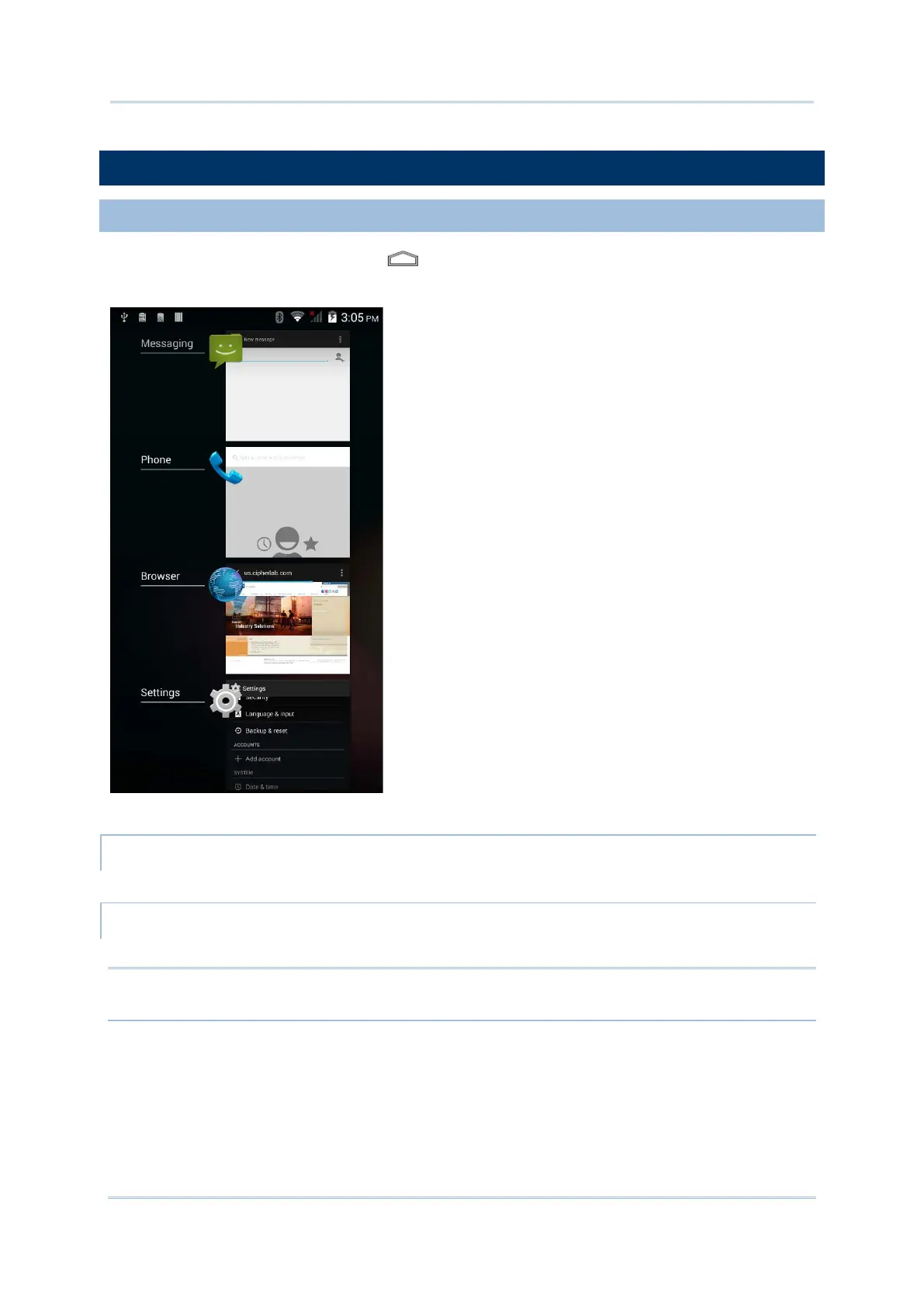
Tap and hold the Home button . The screen will show a list of recently used
applications.
Actions to taks on this screen include the following:
SWITCH BETWEEN APPLICATIONS
Tap one of the listed applications to open it on the screen.
Slide an application to the left or right to close it.
Note: Close unused applications in order to release RAM. Remember to save your data or
settings before closing any application.



 To Next Page