94
RS30 Mobile Computer Reference Manual
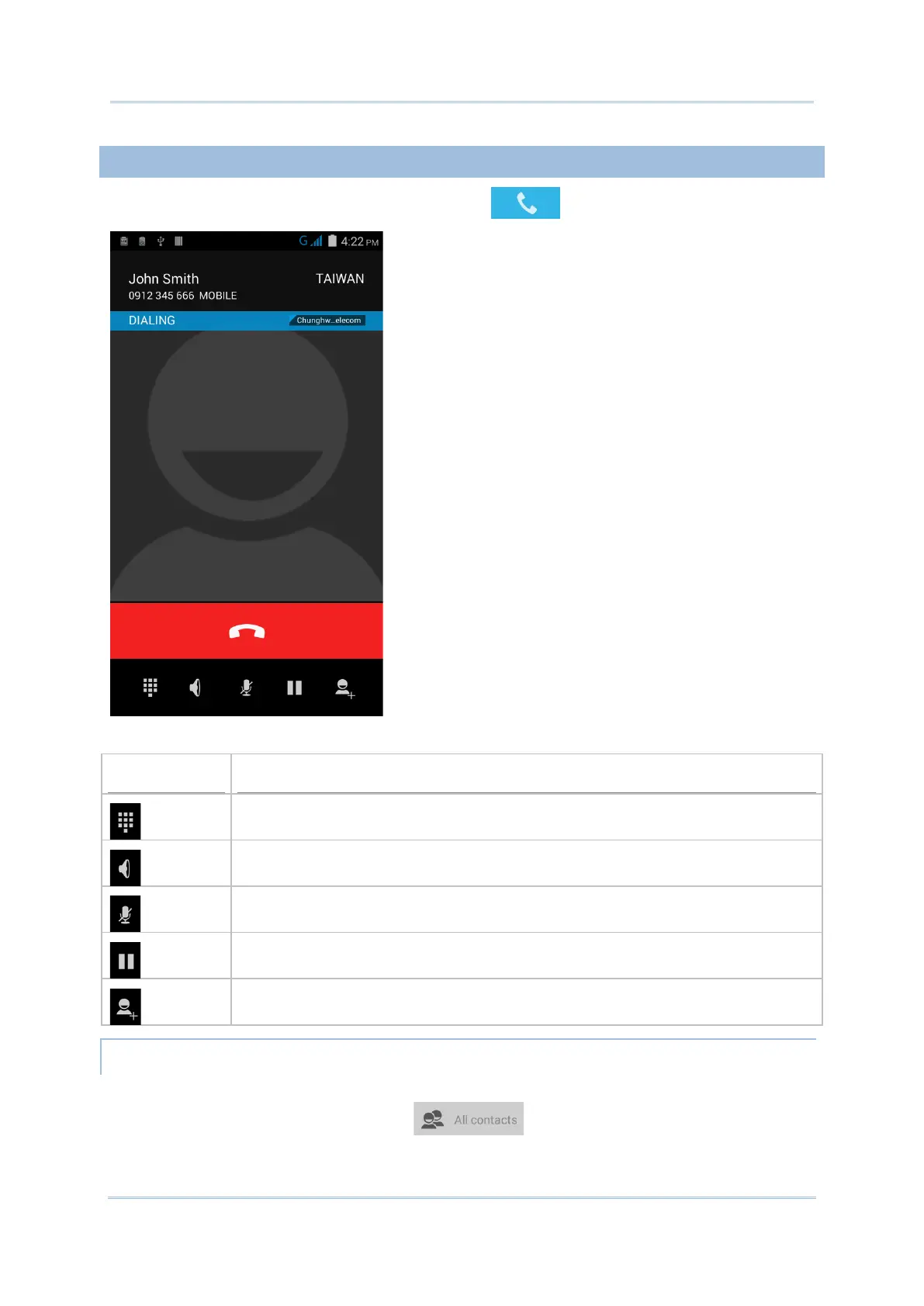
Enter the phone number in the dial pad and tap to initiate the call.
The phone keypad features the following buttons:
Opens the dial pad.
Turns on the speaker.
Mutes the call.
Places the call on hold.
Adds another person to the call.
PLACE CALL USING CONTACTS
To make a call using contacts:
1) In the phone application page, tap .
2) Tap a contact to initiate a call.



 To Next Page