110
RS30 Mobile Computer Reference Manual
Display Mode
Enable improved performance for reading barcodes on
electronic displays and mobile phones.
Deselected
(Disabled)
Inverse Type Decide whether to disable or enable decoding inverse barcodes,
or set as auto.
Regular
only
Addon Redundancy Functions when “auto-discriminate” is applied
addons. Decides the number of times of supplemental decoding
of the same barcode in order to
Configurable between 2 and 30.
10
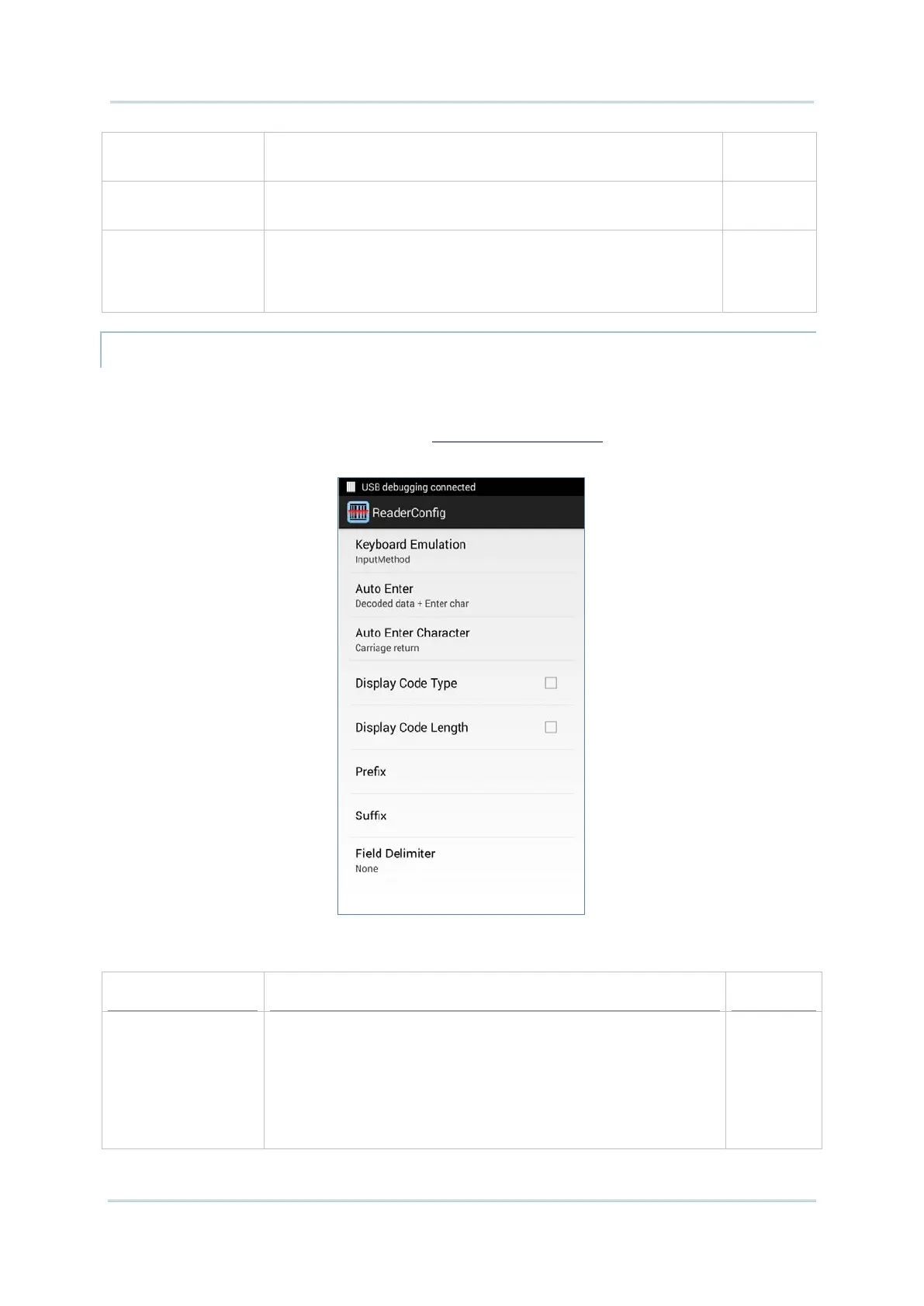
Data Output allows users to set the way to output decoded data.
To open Data Output settings page:
1) Open Reader Config as described in Launch Reader Config
.
2) Tap Data Output.
Keyboard Emulation setting controls where the decoded data is to be output.
Keyboard Emulation Tap the switch to enable.
When enabled, the reader module
treats decoded data as typed text and outputs it to the active
application on the mobile computer. Options are:
None
InputMethod
KeyEvent
InputMethod



 To Next Page