112
RS30 Mobile Computer Reference Manual
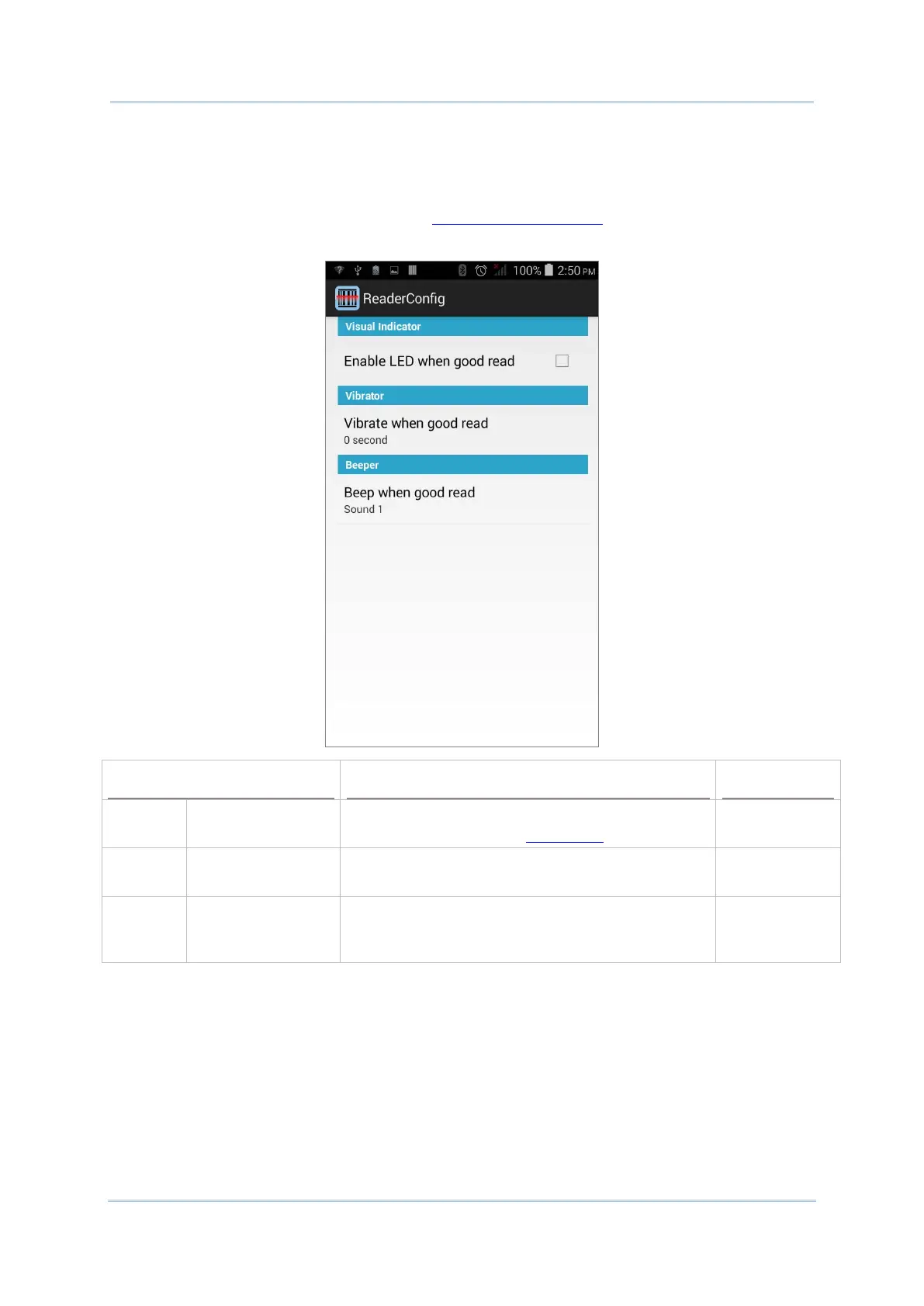
Notification Settings enables audible, visible and tactile feedback for scanning good read,
which helps notify the user of a successful decoding.
To open Notification Settings page:
1) Open Reader Config as described in Launch Reader Config
.
2) Tap Notification Settings.
LED
Enable LED when
good read
Selects to enable/disable LED light (left) for
scanning good read. See Status LED for details.
Deselected
(Disabled)
Vibrator
Vibrate when good
read
Enables/disables tactile feedback (vibration) for
good read and sets the duration to vibrate.
0 second
(Disabled)
Beeper
Beep when good
read
Sets the beeper sound for scanning good read.
Users can choose to mute the beeper sound, or
configure the beeper between sounds 1 to 9.
Sound 1



 To Next Page