14
Cirris 4200 Series User Manual
6. Main Menu
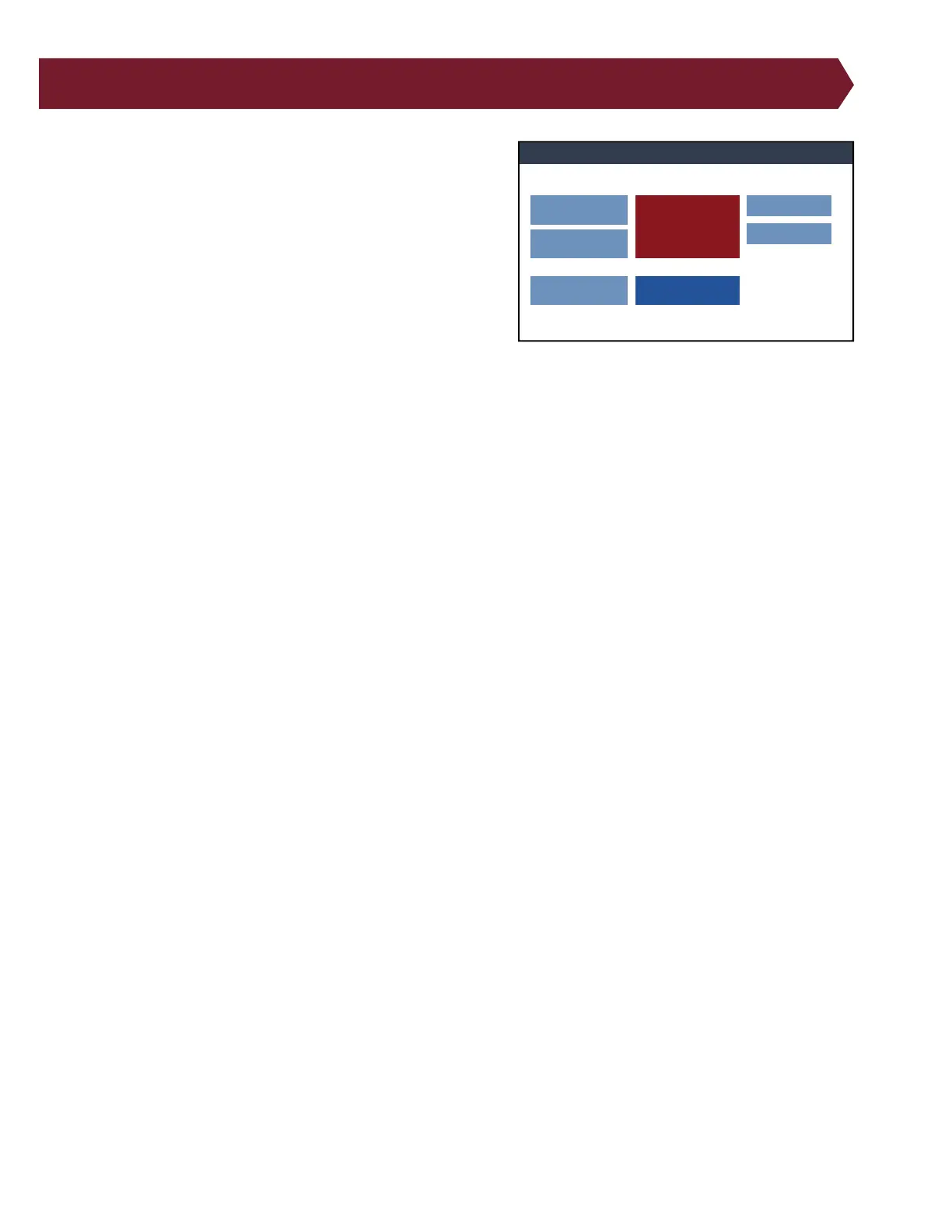
From the software’s Main Menu, you can access other areas of the
software such as the test screen, edit test screen, and other menus.
● Loaded Test: Displays the name of the currently loaded test
program.
● Signature: Displays the loaded test’s signature. Tests that
are imported from other Cirris testers will show the same
signature as displayed on those testers.
● Edit: Change settings for a loaded test program.
● View: View details of a loaded test program.
● Test: Perform a test using the loaded test program.
● Create New: Create a new test program.
● Load: Load an existing test program to edit, view, or test.
● Manage Files: Copy, move, or delete test programs and les.
● System Settings: Perform a variety of tasks related to the setup and maintenance of the tester software including
changing volume, date, time, etc.
Cirris Tester
Edit
View
Create
New
Manage Files
System Settings
Loaded Test: NewTest
Signature: XXXXXX-00000
Cirris 4250 Tester | SN: XXXXXXXX Cirris OS v 0.0.0.0 | Hardware v XXXXX.1.A
Load
Test



 To Next Page