System Settings
41
20. System Settings
•
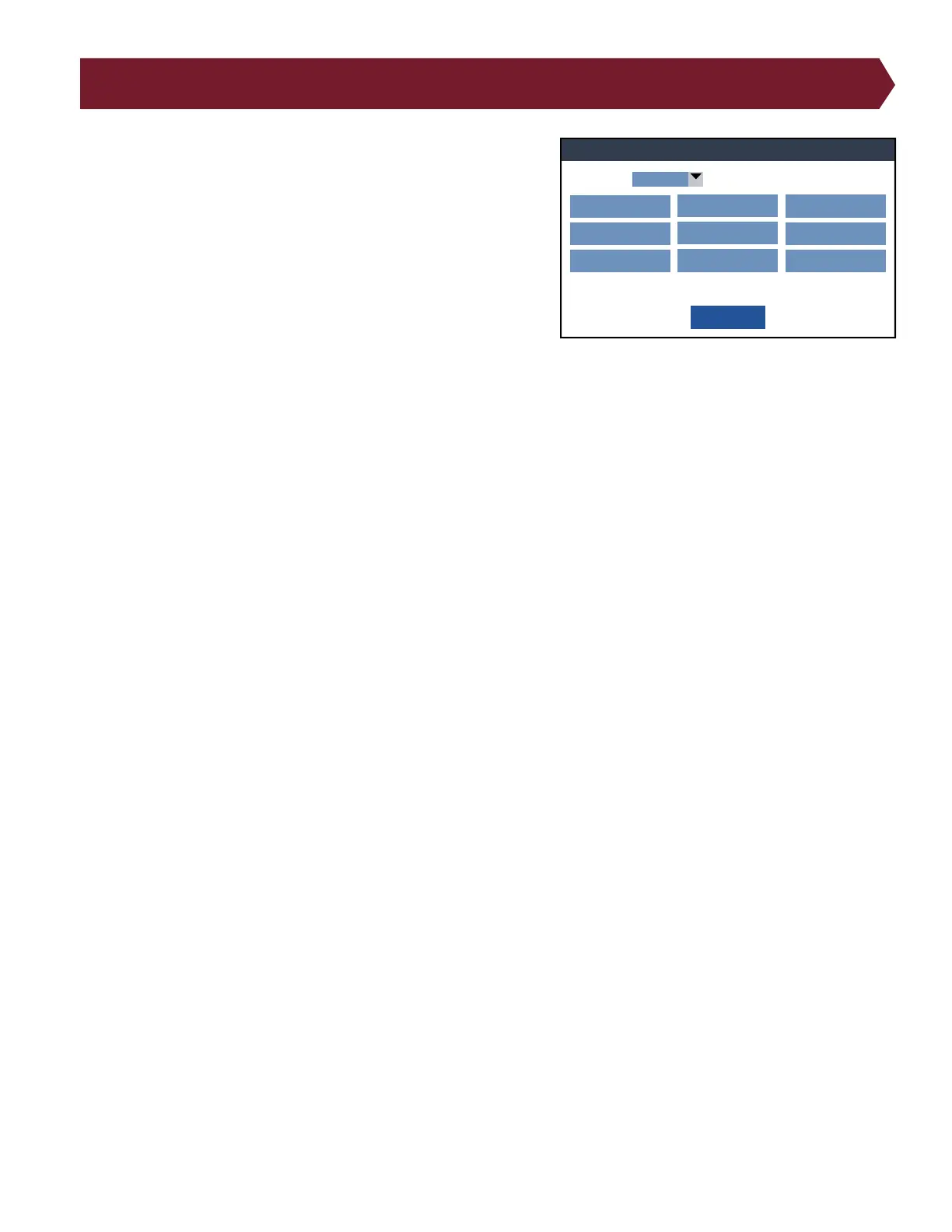
● Change Language: Change the language of the Cirris OS
software.
● Volume: Adjust tester volume.
● Date: Set the date and adjust the date layout.
● Time: Set the clock for your local time and adjust the clock
layout.
● Legacy Defaults: Reproduces the 1100 Series behavior on a
4200 Series. See page 42.
● Mains Frequency: Also known as Power Line Frequency, you
will want to set this value to 50 or 60Hz depending on your
country’s AC line frequency. The Correct selection will improve test measurement accuracy.
● System Diagnostic: Upon startup, the tester will run a self-test to verify that the system is functioning correctly. If
you suspect anything wrong with the tester, you can run a self-test. If the tester fails a self-test, a window will open
with a description of the details of the failure. Note the details of the failure and contact Cirris Tech Support.
● Network Settings: Adjust settings to connect to a network. For more information, see the Cirris Hub Software Man-
ual.
● Features: After purchasing a new feature from Cirris, enter the feature key into this menu to access that feature.
● About: Access and Edit information about your tester such as the station name, serial number, and more.
System Settings
Done
Volume:
20%
Legacy Defaults Network Settings
Date:
MM-DD-YY
Mains Frquency:
60 Hz
Features
Time:
HH:MM:SS
System Diagnostic About
Language:
English



 To Next Page