16
Cirris 4200 Series User Manual
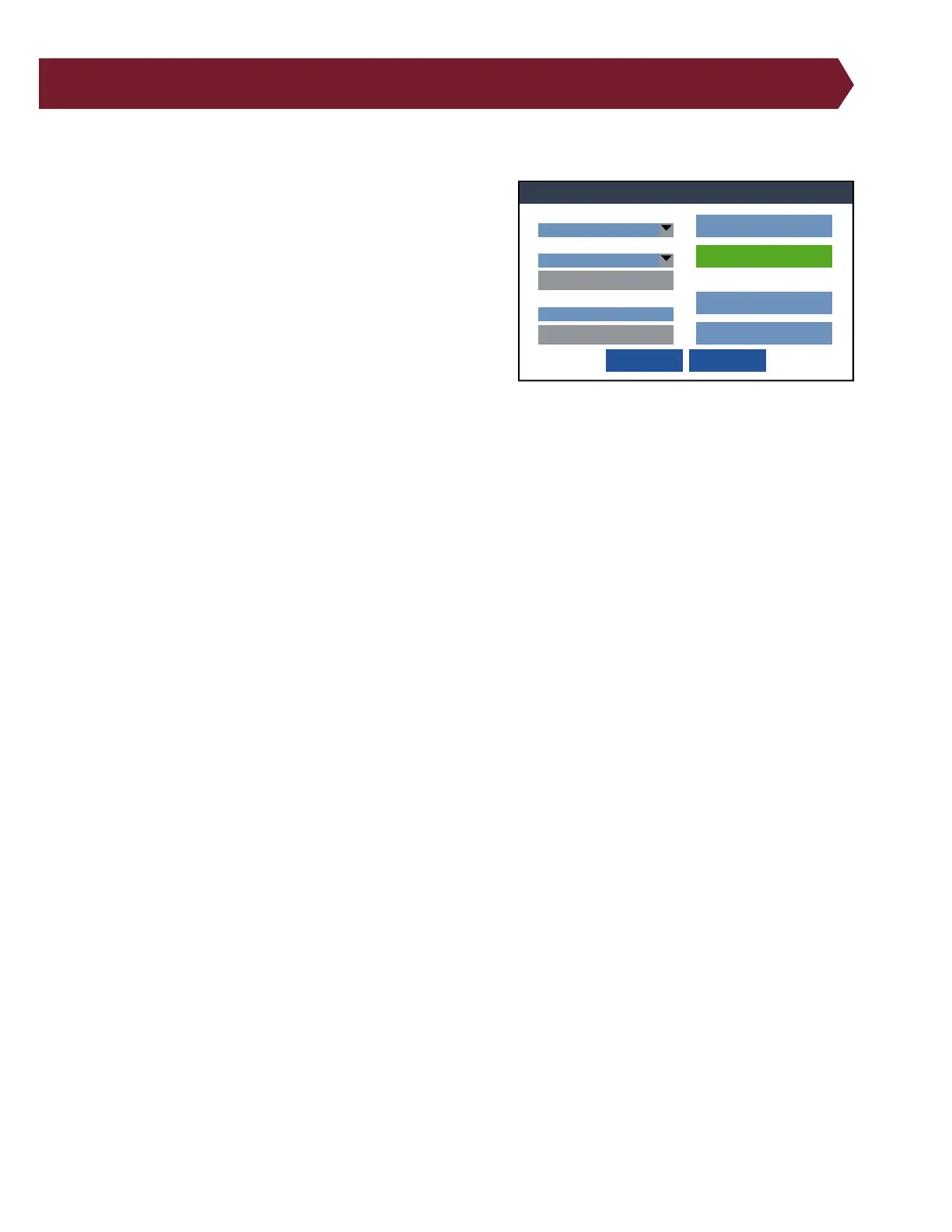
8. Test Preferences
Specify which method you would like to use to begin each test.
■ Low Voltage Start
● Start Button: The test begins when Start Test is pressed or an
external switch is triggered with Digital I/O.
● Cable Attached: Test will begin automatically when a device
is connected to the tester. This condition is generally used for
testing a high volume of simple cables because it eliminates
the time it takes to push buttons on the tester screen to start
each test. However, with this start condition one of the follow-
ing actions is required for a bad cable:
○ Press Finish Test: If the device contains an error, the low
voltage test will not complete until you press the Finish Test
button. The screen will update the failed test tally.
○ Remove cable: If the device contains an error and you remove the device before pressing the Finish Test button,
the test will be aborted with no record of the test.
■ High Voltage Start – 4250 only:
● Start Button: The high voltage test will begin when the operator presses Start Test or when an external switch is
triggered with Digital I/O. This lets the operator choose when the high voltage test starts.
● Auto Start: The high voltage test will automatically start after a slight delay. The delay is used to allow operators
sucient time to ensure their hands are free of the tester before the high voltage test begins.
■ Intermittents Test
An intermittents test repeatedly performs a low voltage test to give the operator time to catch problems that might only
occur intermittently. The operator can ex the cable to catch intermittent failures such as loose connections.
● OFF: No intermittents test is performed.
● Press to Stop: The intermittents test continues until the operator presses the End Test button.
● For Duration: The intermittent test continues for a predetermined amount of time. Test duration can last up to 120
seconds.
■ Enter Lot ID:
A Lot ID is a unique ID of your choosing for a group or batch of cables. The ID can appear on reports to help you keep
track of dierent batches of cables.
● ON: When this setting is enabled, the user must enter a Lot ID before the test window will open.
● OFF: No Lot ID is required before testing and won’t appear on reports.
Preferences
OK
Cancel
Start Button
Auto Start Delay:
1 S
Enter Lot ID: Off
Error Location:
ON
External Safety Switch:
OFF
External Start Switch:
OFF
High Voltage Start
For Duration
Intermittents Test Duration:
2 S
Intermittents Test
Cable Attached
Low Voltage Start:



 To Next Page