Create a New Test Program
15
7. Create a New Test Program
7.1 Create a New Test Program
A test program must be created before testing a cable. This is done by attaching a known-good sample cable to the
tester, adjusting the test settings, and performing a Learn. The tester will create a list of test instructions based on the
specied settings and the sample cable. Cables will then be tested using the instructions created during the learn.
1. Attach the xturing (page 12) and sample cable to the tester.
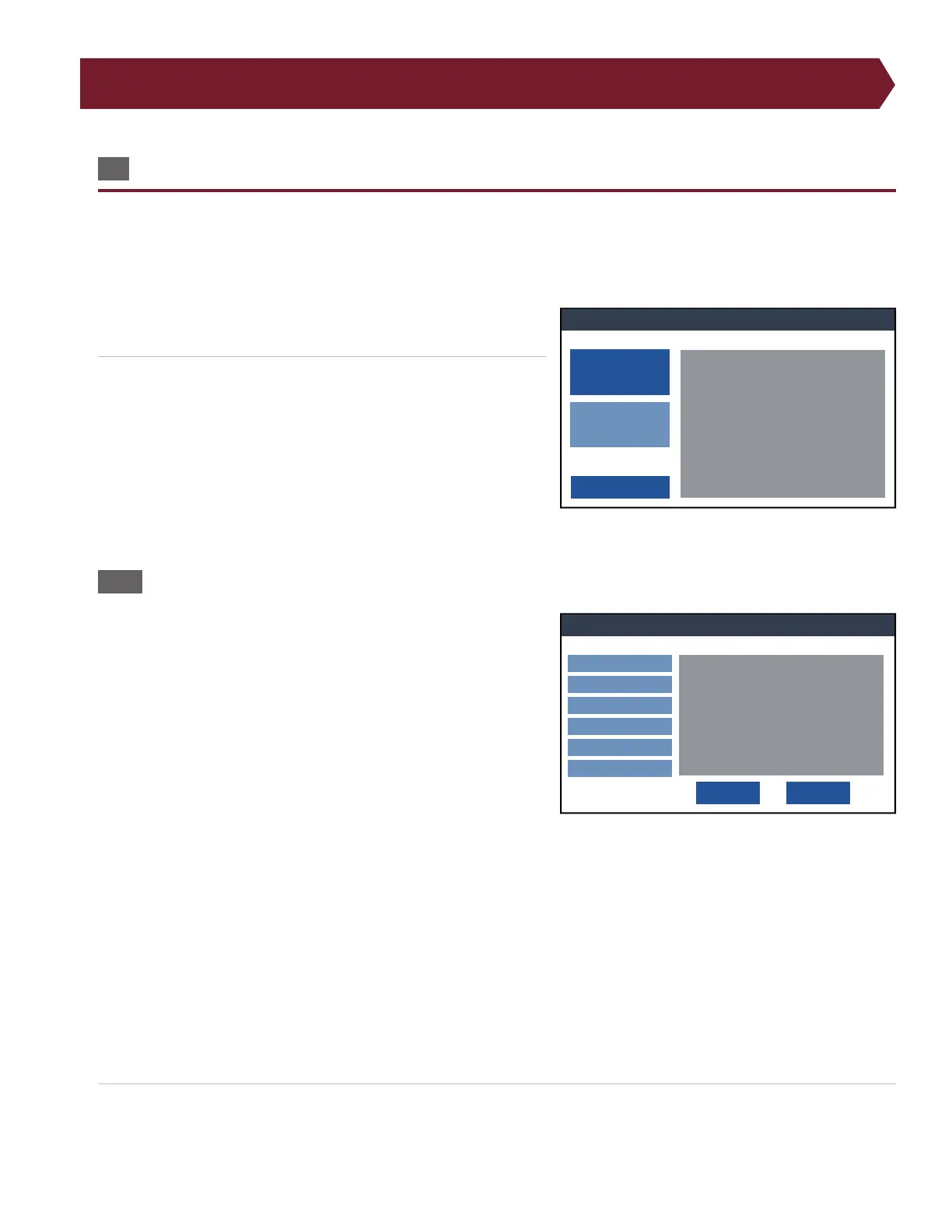
From the Main Menu, press Create New.
2. The summaries on the right side of the screen describe the
current test program settings. Press Edit Learn Settings to
adjust the settings per the sample cable specications (voltage,
components, etc.).
Note: Test settings for a new program are based on the settings of
the last test created.
7.1.1 Edit Learn Settings
Press Edit Learn Settings and use the options on the left to adjust the
settings for the new test program. These settings can be adjusted
later by selecting Edit from the Main Menu with the exception of
components.
● Test Preferences page 16
● Low Voltage page 18
● High Voltage (4250 only) page 20
● Reports page 23
● Digital I/O page 26
● *Components (New test only) page 28
● Data Collection page 29
*Components can only be edited when creating a new test program and cannot be altered after a test program has been
Learned, except by using a text editor on a computer.
Note: The next time you open Edit Learn Settings for a new test program, the last input settings will be applied to the test
program.
When you have nished adjusting the required test settings, press Save to return to the Learn menu.
3.
Create New Test
Cancel
Edit Learn
Settings
Learn
Attached Device
Preferences
Low Voltage Start: Start Button
High Voltage Start: Start Button
Intermittents Test: For Duration
Intermittents Test Duration: 2 S
External Start Switch: OFF
External Safety Switch: OFF
Error Location: ON
Low Voltage
Connection Resistance: 5 ohm
LV Insulation Resistance: 100 k ohm
High Voltage (Hipot)
AC Frequency: 60 Hz
Cycles: 1 Cycle
Learn Settings
Edit Learn Settings
OK
Cancel
Preferences
Low Voltage
High Voltage (Hipot)
Reports
Digital I/O
Components
Test Settings
Preferences
Low Voltage Start: Start Button
High Voltage Start: Start Button
Intermittents Test: For Duration
Intermittents Test Duration: 2 S
External Start Switch: OFF
External Safety Switch: OFF
Error Location: ON
Low Voltage
Connection Resistance: 5 ohm
LV Insulation Resistance: 100 k ohm



 To Next Page