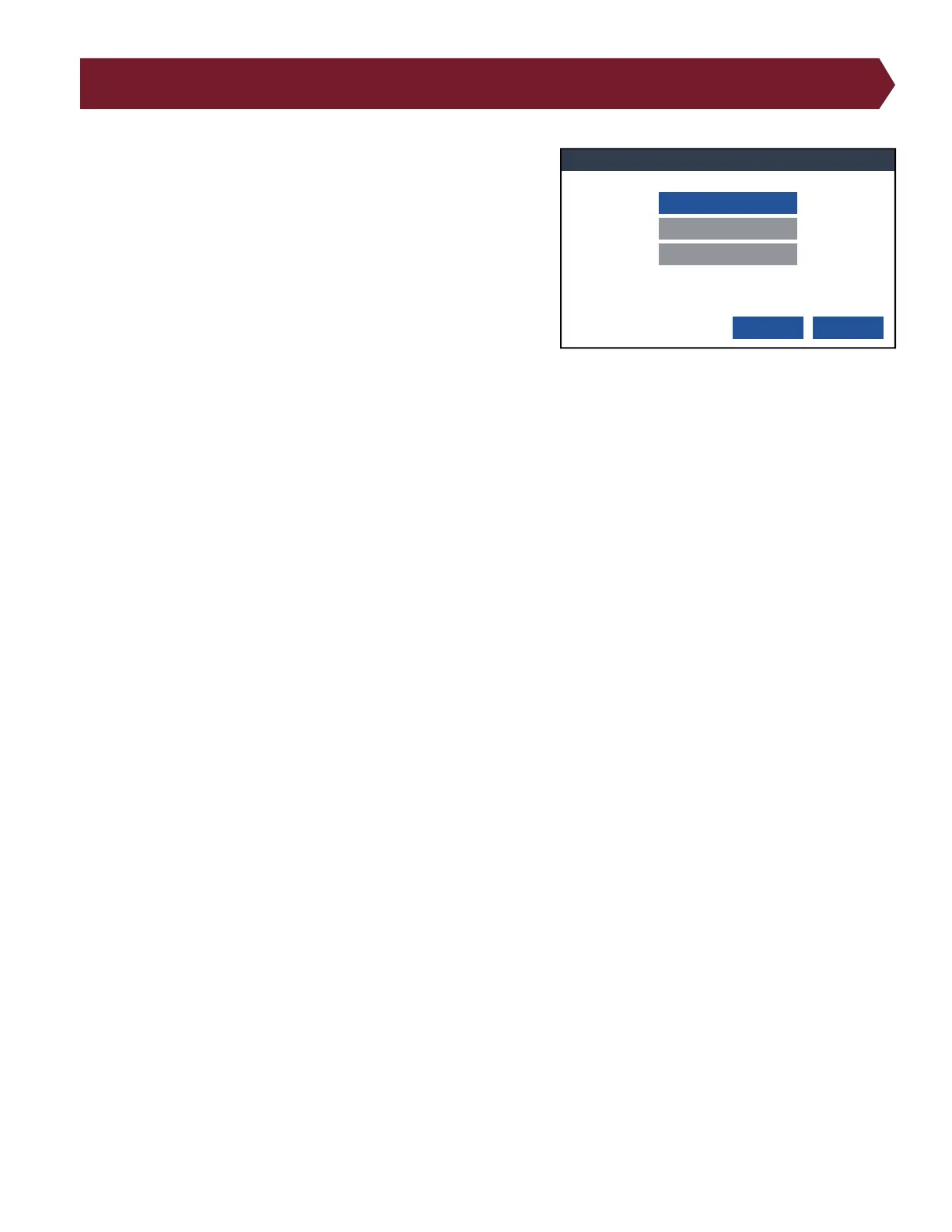
Edit Data Collection Settings
29
14. Edit Data Collection Settings
When turned ON, Data Collection allows you to store important
information.
The following data elements are always stored:
● Run Number
● Analyzer Serial number
● Cable Description (if dened)
● Cable File Name
● Operator Name (if dened)
● Date and time tested
Data Collection:
● Total Tested
● Total Good
● Total Bad
● Error Types Summary
● Custom, per group (if stored in Scripting)
● Custom, per Cable (if stored in Scripting)
Measured Values:
● Net or Instruction Label
● Net or Instruction Measurement
Error Text:
● Error Number
● Error Code
● Error Type
● Error Text
The data is stored in the le [tester serial number].c_d and can be accessed through a text editor or SPC Link included
in the SPC Data Collection software from Cirris. Use a USB cable, ash drive, or network cable to open the folder on a PC.
Instructions are included with the software. Once imported into SPC Data Collection, the le is deleted.
Edit Data Collection Settings
OK Cancel
Data Collection: OFF
Measured Values: OFF
Error Text: OFF



 To Next Page