30
Cirris 4200 Series User Manual
15. Perform a Learn
15.1 Perform a Learn
The 4200 Series tester creates test programs by scanning a cable and forming a list of instructions based on the cable and
test settings.
1. From the Main Menu, press Learn New Test to reach the Create New Test screen.
2. After editing the Learn settings, make sure the cable is attached and press Learn Attached Device. The tester will scan
the attached cable and create a test program.
Note: If there were any errors during the Learn, you will be alerted with a Learn Failed notication. Check the Learn/Test
settings for errors. Also check the cable that was used during the Learn. Once you have made adjustments to either the
settings or the cable, press Learn Attached Device once more. If the Learn fails again, repeat this process to nd the cause
of the failure.
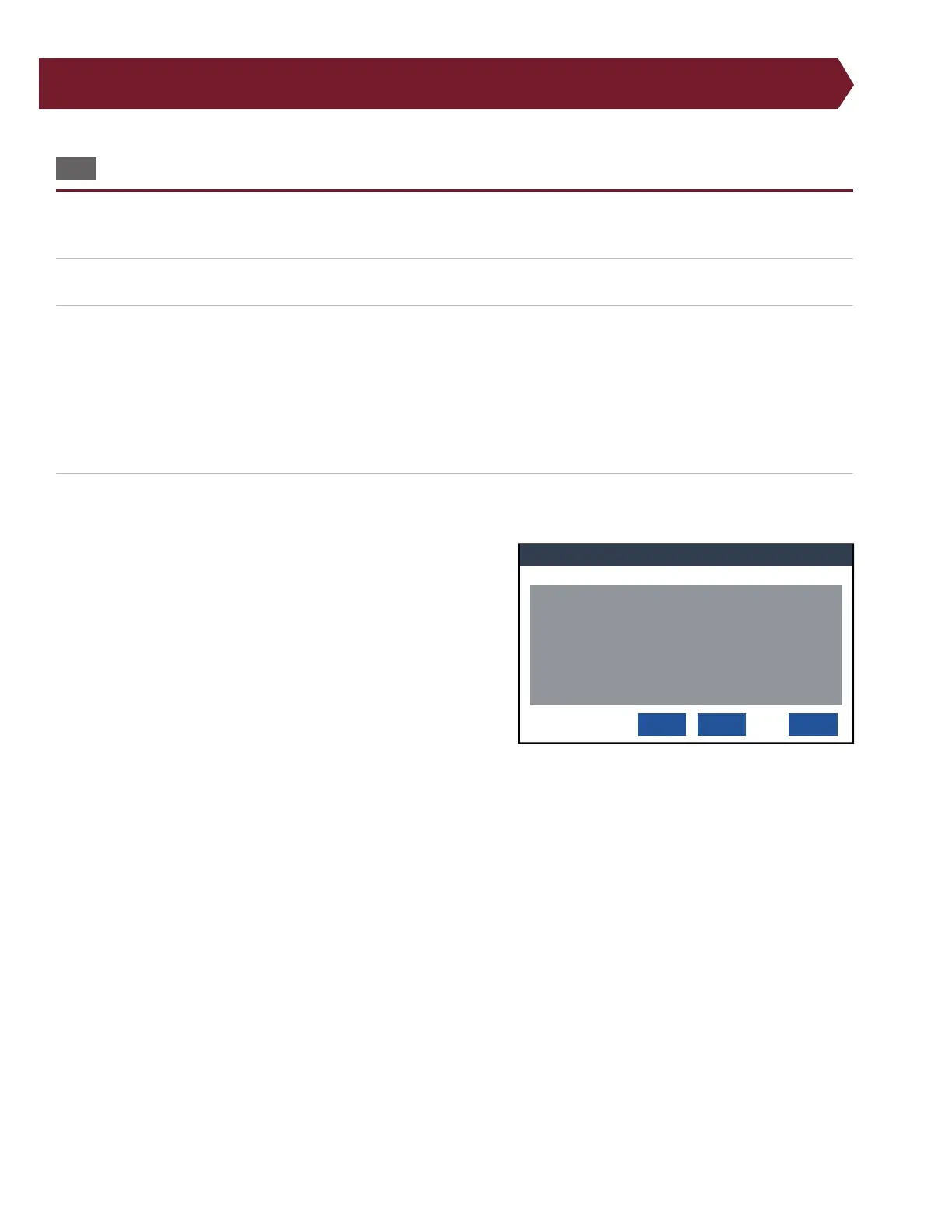
3. In the Learned Test Program window, verify the test instructions match the required specications.
If the test program is correct, select one of the following options:
● Save: By pressing Save, the tester will name the test program
“NewTest.wir” and will store it in a default location. The next
time a Learn is performed, selecting Save will overwrite the
test program saved in the default location.
If you save the test location in the default location, the test program
will be overwritten the next time you press Save when creating a new
test program.
● Save As...: By pressing Save As, you will be able to select a storage
location and name for the test program.
a. Navigate to a location within the directory to save the test
program. If you are using Cirris Hub Software, you can
choose a location on the network. This will allow other networked testers to use the test program as well.
b. To name the new test program, select New... Type in a name and press Done.
Once you have selected a location, you will be brought to the same location where the test was saved the next time you save or load a
test.
● Cancel: Return to the Learn screen without saving.
If the test program is not correct, press Cancel to return to the Learn menu. From there you can adjust the test settings
and perform a new Learn.
Verify and Save Learned Test Program
Cancel
Learned Test Program
(A93484-00000
J1 03FAC1
J2 03FAC1
CONNECTION RESIS 10.0 ohm
LV INSULATION RESIS 100 K ohm
DWV VOLTAGE 300 V
DWV MAX CURRENT .1mA
INSULATION VOLTAGE 300 v
INSULATION RESIS 10.0 M ohm
C:\NewTest.wir
Save
Save As...



 To Next Page