Perform a Learn
31
15.2 Edit a Test Program
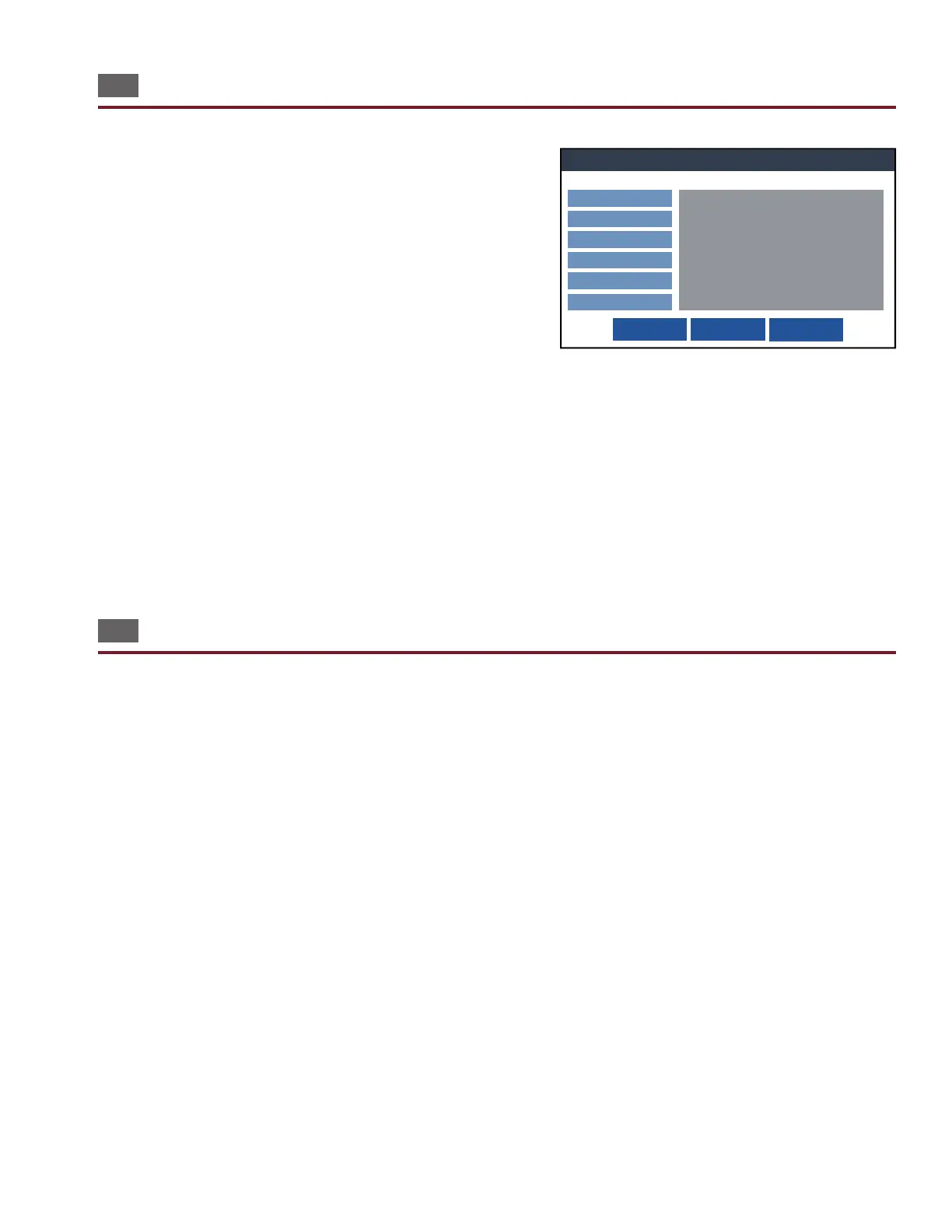
Load an existing test program and select Edit. The options allowed
for revision are the same as those explained in their sections. Alter
the specications for the Test Program, including:
● Test Preferences
● Reports
● High Voltage (Hipot) – 4250 only
● Low Voltage
● Digital I/O
Components cannot be revised at this point on the tester. If you need
to revise components, you can edit a test program using a text editor on a computer. One way to do this is using Cirris
Hub Software (see page 13).
After revising a test, you have the option to Save, Save As, or Cancel the changes.
● Save: Saves the test program with a default name and location and returns to the main menu.
● Save As: Allows you to choose a name and location for the test program.
● Cancel: Return to the previous screen without saving.
15.3 Edit Test Programs on a PC
Test programs can be edited on a PC using a text editor.
1. Using the provided USB cable, connect the tester to a PC. Make sure the tester is turned o.
2. Connected to a computer, the tester will behave like a ash drive. In File Explorer, navigate to the tester labelled 4200
SERIES.
3. Test Programs are visible inside the tester le. Open the test program in a text editor such as Notepad.
4. You can edit the test name, change point labels, modify component test values and links, and add components.
5. Save the le and close the program.
6. After editing the test program, turn on the tester. Load the edited test program. From the Main Menu press View to see
the changes to the test program.
Edit Test Settings
Save Save As ... Cancel
Preferences
Reports
Data Collection
High Voltage (Hipot)
Low Voltage
Digital I/O
Test Settings
Loaded Test: NewTest
Preferences
Low Voltage Start: Start Button
High Voltage Start: Start Button
Intermittents Test: For Duration
Intermittents Test Duration: 2 S
External Start Switch: OFF
External Safety Switch: OFF
Error Location: ON
Low Voltage
Connection Resistance: 5 ohm
LV Insulation Resistance: 100 k ohm



 To Next Page