Chapter 4: Advanced use
88 Remote activation with SMS
Remote activation with SMS
If you want to remotely control the system, it must have activated a
connection. You can do this by sending an SMS to the system. The system
must be powered up and logged on to the satellite services to receive the
SMS and then start the connection. The SMS activation is always protected
by a password. You can set up the system to send an SMS confirmation on
the status of the connection, whether it is activated successfully or the
activation failed.
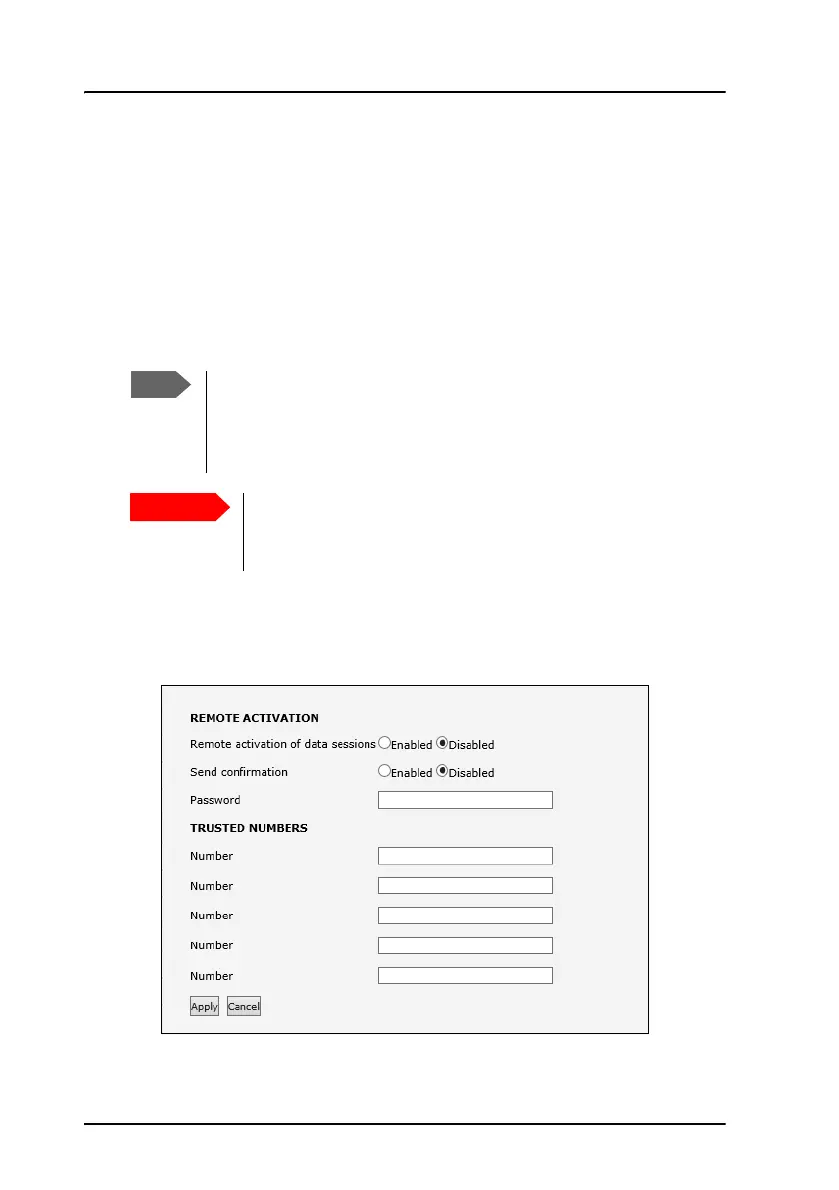
To set up the system for remote activation with SMS, do as follows:
1. From the left navigation pane, select ADMINISTRATION > Remote
activation.
2. Select whether remote activation should be Enabled or Disabled.
The system must be logged on to the satellite services to
receive and accept an activation SMS. If the SMS is
considered too old or sent before the system has been
switched on and has logged on, the SMS will be ignored.
This service is available if the service provider has an
interoperability agreement with Inmarsat that allows for
roaming. If in doubt, contact your service provider.



 To Next Page