Chapter 4: Advanced use
Set up the local exchange function 85
4444
Set up the local exchange function
If you want to call a specific phone connected to the terminal, use the local
exchange function. With this function enabled, when you dial the mobile
number of the terminal, a recorded message instructs you to dial the
number for the local phone you want to call. Your call is then transferred to
the requested phone and only the requested phone rings.
If the local exchange is not used (Incoming calls not selected), incoming
calls will per default cause all connected phones to ring.
To set up the local exchange, do as follows:
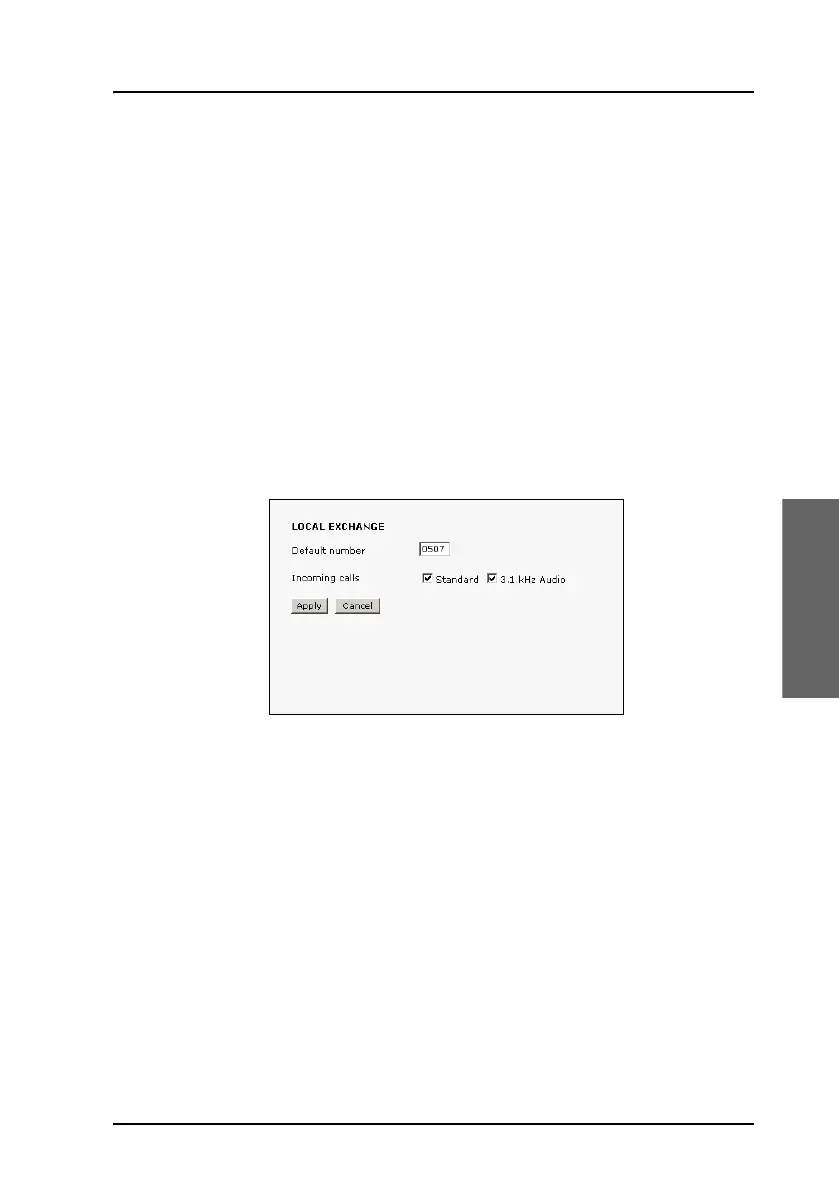
1. Select SETTINGS > Common > Local exchange from the left
navigation pane.
2. Type in the local number to which incoming calls are transferred to if the
caller dials * after calling the mobile number, or the caller dials nothing
after the recorded message.
3. Select the call types you want to direct to the local exchange.
If you use 3.1 kHz Audio for a fax machine only, do not select 3.1 kHz
Audio as this line is used for the fax.
If no call type is selected, the local exchange function is disabled
(default setting).
4. Click Apply.



 To Next Page