Chapter 4: Advanced use
Get to know the web interface 69
4444
Access and navigate the web interface
To access the web interface
To access the web interface, do as follows:
1. Connect your computer to the system.
2. Make sure that the AVIATOR 200/300/350 system is fully operational in
the aircraft.
Open your Internet browser and enter the IP address of the system. This is
the internal IP address. The default IP address is 192.168.0.1.
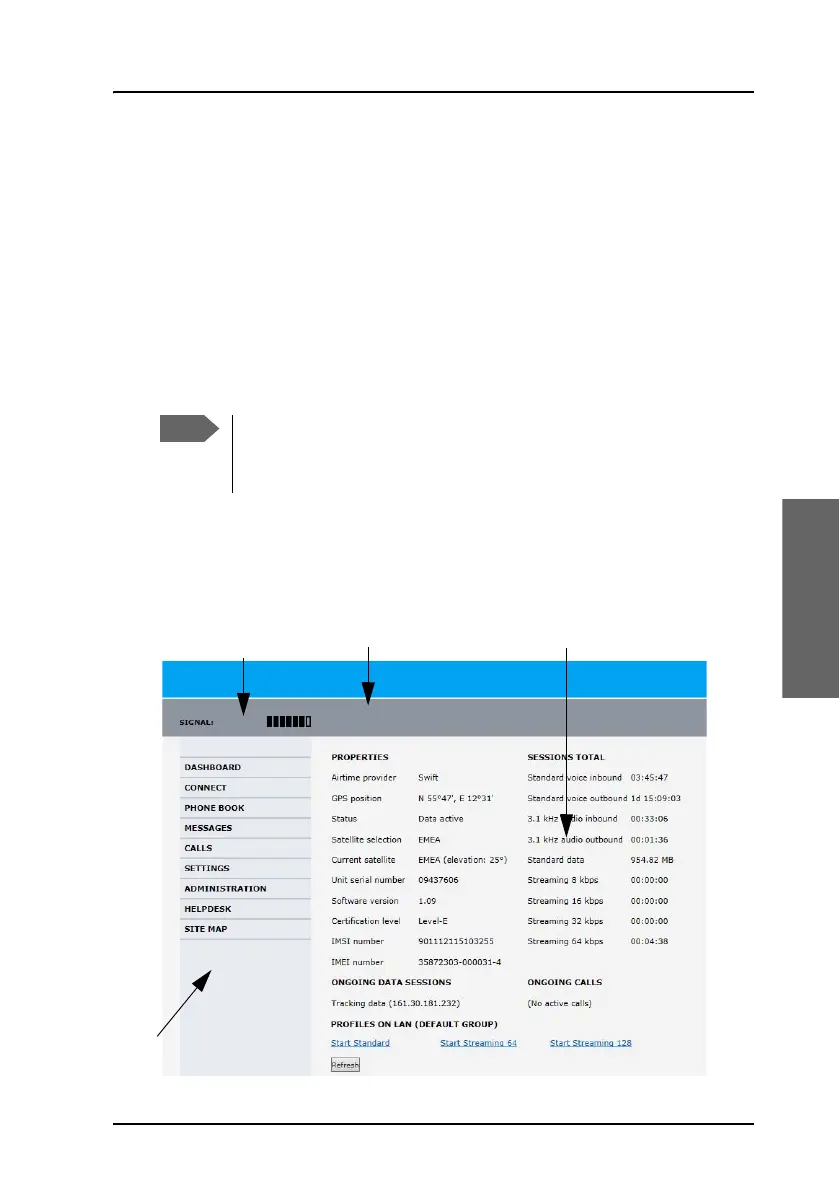
Overview of the web interface
The web interface consists of the following sections (example: AVIATOR
350):
If the IP address has been changed and you do not have the new
address, contact your system administrator and request the new
IP address.
Contents sectionStatus field
Icon bar
Navigation pane



 To Next Page