Chapter 4: Advanced use
Set data limits 83
4444
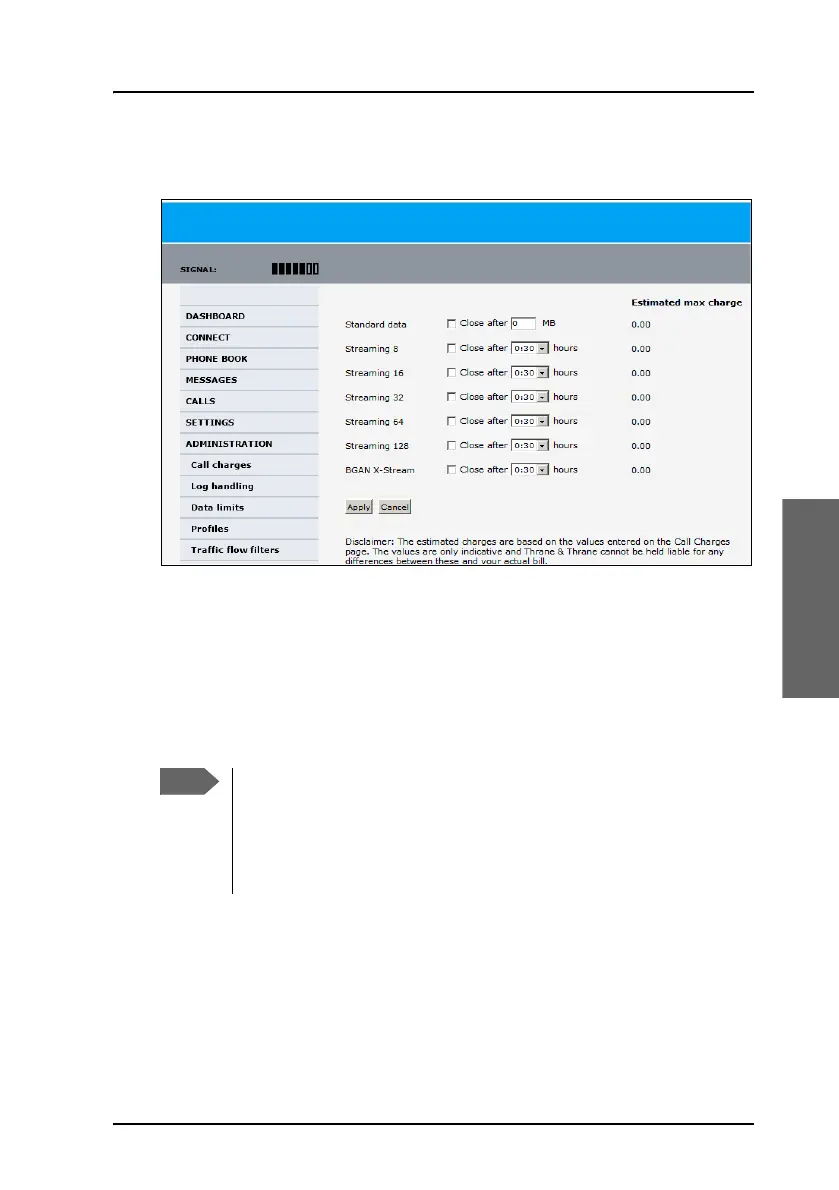
Set data limits
You can set a limit for the use of data services with the AVIATOR
200/300/350 system. You either specify a maximum number of MB for the
standard data connection, and/or a time interval from start to end for a
streaming connection.
If you have entered the call charges in the menu Call charges, the system
automatically calculates and displays the maximum charges for your data
sessions.
Once the entered limit is reached, the connection is automatically stopped.
This is recorded in the menu CALL containing a call log in which you can
see information on standard and streaming data sessions. To continue using
Thrane & Thrane A/S does not take responsibility for the
correctness of the estimated charges. This calculation is only a
rough estimate of the charge, based on the tariff entered by the
user. Also, the airtime provider may have different methods of
calculating the charge.



 To Next Page