Chapter 5: Troubleshooting
96 Troubleshooting guide
Troubleshooting guide
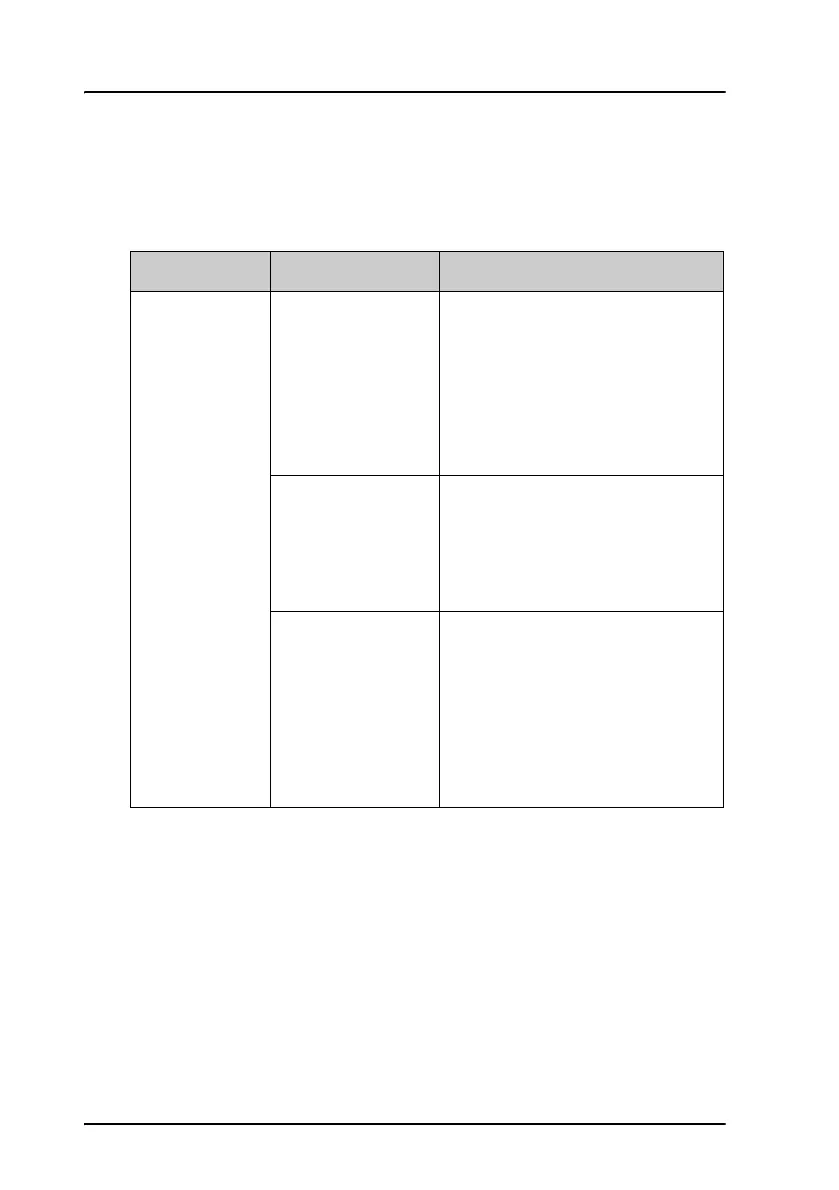
The below table provides information on some of the problems that might
occur, including possible causes and remedies to solve the problems.
Problem Possible Cause Remedy
No signal or
weak signal
from the BGAN
satellite.
The view to the
satellite is blocked.
There might be some temporary
loss of signal due to parts of the
plane blocking for a clear view of
the satellite. This temporary loss
of signal will pass when the
antenna has a full view of the
satellite again.
The system is not
fully operational.
Wait until the system is powered
up and fully operational. There
might be an indicator in the cabin
indicating that the satcom system
is ready for use.
The system is set
up to use a specific
satellite, but the
system is outside
coverage from that
satellite.
Enter the web interface. Select
SETTINGS. At Satellite
selection, select Auto and click
Apply.
The system will now search for
the satellite with the strongest
signal and attempt to connect.



 To Next Page