Chapter 3: Operate the system
Use a computer 27
3333
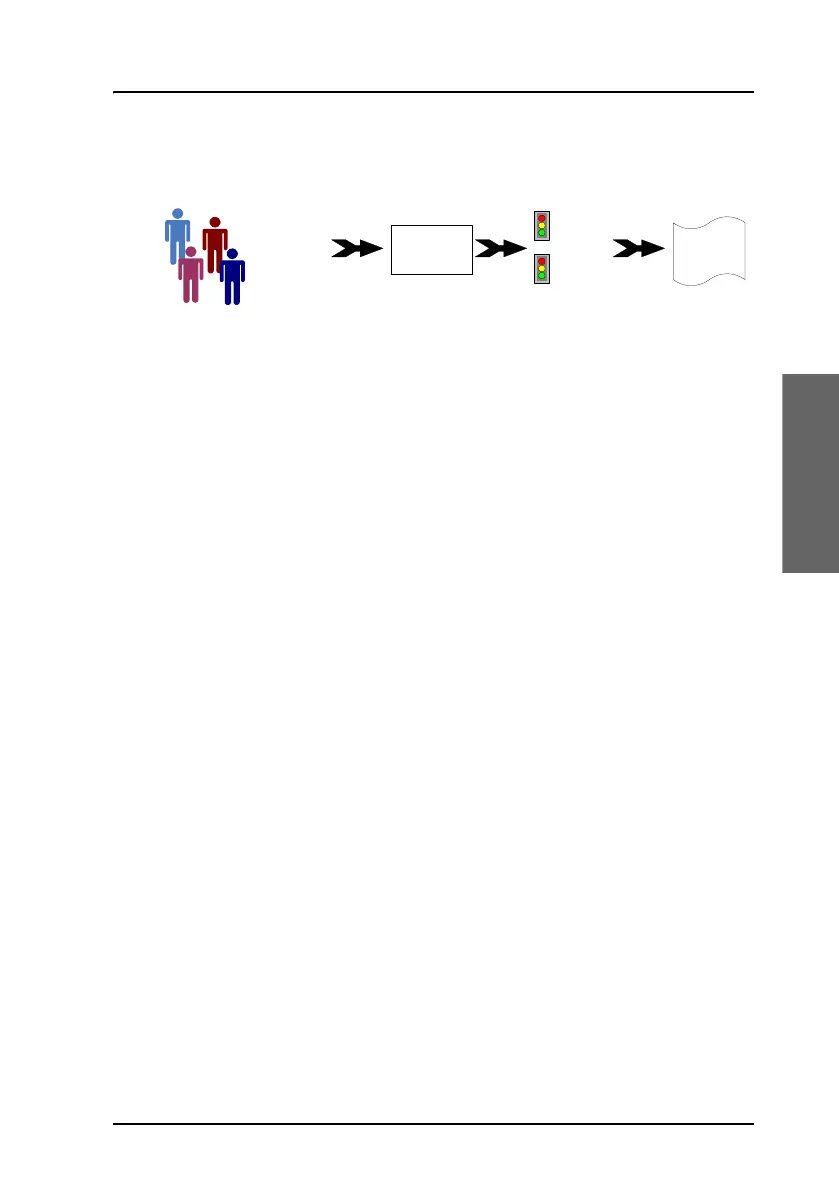
network user groups and profiles. The following picture gives an overview
over the parameters and functions involved.
An IP device that is connected to the AVIATOR 200/300/350 system will
automatically be assigned to the default network user group, if it is not
specified otherwise. The default setting of this group is a standard data
connection with automatic IP address allocation and automatic activation
of the connection.
The AVIATOR 200/300/350 system is flexible and can be configured to
specific requirements for your network use, e.g. manual activation of the
Internet connection, activating video streaming, a server on the network or
a fixed IP address on one of the devices. For this you need to set-up
network groups with specific primary and/or secondary profiles. You can
find detailed description in the AVIATOR 200/300/350 Installation and
maintenance manual.
Network user groups
To manage the use of the bandwidth and the applications allowed for the
individual user the system administrator can set up network user groups.
The following paragraphs describe how network user groups are used in the
AVIATOR 200/300/350 system.
When you connect an IP device (a computer, smartphone, etc.) to the
AVIATOR 200/300/350 system the system will find out which network user
group the device belongs to. To do this the system uses the following
information:
• The port the device is connected to, i.e. one of the 6 Ethernet ports,
Wireless or the SBU maintenance connector (reserved for service and
maintenance).
• The device’s IP address.
MAC address
IP address
LAN port
Network
user
group
Primary
profile
Secondary
profile
Traffic flow
filters
Desired IP
connection



 To Next Page