Chapter 4: Advanced use
82 Call log handling
Call log handling
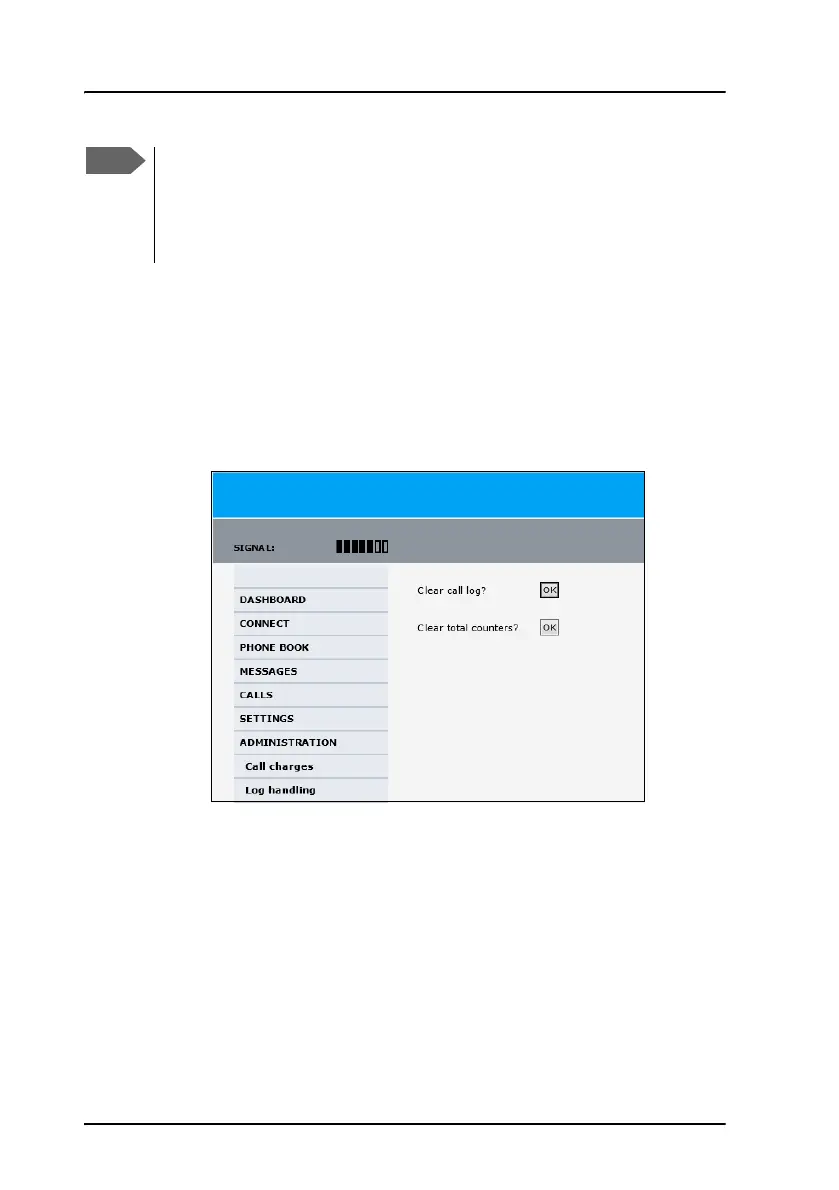
To clear the logs of the system and/or reset the counters for the time
connected, do as follows:
1. From the left navigation pane in the ADMINISTRATION page, select
Log Handling.
2. To clear the Call log, click OK next to Clear call log?.
3. To clear the total counters, click OK next to Clear total counters?.
This resets the Time connected counters on the Calls page.
If you have selected a satellite, your AVIATOR 200/300/350
system will only try to establish a connection to the selected
satellite. This means that if the antenna is outside the coverage
area for that satellite, the AVIATOR 200/300/350 system will not
be able to register with the SwiftBroadband network.



 To Next Page