Chapter 4: Using the web interface
98-129217-D Administration 117
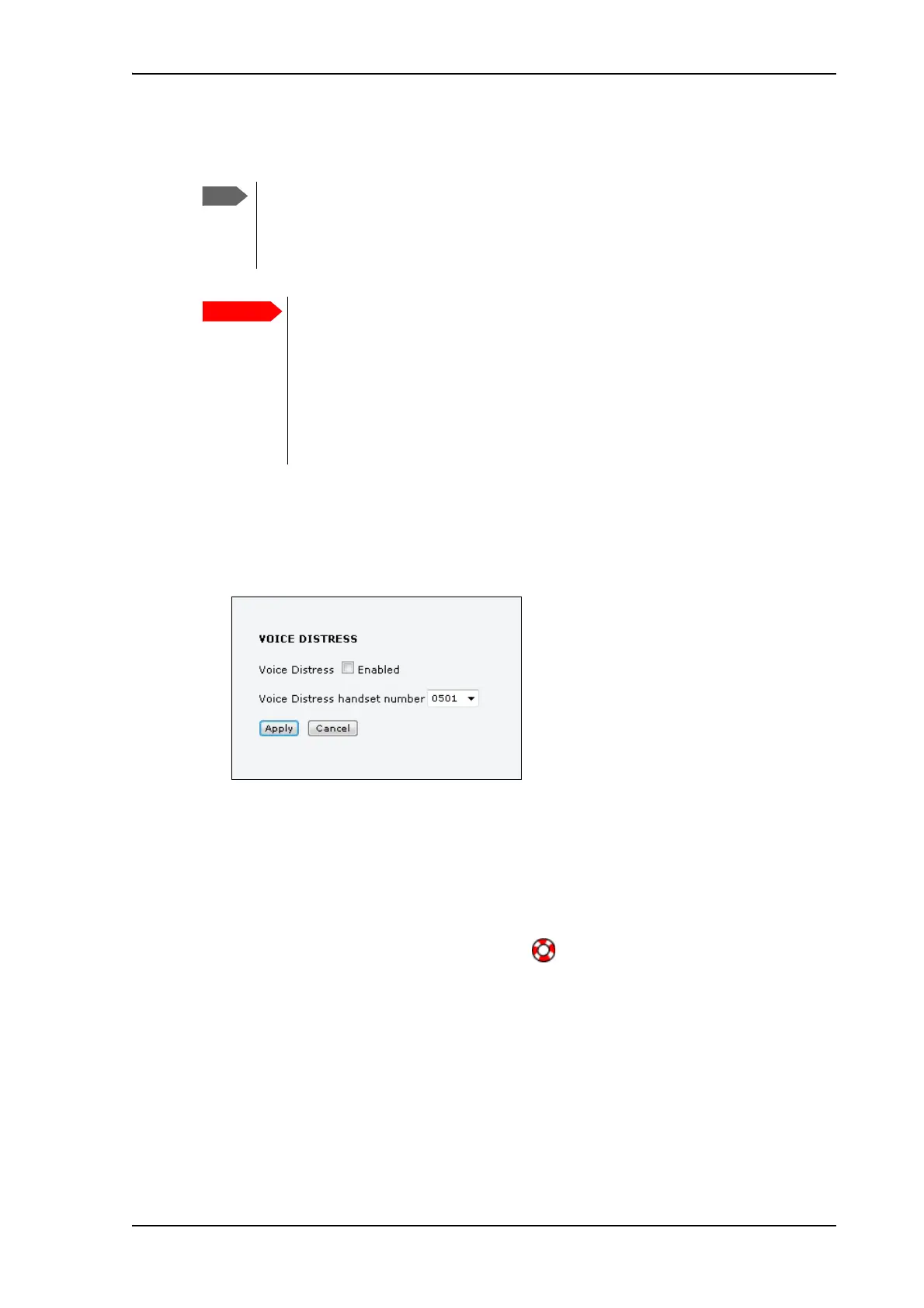
Voice Distress
To set up the terminal for Voice Distress, do as follows:
1. Connect your Voice Distress system as described in the manual for the Voice Distress
system.
2. From the left navigation pane, select ADMINISTRATION > Voice Distress settings.
3. Select the IP handset number that you are using for Voice Distress.
4. Select Enabled and click Apply.
5. Reset the terminal.
To check that the system is configured correctly, look at the Distress IP Handset and the Alarm
Panel.
• the Distress IP Handset display should show (designated for Distress), and
• the Alarm panel should show FB (connected to a FleetBroadband terminal).
You must have Voice Distress in your airtime subscription
and the software version of the Thrane IP Handset used for
Distress must be at least version 1.12, in order to support
the Voice Distress function.
To make sure the Distress IP handset always keeps the
same handset number, we recommend clearing the
setting Settings > Start up options > Auto BGAN
SIP in the menu system of the Thrane IP Handset used
for Voice Distress, and assigning the number and
password manually. See the user manual for the Thrane
IP Handset and Connecting and configuring IP
handsets on page 88.











 To Next Page