Chapter 2: Getting started
98-129217-D Entering the SIM PIN for the terminal 18
enter the SIM PIN, before you are asked to enter the PUK (Pin Unblocking Key). The PUK is
supplied with the SIM card for your terminal.
Enter the PUK followed by a new PIN of your own choice. The PIN must be from 4 to 8 digits
long. If you enter a wrong PUK 10 times, the SIM card will no longer be functional, and you
have to contact your Airtime Provider for a new SIM card.
Entering the SIM PIN using the web interface
To enter the SIM PIN
Do as follows:
1. On a computer connected to the terminal, open your browser and enter http://ut.bgan or
the IP address of the terminal in the address bar (default IP address: http://192.168.0.1).
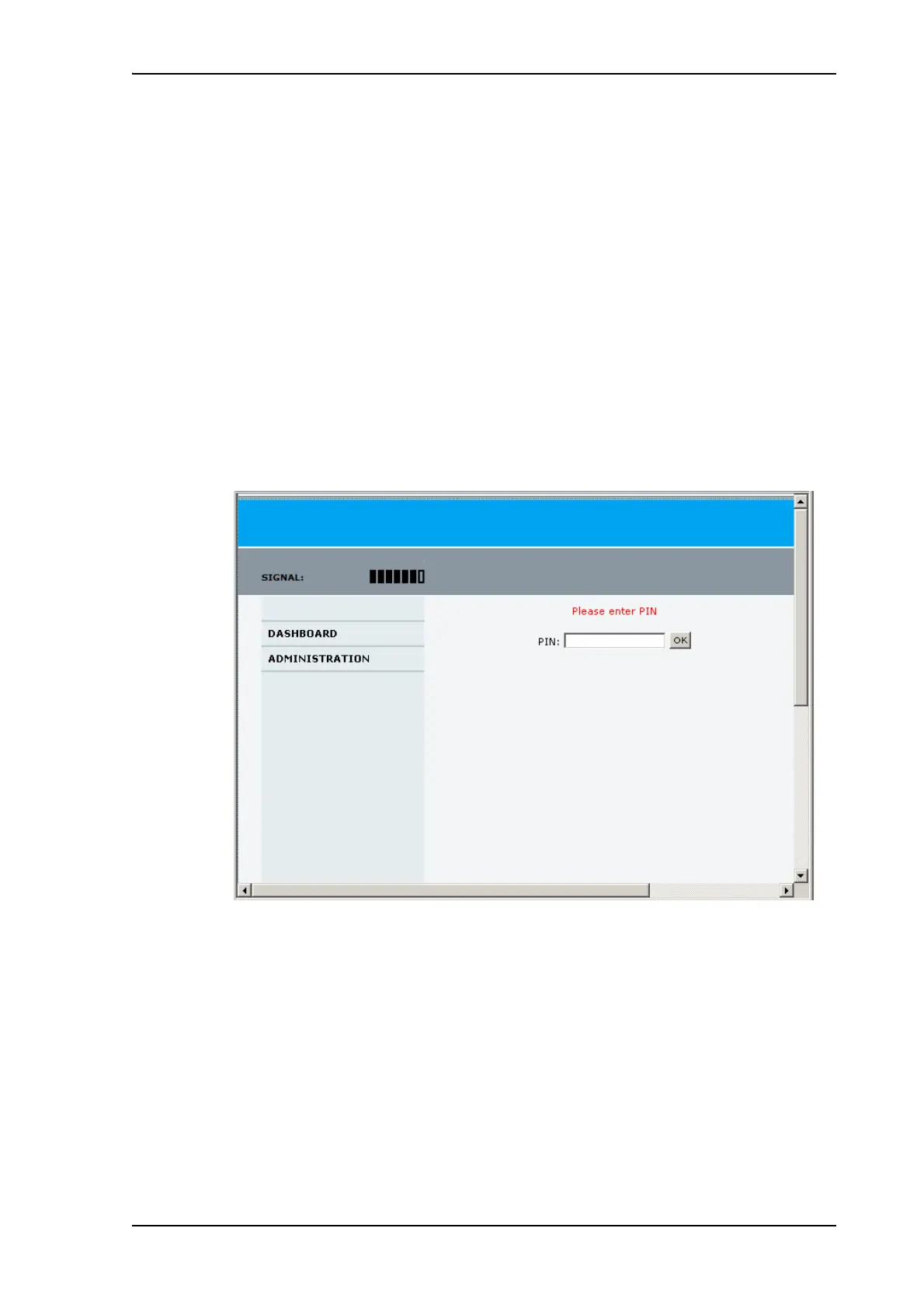
If your SIM card uses a PIN and the PIN has not yet been entered, the web interface will
open on the PIN page.
2. Type in the PIN and click OK.
When the PIN is accepted, the web interface opens the Dashboard and is ready for use. If
the PIN is not accepted, see the next section Wrong PIN.
For further information on the web interface refer to Using the web interface on page 46.
Wrong PIN
You have 3 attempts to enter the PIN in the web interface, before you are asked to enter the
PUK (Pin Unblocking Key). The PUK is supplied with your SIM card.
Enter the PUK followed by a new PIN of your own choice. The PIN must be from 4 to 8 digits
long.











 To Next Page