Chapter 4: Using the web interface
98-129217-D Setting up the interfaces 81
Setting the common interface settings
Overview
The settings under COMMON are common for all interfaces.
Definition of Access Point Name (APN)
The APN is used by the network user to establish a connection to the required external
network. This means that the terminal must know the APN in order to be able to connect to the
external network.
APNs are provided from the Airtime Provider. They may also be defined on the SIM card.
How to use the common APN
When you configure the APN for your individual network user group, select Common to use
the setting from this page.
If you are using the same APN for both network user groups, it is easier to define it once under
Common, and then simply select Common for the relevant network user groups. Also, if you
change the common APN at a later stage, it is automatically updated for both network user
groups where the Common setting is selected.
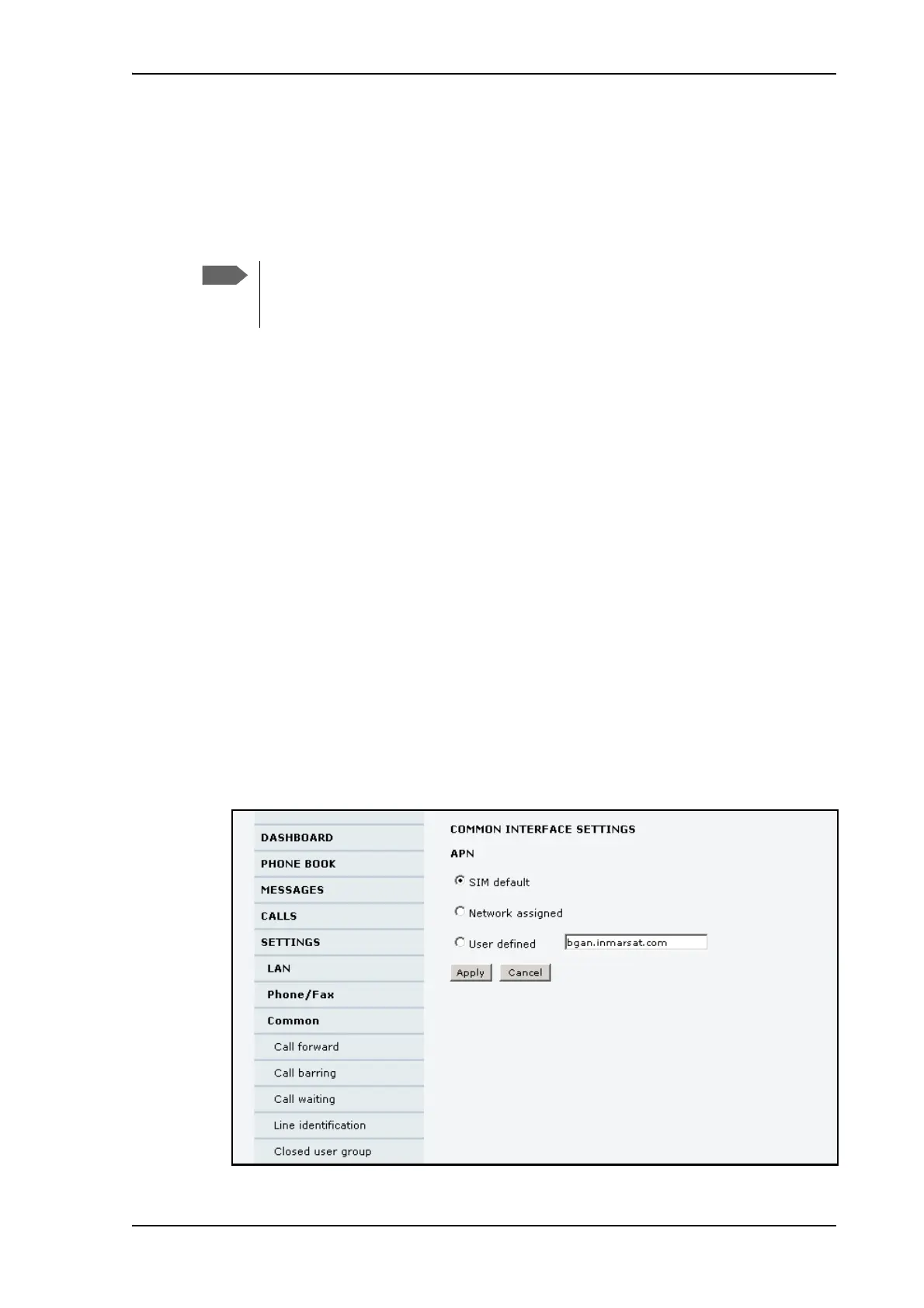
To set up the common interface settings
To set up the common interface settings, do as follows:
1. Select SETTINGS > Common.
In order to use the common Access Point Name for an
interface, you must select Common for the APN setting
when setting up the network user group.











 To Next Page