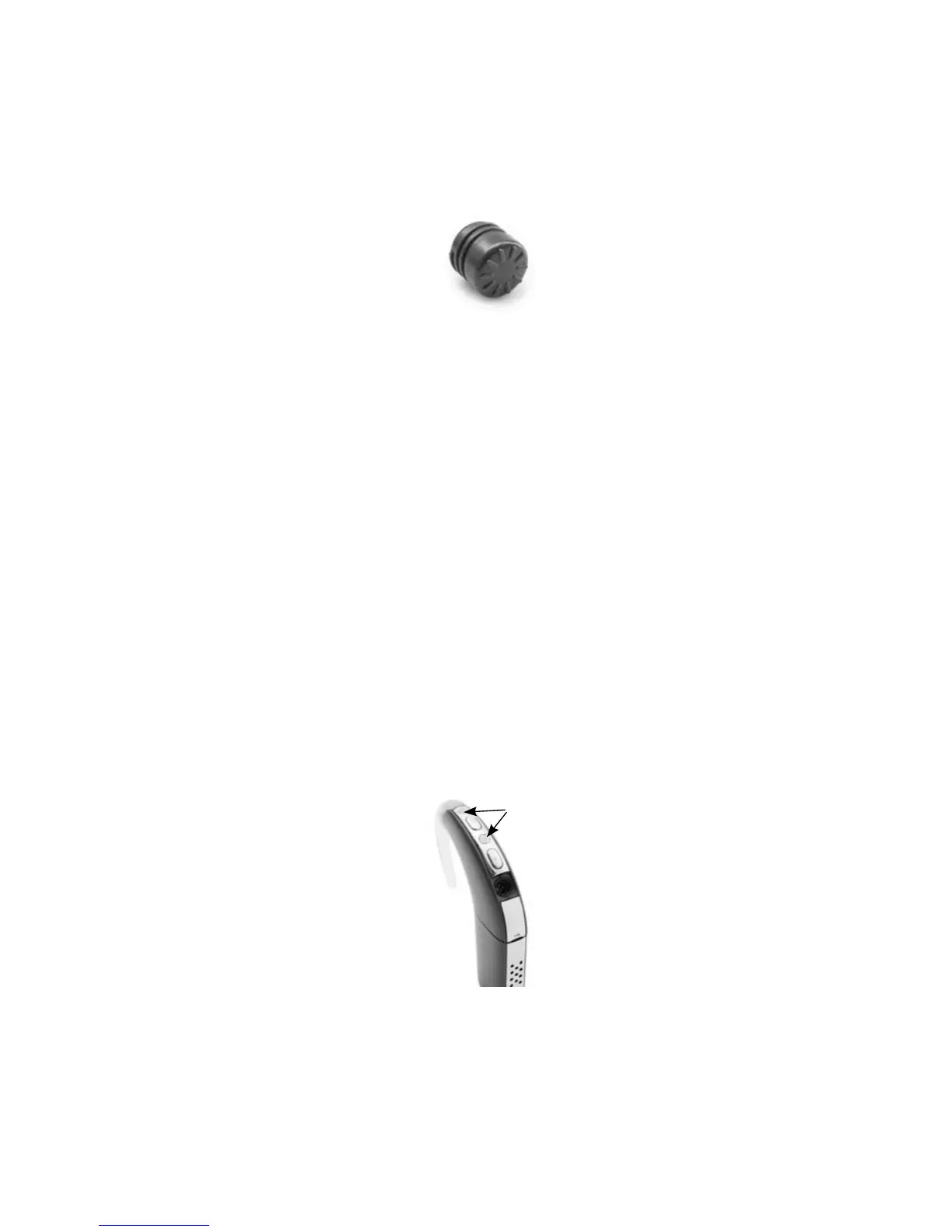
Coil magnet
A magnet holds the coil in place over your implant.
Figure 6: Coil magnet
If your coil falls off often, or if you experience discomfort, you can
change the depth of the magnet in the coil. You can also use a stronger
or weaker magnet. For more information, see Adjusting and replacing
the coil magnet.
Microphone protectors
The processor microphones capture sound, which is processed by the
processing unit for transfer to the implant. Microphone protectors
are designed to protect the microphones from dirt and moisture. It
is important that you keep the microphone protectors in place at all
times. Replace the microphone protectors if you notice degradation in
the sound quality, or if the protectors look dirty. For more information,
see Replacing microphone protectors.
Figure 7: Microphone protectors



 To Next Page