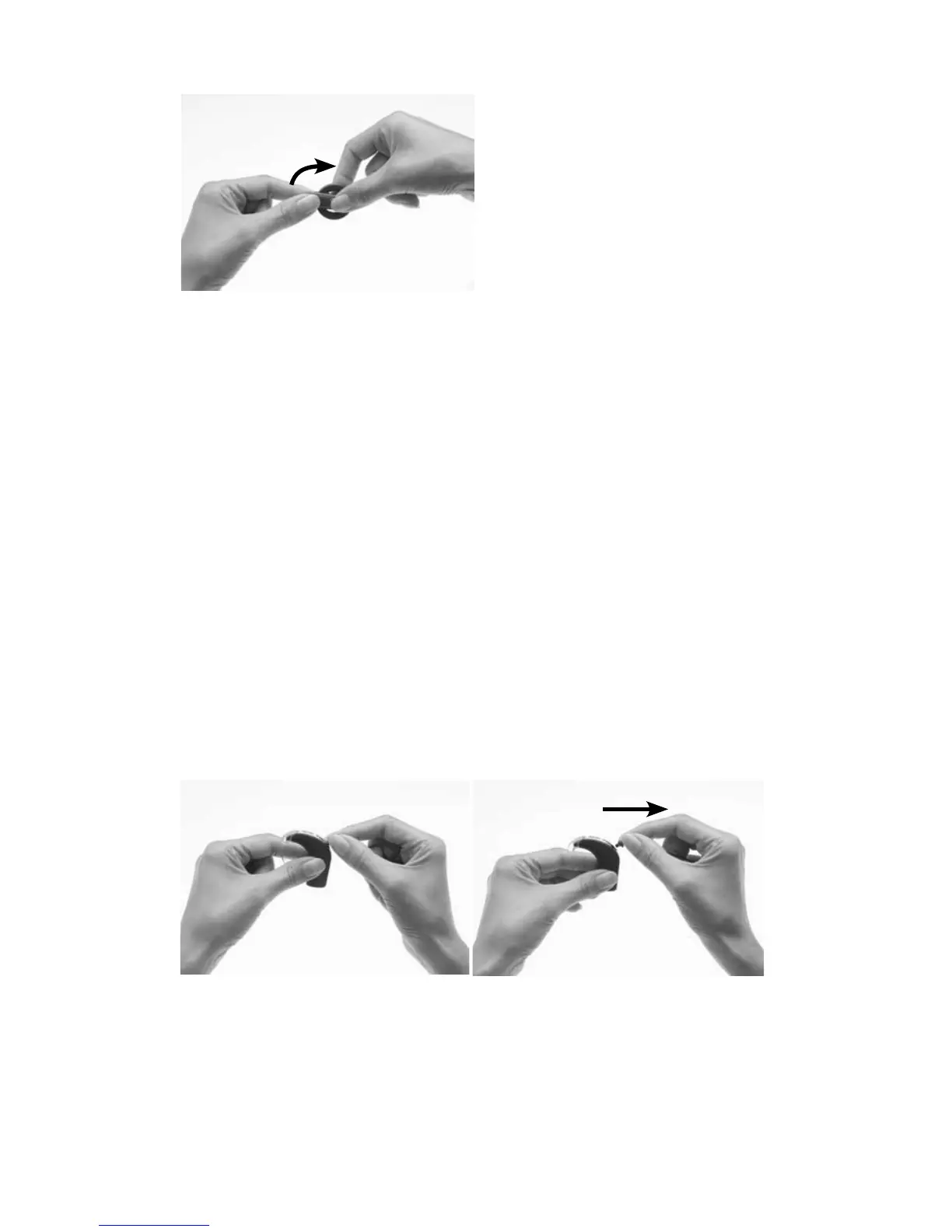
Turn the magnet in a clockwise direction until it is in position. 6.
Do not overtighten the magnet, or force it to turn if it becomes difficult
to turn during insertion or removal. The movement should be smooth
and turning should need only a small amount of force. If turning
becomes difficult, check that:
The magnet is correctly aligned in the coil.•
You are turning the magnet in the correct direction.•
Changing the coil cable
If you find that the coil cable is too long or short for your comfort, you
can change the coil cable. Regularly check to see if the coil cable is
damaged. If damaged, you will need a new coil cable.
To change the coil cable to a longer or shorter one, do the following:
Remove the coil cable from the processing unit as shown.
Place the thumb and index 1.
finger over the finger grips
on the processor end
of the coil cable plug as
shown.
Gently pull the coil cable 2.
plug away from the
processor. Do not pull on
the coil cable, or twist/
rotate the coil cable plug.



 To Next Page