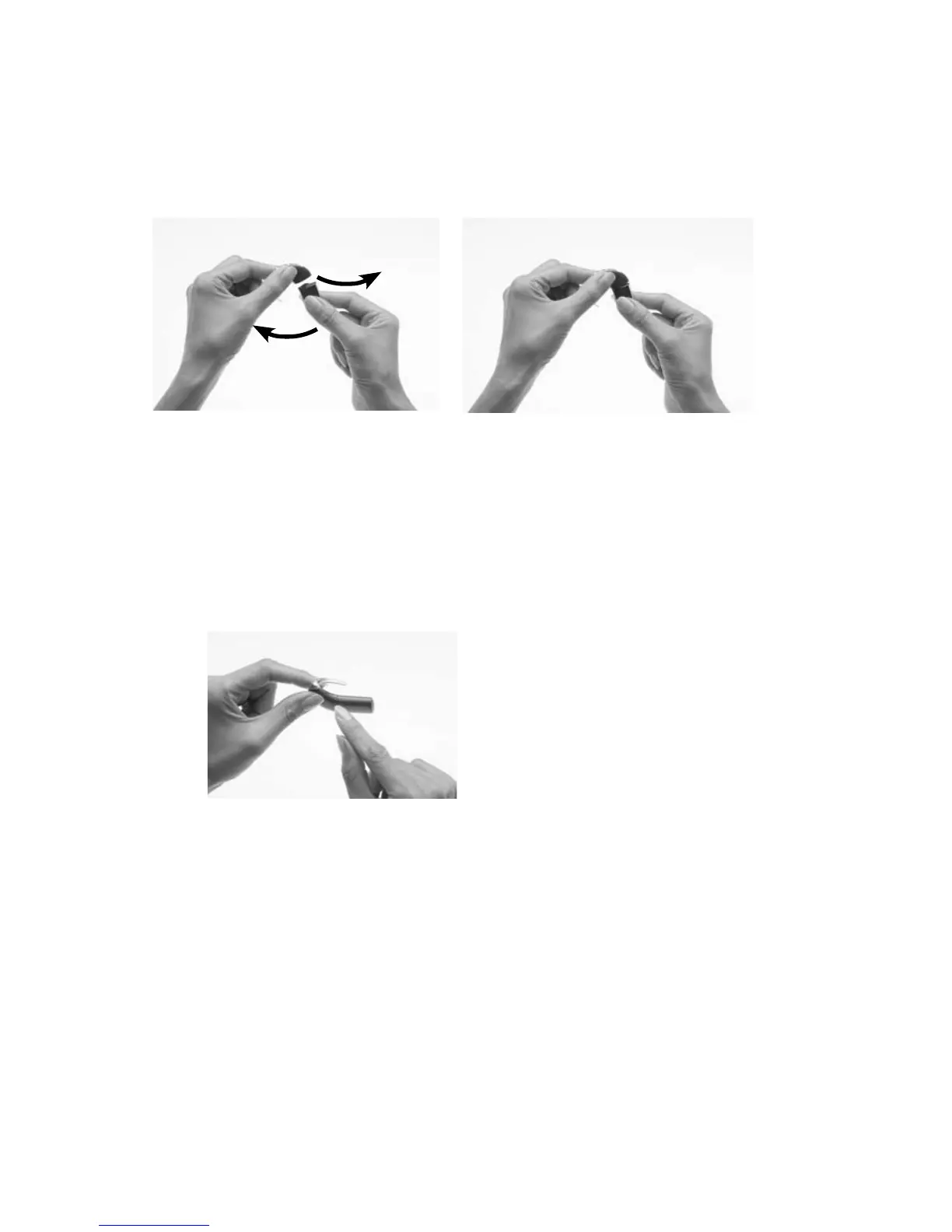
Attaching the battery module to the processing
unit
To attach the battery module to the processing unit:
Hold the battery module 1.
and the processing unit so
they touch. The battery
module should face to the
left and the processing unit
to the right of the final
position.
Twist the battery module 2.
and the processing unit
until the two parts fit into
place.
Make sure the battery 3.
module is correctly aligned.
Check for broken or bent
contacts between the
battery module and the
processing unit, which can
cause misalignment. If
any contacts are broken,
return the processor to your
clinician.



 To Next Page