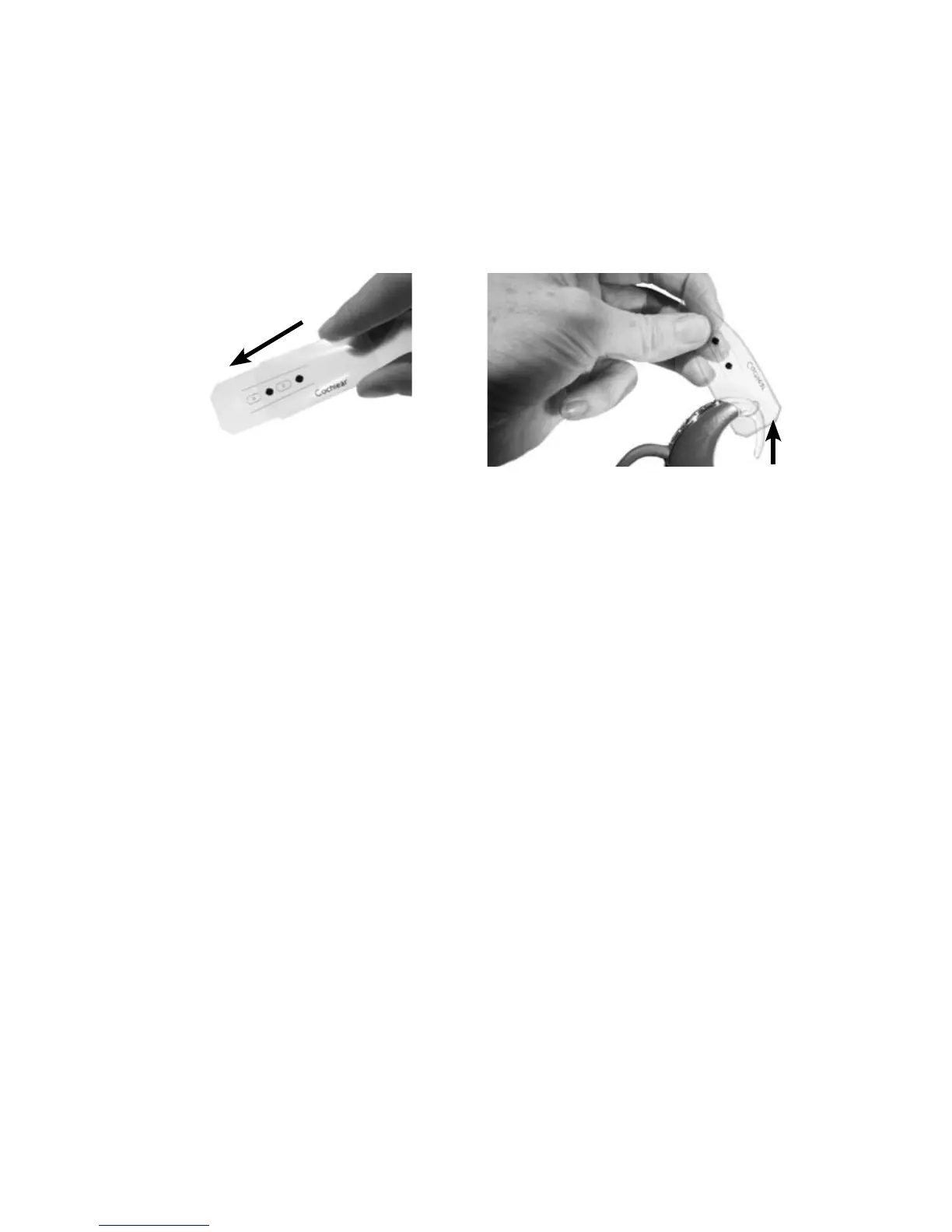
Inserting new microphone protectors
You can insert the microphone protectors using the Cochlear
™
Nucleus
®
CP800 Series Microphone Protector Applicator or your fingers.
To insert the microphone protectors using the Microphone Protector
Applicator:
Hold the Microphone 1.
Protector Applicator sleeve
between your thumb and
index finger as shown.
Remove the Microphone 2.
Protector Applicator by
gently squeezing on the
sides of the sleeve until
the Microphone Protector
Applicator slides out.
Ensure the earhook and the 3.
coil cable are attached to
your processing unit.
Hold the Microphone 4.
Protector Applicator with
the microphone protectors
facing down.
Thread the earhook 5.
through the top hole (side
with no opening) on the
Microphone Protector
Applicator.



 To Next Page