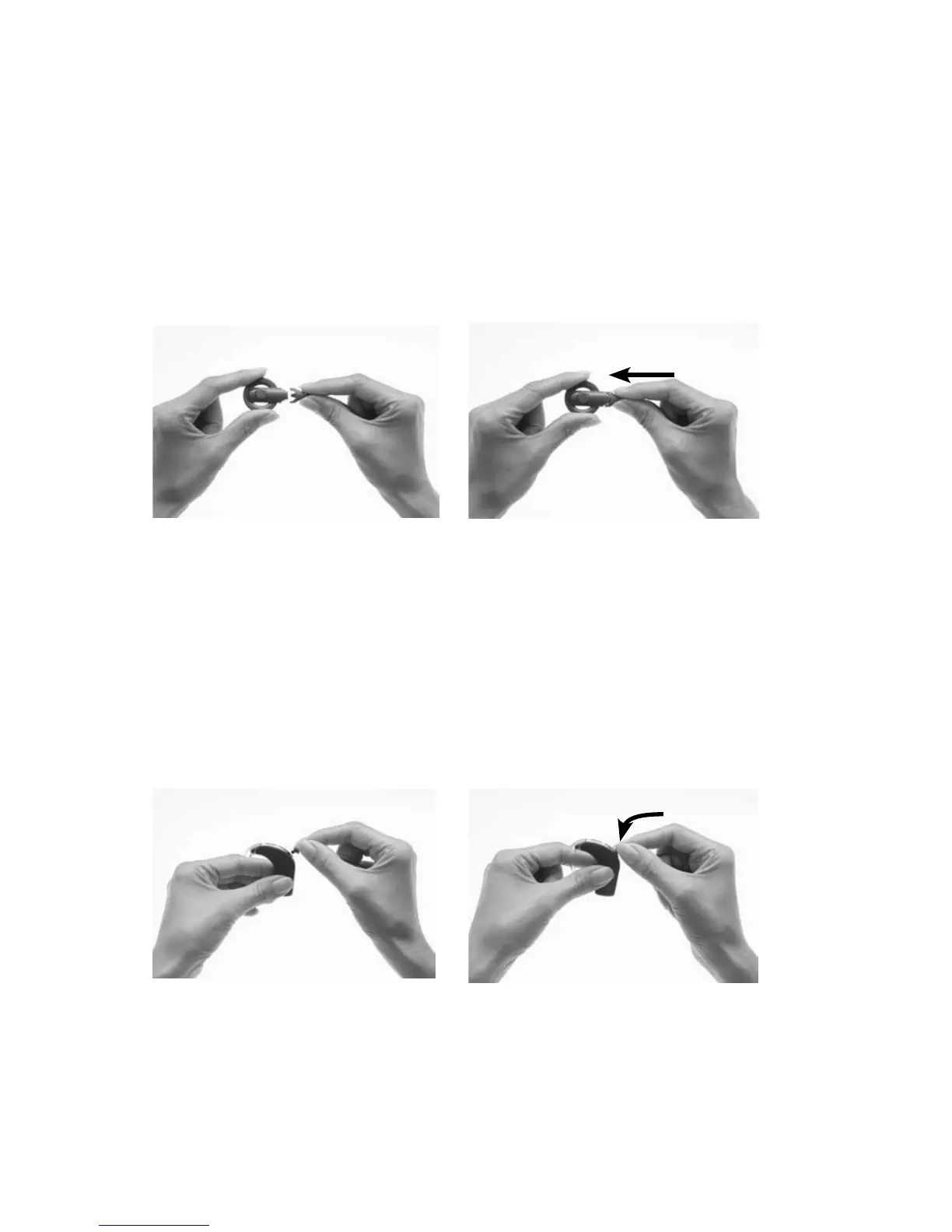
Attaching the coil and coil cable
If the coil is not attached to the processing unit, or the coil cable is
not attached to the coil, you need to attach them before placing the
processor on your ear.
Attaching the coil cable to the coil
To attach the coil cable to the coil:
Hold the coil in one hand 1.
and the coil cable plug in the
other hand as shown.
Align the coil end of the coil 2.
cable plug with the coil.
Push the coil cable plug 3.
firmly into the coil until it
clicks into place.
Attaching the coil to the processing unit
To attach the coil to the processing unit:
Align the coil cable plug with 1.
the coil cable socket on the
processing unit.
Push the coil cable plug 2.
firmly into the socket until
it clicks into place.



 To Next Page