To change the current program:
If the processor is turned off, turn it on.1.
Press the lower button until the program changes to the one you 2.
want.
Each successive button press changes the program to the next one (e.g.
to change from program 1 to program 2, press once). The number of
green light flashes you see corresponds to the number of the selected
program (e.g. after you change from program 1 to program 2, you see
two short flashes of green). If private tones are enabled, you hear two
private tones.
The program you select operates until you change it. When you turn
your processor off and on again, it will return to the program and
settings you were using before you switched it off.
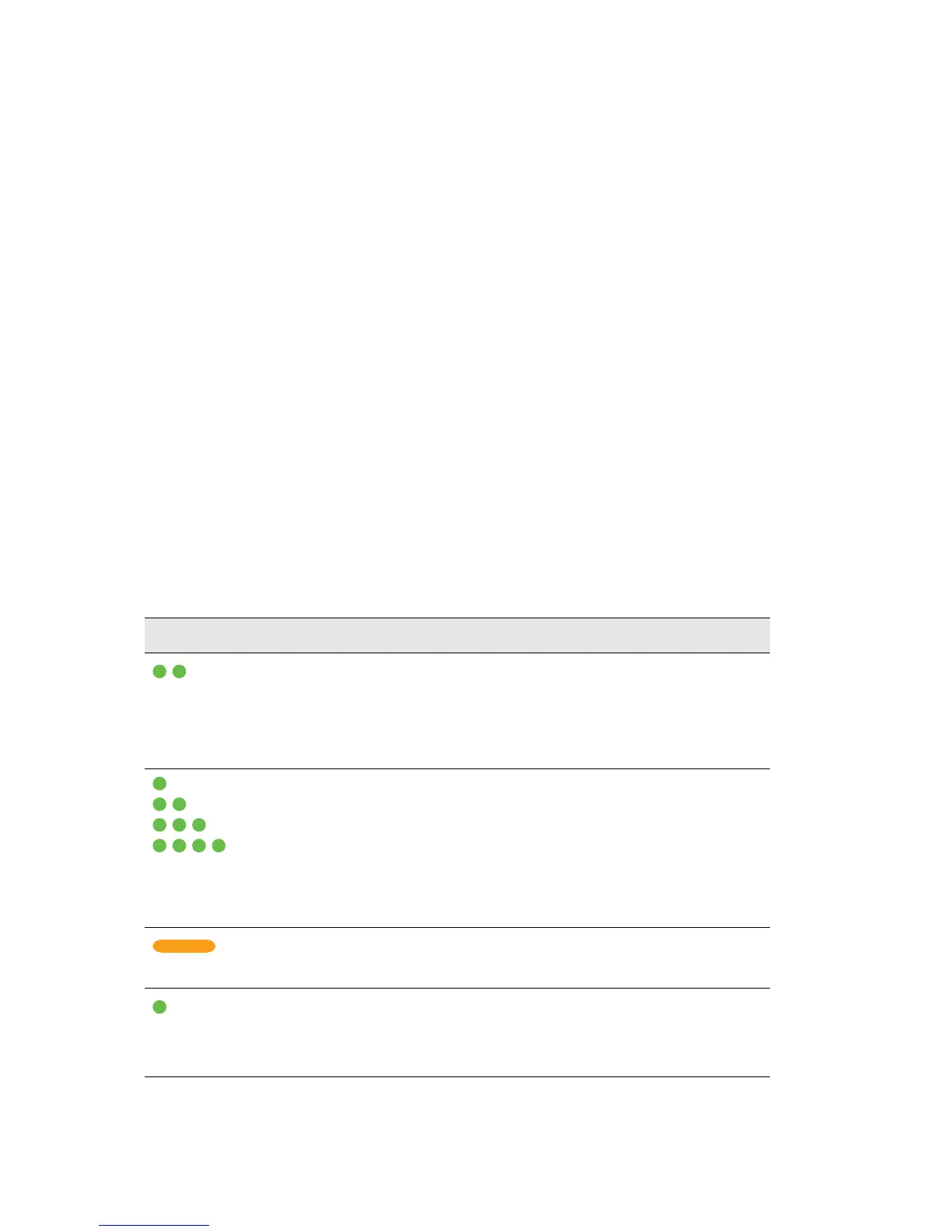
Understanding indicator lights
You see an indicator light when you perform a function (e.g. change the
program), or when there is a problem (e.g. processor battery is empty).
Indicator light What it means
Short flashes of green
with a pause between flashes.
You are turning on the processor.
The number of flashes you see
corresponds to the number of the
selected program.
Short flashes of green with a
pause between flashes.
You are changing the program.
The number of flashes you see
corresponds to the number of the
selected program.
Steady orange while
the lower button is pressed.
You are turning off your processor.
Short flash of green. You are changing volume or
sensitivity level. This is available only
with the Advanced user interface.



 To Next Page