Identifying your processors
If you are a bilateral recipient, you may want to use Cochlear
™
Nucleus
®
CP800 Series Bilateral Identification Adhesive Labels to reduce the
risk of mixing up processors. The labels are available in two colours to
help identify your left (blue) and right (red) ear processors. For more
information, contact your clinician.
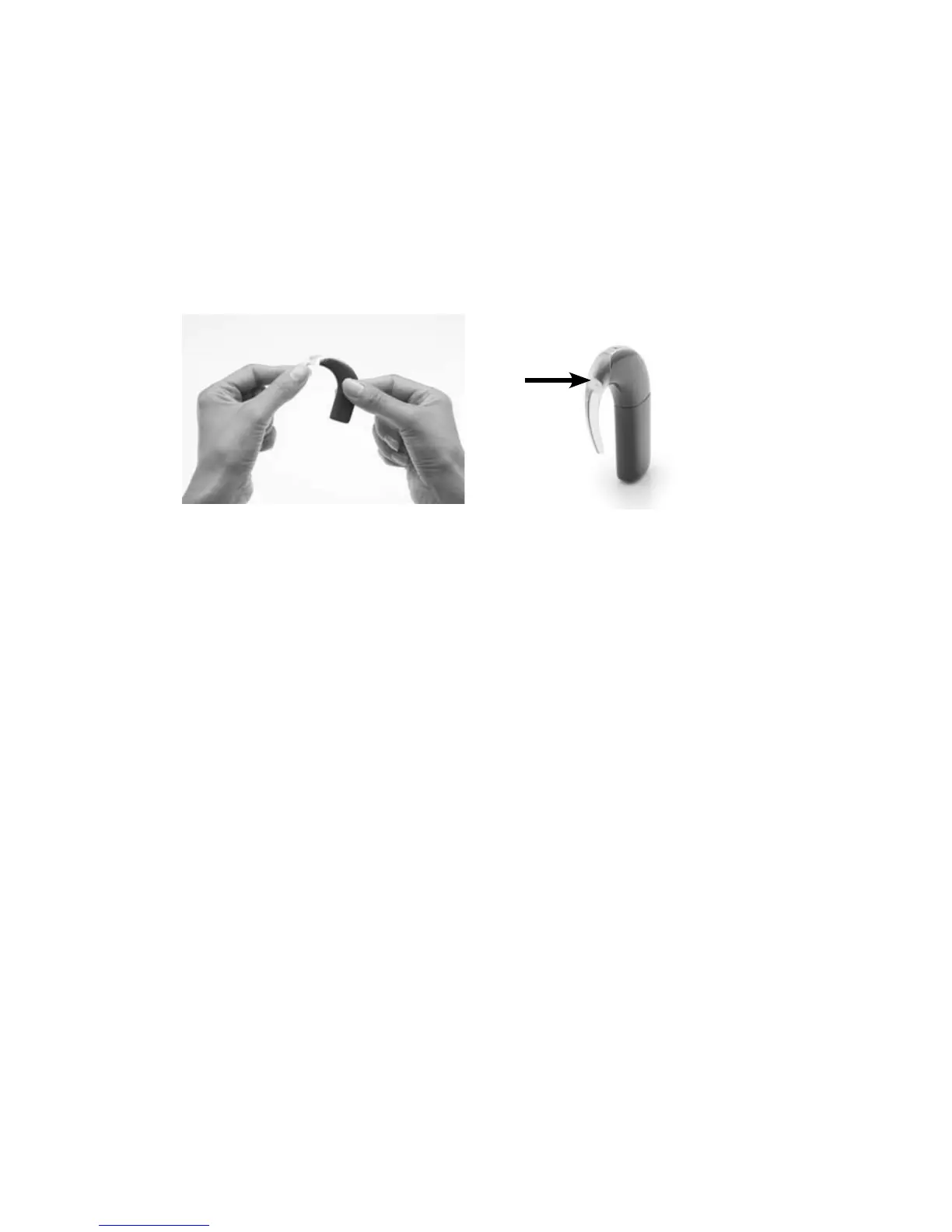
To place the label on your processor:
.
Remove the earhook from 1.
the processing unit by
pushing the lower end of
the earhook towards the
processing unit.
Place the label on the 2.
earhook end (tip) of the
processing unit. It should
stick easily.
Attach the earhook to the 3.
processing unit by pushing
it back into place.
If you want to remove the label from the processing unit, you can easily
peel it off with your fingers.



 To Next Page