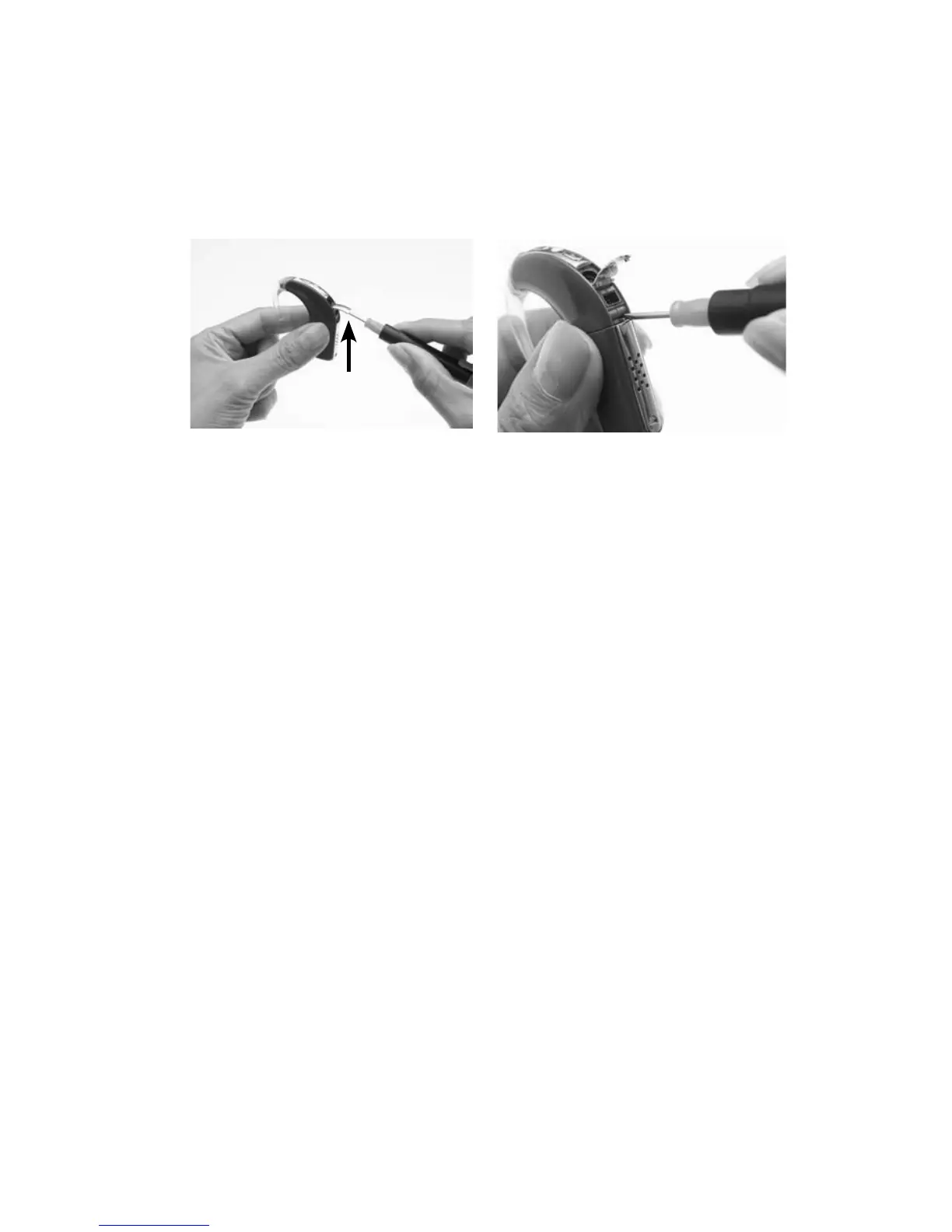
Locking and unlocking the battery module
To prevent children from removing the battery module from the
processing unit, you can lock the battery module to the processing unit.
To lock the battery module to the processing unit:
Lift the accessory socket 1.
cover of the processor to
reveal the lock. It is located
below the accessory socket.
Using a pair of tweezers 2.
or a screwdriver, push the
latch to your left to lock
the battery module.
To unlock, push the latch to your right.



 To Next Page