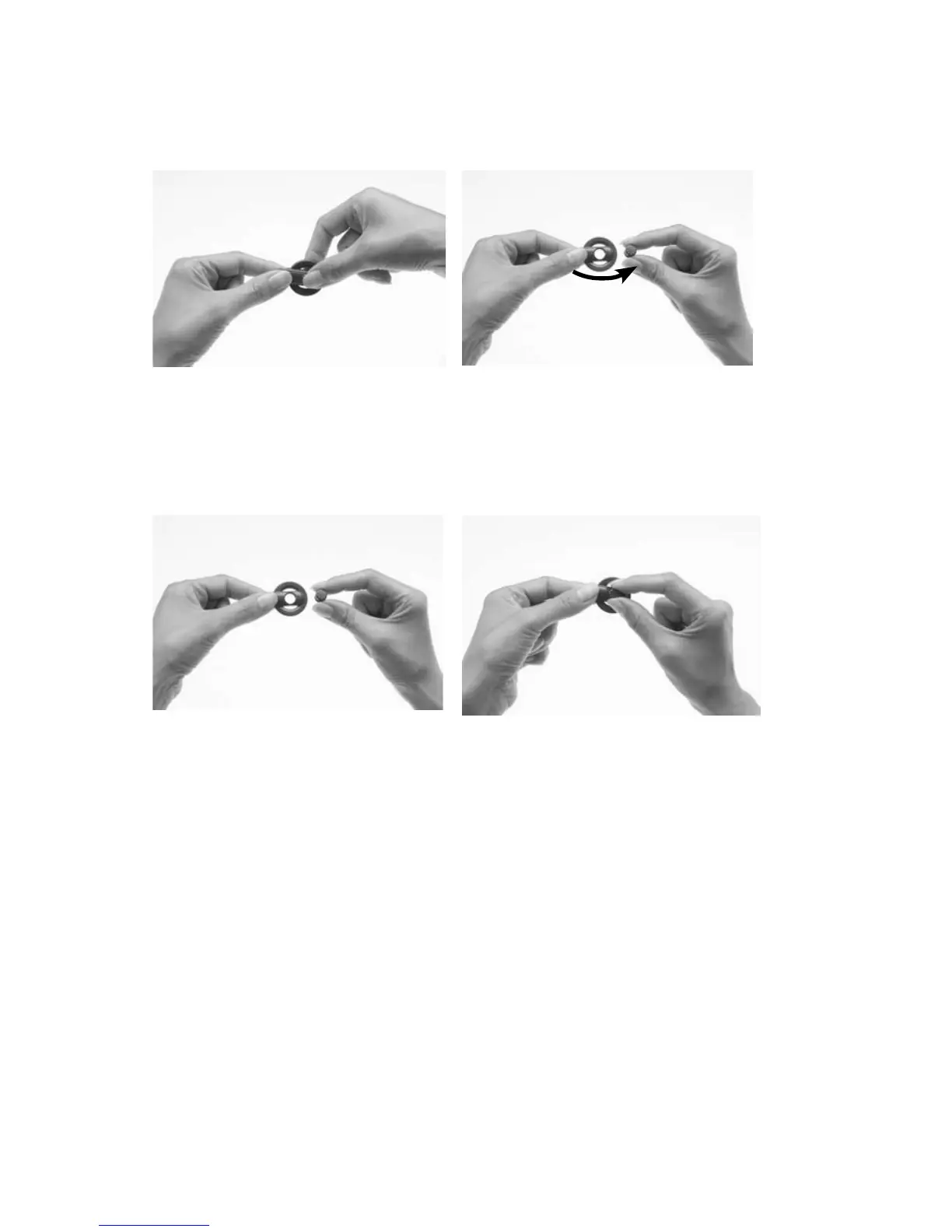
Changing magnet strength
To change the magnet to a stronger or weaker one:
Place the thumb on the top 1.
of the magnet and index
finger on the underside of
the magnet as shown.
Turn the magnet in an anti-2.
clockwise direction until
you remove it from the
topside of the coil.
Hold the new magnet 3.
between the thumb and
index finger as shown.
Hold the coil in the other 4.
hand.
Insert the magnet gently 5.
into the magnet slot on the
topside of the coil. The side
with the star should face
upwards. The magnet fits
easily.



 To Next Page