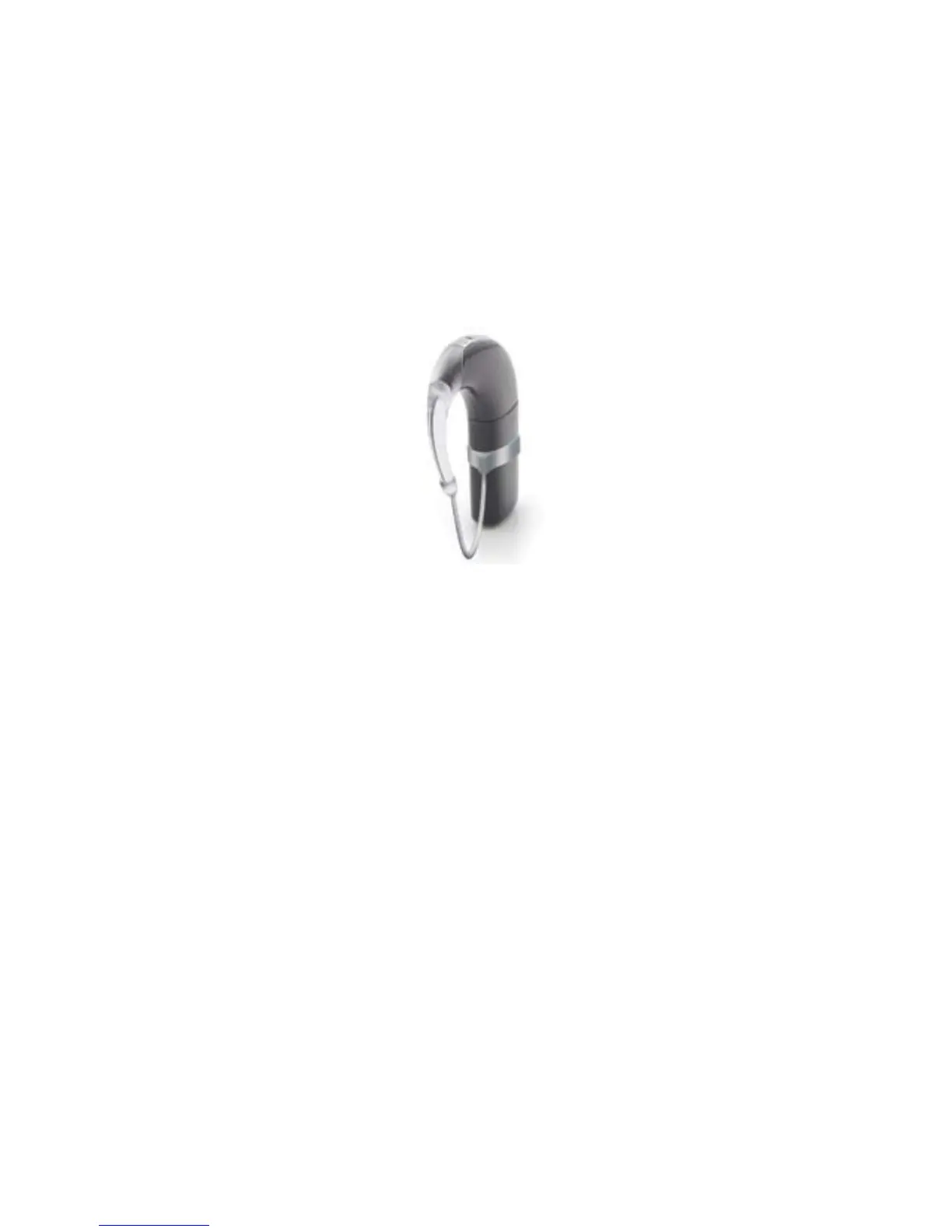
Using the Mic Lock
™
for a secure fit
The Mic Lock
™
helps hold the processing unit in place behind the ear.
You can use the Mic Lock with a standard or rechargeable battery
module. You cannot use the Mic Lock with the Cochlear
™
Nucleus
®
CP800 Series LiteWear option. For more information on the LiteWear
option, see Attaching and detaching the LiteWear Cable.
Figure 8: Processor with Mic Lock
Fitting the Mic Lock
To Fit the Mic Lock:
Ensure the battery module is attached to the processing unit.1.
Insert the processor through the Mic Lock band with the tubing 2.
facing downwards and towards the earhook end of the processing
unit. Move the band up until it fits firmly on the battery module.
Put your processor on your ear.3.
Bring the tubing around to the front of your ear and up to the 4.
earhook. If the Mic Lock does not feel comfortable, rotate the band
around the base of your processor for a better fit.
Hold your processor firmly in place and determine where the 5.
tubing should be cut.



 To Next Page