Using sound processor covers
You can use sound processor covers to personalise your processor. They
can also help protect your processor from scratches. Sound processor
covers are available from Cochlear in a choice of colours and designs to
suit different lifestyles.
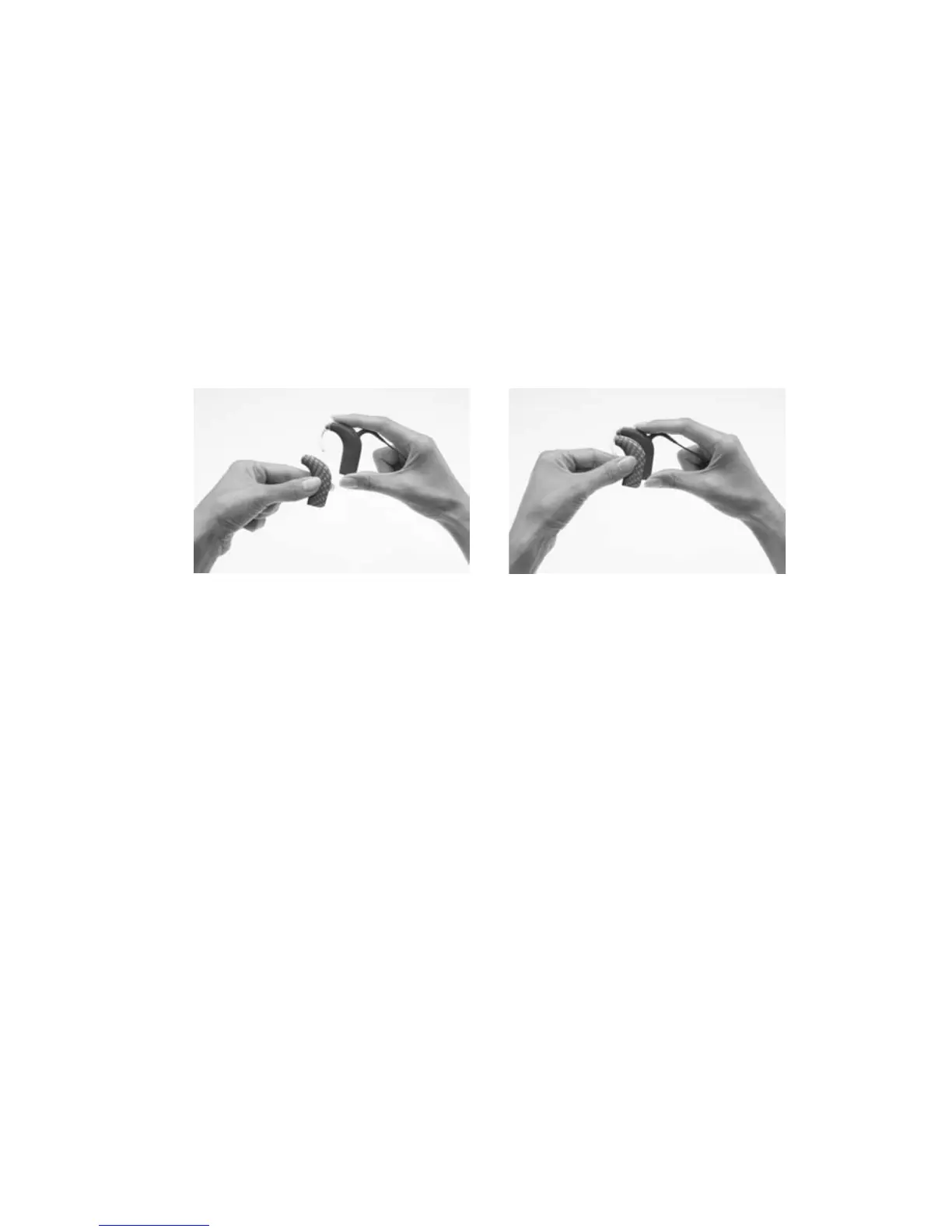
Attaching sound processor covers
To attach a sound processor cover to your processor:
Hold your processor in 1.
one hand and the sound
processor cover in the other
hand as shown.
Gently slide the sound 2.
processor cover upwards
until it fits into place.
Sound processor covers cannot be used with the Compact Rechargeable
Battery Module or the Snugfit.
© Cochlear Limited 2010 CP810 Sound Processor User Guide - 75



 To Next Page